

How to use the expense calculator
- Add your monthly take-home income (optional) so you see what's left and what share of your income each expense takes.
- List each expense with the amount you pay and how often you pay it: weekly, every two weeks, twice a month, monthly, quarterly, twice a year or yearly.
- Mark each one fixed or variable.
- Read your total monthly expenses, the yearly total, the fixed vs variable split and your biggest expenses first.
Change any line and everything updates. Save it in your browser, copy a link to it, print it, or download it as a PDF or CSV.
Monthly conversion cheat sheet
| You pay it | To get the monthly amount | Example: $100 becomes |
|---|---|---|
| Weekly | × 52 ÷ 12 | $433.33 a month |
| Every two weeks | × 26 ÷ 12 | $216.67 a month |
| Twice a month | × 2 | $200 a month |
| Monthly | × 1 | $100 a month |
| Quarterly | ÷ 3 | $33.33 a month |
| Twice a year | ÷ 6 | $16.67 a month |
| Yearly | ÷ 12 | $8.33 a month |
The weekly line is where most budgets go wrong: four weeks is only 28 days, so a weekly cost "times four" leaves out about four extra weeks a year.
A sample list of monthly expenses
Take-home income: $4,700 a month.
| Expense | Paid | Amount | Per month | Type |
|---|---|---|---|---|
| Rent | Monthly | $1,450 | $1,450 | Fixed |
| Groceries | Weekly | $140 | $606.67 | Variable |
| Car payment | Monthly | $385 | $385 | Fixed |
| Gas | Weekly | $45 | $195 | Variable |
| Utilities | Monthly | $210 | $210 | Variable |
| Phone & internet | Monthly | $135 | $135 | Fixed |
| Health insurance | Monthly | $240 | $240 | Fixed |
| Car insurance | Twice a year | $780 | $130 | Fixed |
| Dining out | Weekly | $60 | $260 | Variable |
| Subscriptions | Monthly | $58 | $58 | Fixed |
| Haircuts & personal care | Monthly | $70 | $70 | Variable |
| Gifts & holidays | Yearly | $1,200 | $100 | Variable |
| Car registration & repairs | Yearly | $1,452 | $121 | Variable |
Total: about $3,961 a month, of which $2,398 (61%) is fixed and $1,563 (39%) is variable. That leaves $739 for savings, extra debt payments and anything else.
Fixed and variable expenses
- Fixed expenses are the same every time: rent or a mortgage, insurance, loan payments, phone plans and subscriptions. They're easy to plan and hard to cut quickly.
- Variable expenses change from month to month: groceries, gas, utilities, dining out and shopping. They're harder to predict but they're where you can make changes this month.
A high fixed share means less room to adjust when money is tight. Our guide to fixed vs variable expenses has a full list of examples and shows how to budget for both, including the irregular ones that come once or twice a year.
From expenses to a budget
Knowing your monthly expenses is step one. Step two is a plan for every dollar of your income. That's what a zero-based budget does: income minus everything you plan to spend, save or pay toward debt equals zero. To plan line by line, move your list into the monthly budget calculator, or check the big picture with the 50/30/20 budget calculator. Not sure which approach suits you? Compare the main budgeting methods.
Subscriptions are the easiest expenses to forget. Add them all up in the subscription cost calculator, and use your monthly total to set an emergency fund target in the emergency fund calculator.
Keep your expenses in view
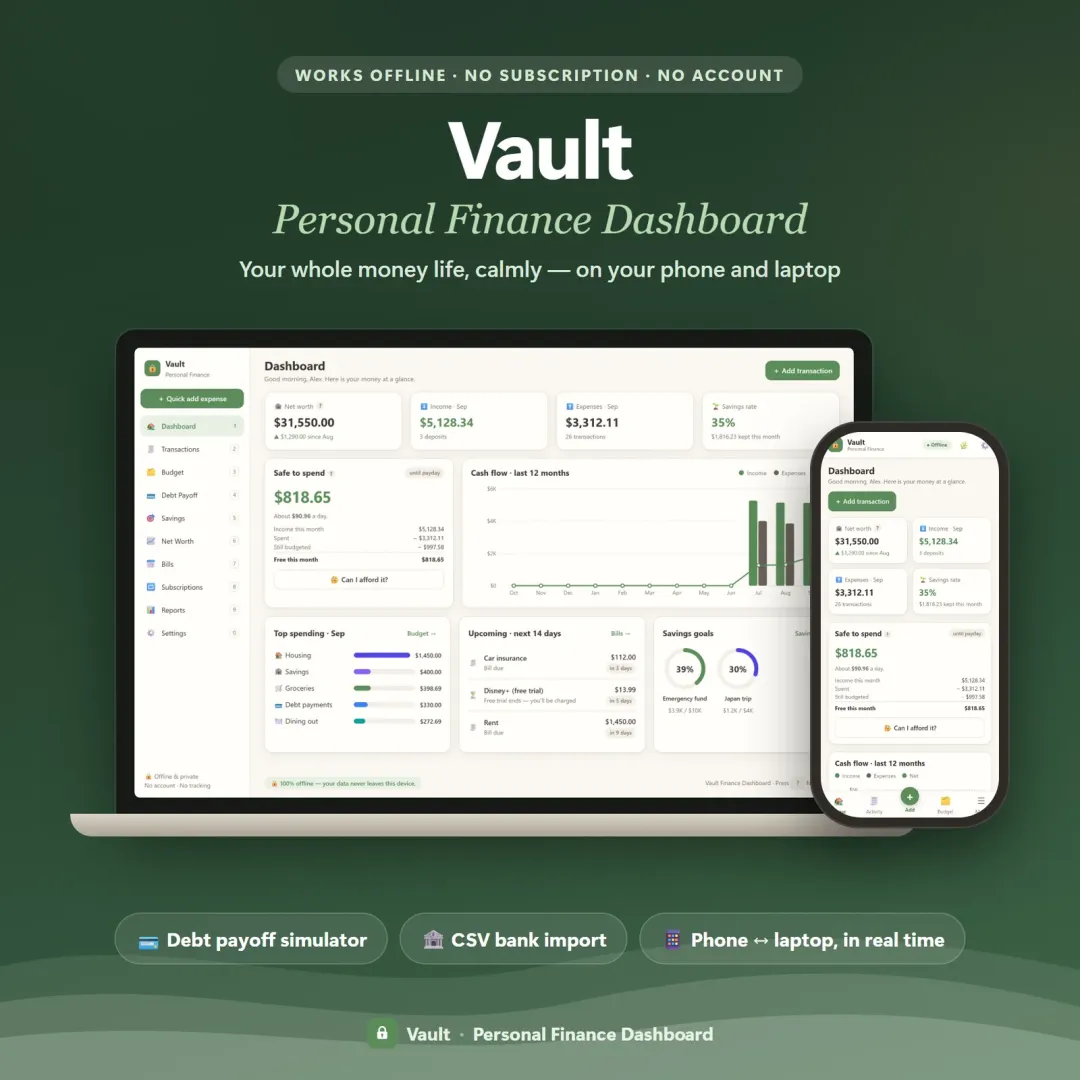
A list you make once goes out of date quickly. Bloc is a simple budget planner app that keeps your bills, spending and savings in blocks that fill up as you spend, Vault is a personal finance dashboard with a budget, bills and goals together, and Pulse tracks every bill and subscription so nothing renews by surprise. Each one has a free demo with sample data you can open in your browser.
Frequently asked questions
How do I calculate my monthly expenses?
How do I turn a yearly expense into a monthly one?
Why isn't a weekly expense just 4 times the weekly amount?
What's the difference between fixed and variable expenses?
What percentage of income should go to expenses?
Can I save or print my expenses?
Key terms
Written by
Finance Specialist & Editor, VaultlyApps
Emma Whitfield writes and edits the VaultlyApps money guides and free calculators. Her focus is US household finance — budgeting on a real paycheck, paying down credit card and student debt, emergency funds and savings goals, renting — and the money side of freelancing and small-business income, from pricing and profit margins to self-employment tax. Every guide is researched against primary sources such as IRS publications and the CFPB, every number is checked in our tested calculators, and tax content is reviewed each year when new IRS figures come out. Emma is not a licensed financial adviser or tax preparer; her work is general education, not personal advice.
Researched against primary US sources, checked against independent calculators and reviewed by a finance expert on our team. Written for US readers — general education, not financial, tax or legal advice. Editorial policy · Disclaimer