Zero-Based Budget Template: A Full Example and How to Make One
What a zero-based budget is, a free zero-based budget template you can copy, a full monthly budget example with real numbers, how to make one in seven steps, and how to handle irregular income, overspending and month two.

In this article
- What is a zero-based budget?
- Zero-based budgeting vs other methods
- Zero-based budget template
- A zero-based budget example
- How to make a zero-based budget in 7 steps
- 1. Write down this month's income
- 2. List your bills
- 3. Plan your variable spending
- 4. Add savings and sinking funds
- 5. Add extra debt payments
- 6. Subtract and adjust until you reach zero
- 7. Track spending and move money as you go
- Common zero-based budget mistakes
- Zero-based budgeting on irregular income
- Your second month: the part that makes it work
- Zero-based budget in a spreadsheet, on paper or in an app?
- Make your zero-based budget in a simple budget app
A zero-based budget is the simplest idea in personal finance that most people never try: before the month starts, you give every dollar of your income a job. Rent, groceries, savings, the credit card, a bit of fun. When income minus all those jobs equals zero, you're done planning.
It sounds strict, but it's actually the opposite. Instead of guessing what's "left over" at the end of the month (usually nothing), you decide up front, and you can spend what's in each line without guilt.
This guide gives you a zero-based budget template you can copy, a full monthly budget example with real numbers, the seven steps to make your own, and what to do about irregular income, overspending and the tricky second month.
What is a zero-based budget?
A zero-based budget is a monthly plan where:
Income − (spending + saving + debt payments) = $0
Zero doesn't mean your bank account is empty. It means every dollar has been assigned. If you earn $4,200 and plan $3,700 of spending, the remaining $500 doesn't float around; you put it into savings, an extra debt payment or a buffer line. Savings is a job too.
The term comes from business. In the 1970s, companies started rebuilding department budgets from zero each year instead of copying last year's numbers and adding a bit, and personal finance writers later borrowed the idea for households. You'll also hear it as "give every dollar a job".
Zero-based budgeting vs other methods
| Method | How it works | Best for |
|---|---|---|
| Zero-based budget | Every dollar planned line by line until income − plan = $0 | People who want full control and to know where every dollar goes |
| 50/30/20 | 50% needs, 30% wants, 20% savings and debt | A quick check, or people who don't want line-by-line detail |
| Envelope system | Cash or digital envelopes per category; when one's empty, you stop | Overspenders who need a hard stop |
| Pay yourself first | Savings come out on payday, the rest is free to spend | Savers who already spend sensibly |
The envelope method is really a zero-based budget with a hard spending limit per category, and many people use 50/30/20 as a health check on top of a zero-based plan. Our guide to budgeting methods compares eight approaches in detail.
Zero-based budget template
Copy this template into a notebook, a spreadsheet or a budget app. It has five sections. Fill them from the top.
| Section | Line | Plan |
|---|---|---|
| Income | Paycheck 1 | |
| Paycheck 2 | ||
| Side income | ||
| Total income | ||
| Bills (fixed, with due dates) | Rent or mortgage | |
| Utilities | ||
| Phone & internet | ||
| Insurance | ||
| Subscriptions | ||
| Car payment | ||
| Spending (variable) | Groceries | |
| Gas & transit | ||
| Household & personal | ||
| Eating out | ||
| Fun | ||
| Savings | Emergency fund | |
| Sinking funds (yearly costs) | ||
| Goal (trip, car, home) | ||
| Debt (beyond minimums) | Extra debt payment | |
| Total planned | ||
| Left to plan (income − total planned) | $0 |
A few notes on the template:
- Use take-home pay, the amount that lands in your account after taxes and deductions. Retirement contributions taken from your paycheck are already "planned".
- Minimum debt payments go in Bills. Only extra payments go in the Debt section.
- Keep it short. 15 to 20 lines is plenty. You can always split a line later.
- Yearly costs become monthly lines. Car registration, holiday gifts and annual subscriptions get a monthly amount in Sinking funds. Our sinking funds guide shows how.
A zero-based budget example
Here is a full monthly budget example for a single person earning $52,000 a year, paid every two weeks, with about $3,500 take-home a month plus $300 from a weekend side job.
| Section | Line | Plan |
|---|---|---|
| Income | Paychecks (2 × $1,750) | $3,500 |
| Side job | $300 | |
| Total income | $3,800 | |
| Bills | Rent | $1,250 |
| Electric & water | $140 | |
| Phone & internet | $110 | |
| Renters & car insurance | $165 | |
| Subscriptions | $35 | |
| Car payment | $320 | |
| Student loan (minimum) | $210 | |
| Spending | Groceries | $420 |
| Gas | $160 | |
| Household & personal | $90 | |
| Eating out | $120 | |
| Fun | $100 | |
| Savings | Emergency fund | $250 |
| Sinking funds (car repairs, gifts, registration) | $130 | |
| Debt | Extra on the credit card | $300 |
| Total planned | $3,800 | |
| Left to plan | $0 |
What this example shows:
- Needs (bills plus groceries, gas and household) come to $2,900, about 76% of income. That's well over the 50% in the 50/30/20 guide, which is normal for a single income in a high-rent area. The zero-based plan makes the trade-off visible: eating out and fun stay modest so savings and debt still get $680 a month.
- Every dollar has a job, including the side-job money. Without a plan, that $300 tends to disappear into takeout.
- Sinking funds cover costs that don't come every month, so a $400 car repair isn't an emergency.

How to make a zero-based budget in 7 steps
1. Write down this month's income
List every paycheck you'll actually receive this month and any side income you're sure of. If you're paid every two weeks, most months have two paychecks and two months a year have three; budget on two and treat the third as a bonus. Not sure of your monthly take-home? The take-home pay calculator estimates it.
2. List your bills
Start with fixed costs that have due dates: rent or mortgage, utilities, phone, insurance, subscriptions, car payment and minimum debt payments. Add the due day next to each one. These lines rarely change, so they're the easiest part.
3. Plan your variable spending
Groceries, gas, household items, eating out and fun change every month. Look at the last two or three months of bank and card statements and take an average. If you've never tracked it, guess, then correct it after the first month. Our guide to fixed vs variable expenses has a full list of both kinds, and the expense calculator turns weekly and yearly costs into monthly amounts.
4. Add savings and sinking funds
Plan savings as a line, not as "whatever is left". Start with an emergency fund (the emergency fund calculator sets the target), then sinking funds for yearly costs, then goals.
5. Add extra debt payments
If you have debt beyond the minimums, decide how much extra goes to it this month. Our debt snowball vs avalanche guide helps you choose which debt to target first.
6. Subtract and adjust until you reach zero
Add up everything you planned and subtract it from your income:
- Money left over? Give it a job: more savings, more debt, or a buffer line.
- Below zero? Cut variable lines first (eating out, fun, shopping), then look at subscriptions, then bigger fixed costs over time.
7. Track spending and move money as you go
A zero-based budget is a plan, not a prediction. When you overspend on groceries, move money from another line (say, fun) so the total still balances. That's not failure; it's the budget working. Log spending as it happens, or at least every few days, so the plan stays real.
Common zero-based budget mistakes
- Forgetting irregular expenses. The car registration, the dentist and birthday gifts break more budgets than overspending. Give them a monthly sinking fund line.
- Planning too tight. A budget with $0 for fun lasts about two weeks. Plan a small amount you're happy to spend.
- Too many lines. Forty categories means forty things to track. Start with 15 to 20.
- Budgeting money you don't have yet. Plan only income you'll receive this month.
- Giving up after month one. The first month is always off. Month two is better, and by month three most people's plans are close to reality.
Zero-based budgeting on irregular income
If you're self-employed, work on commission or have variable hours, zero-based budgeting still works with two changes:
- Budget on your lowest realistic month. Look at the last 6 to 12 months and plan from the lean month, not the average.
- Put your lines in priority order. Housing, utilities, food and minimum payments first; then savings; then everything else. As money comes in, fill lines from the top.
Anything above your baseline goes into a buffer that tops up the next lean month. Once the buffer holds a full month of expenses, you can budget each month with last month's income, which makes irregular income feel almost like a salary.
Your second month: the part that makes it work
Month two is where zero-based budgeting starts paying off:
- Copy last month's plan rather than starting from a blank page.
- Compare plan vs actual for each line. Where were you off by more than 10%?
- Fix the lines that were wrong, not the ones that hurt. If groceries really cost $500, plan $500 and cut somewhere else.
- Look at one total: did savings and extra debt payments actually happen?
After three months you'll know your real numbers, and budgeting will take about ten minutes at the start of the month plus a minute a day logging spending.
Zero-based budget in a spreadsheet, on paper or in an app?
- Paper is great for the first month: writing numbers down makes you think about them. It's harder to adjust mid-month.
- A spreadsheet does the math, but you rebuild or copy the sheet every month, and logging spending on your phone is clunky.
- A budget app keeps "left to plan" live as you type, logs spending in seconds and copies last month's plan for you.
If you just want to test the numbers once, the free monthly budget calculator shows your "left to assign" amount as you type each line, and the 50/30/20 budget calculator gives you a quick split to compare against.
Make your zero-based budget in a simple budget app
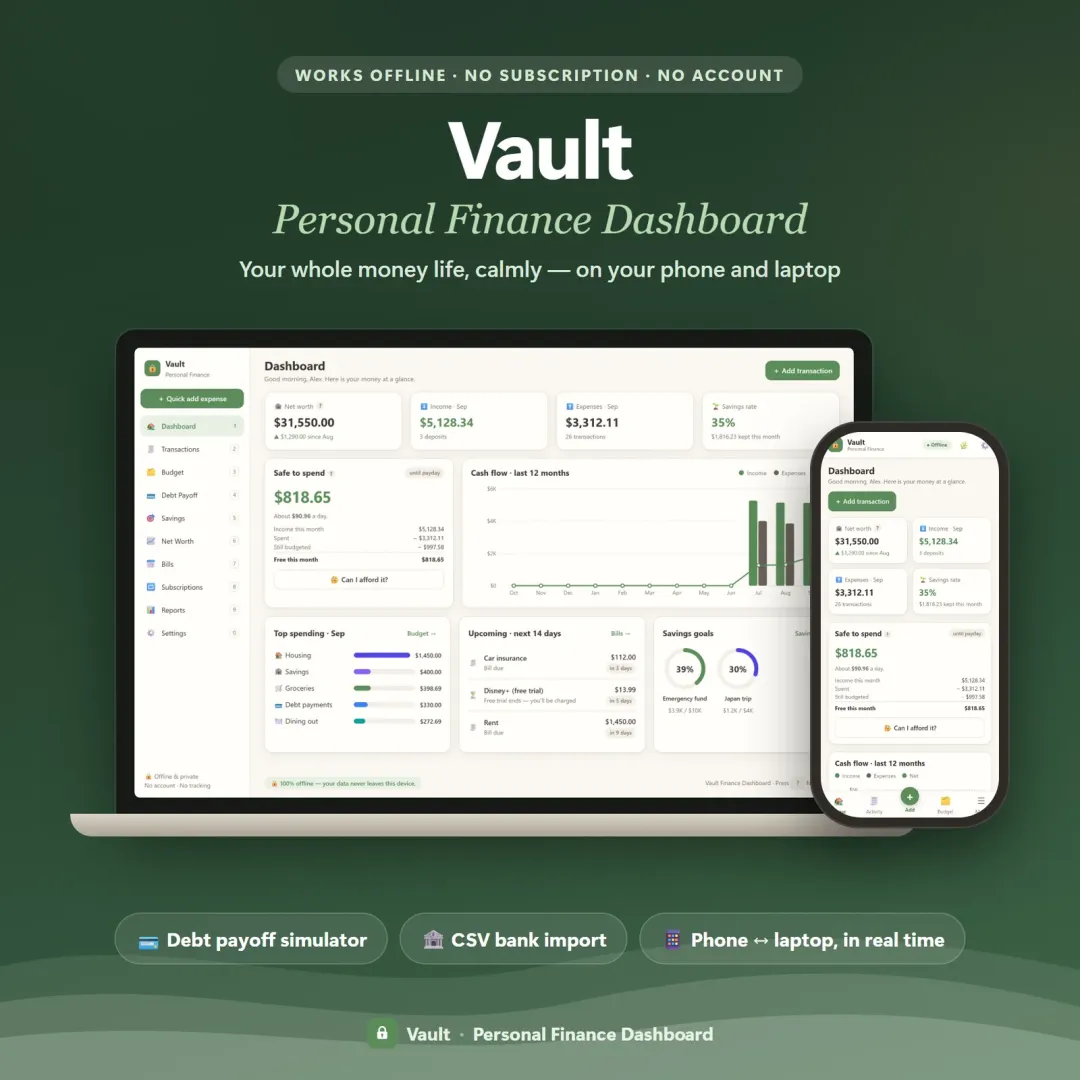
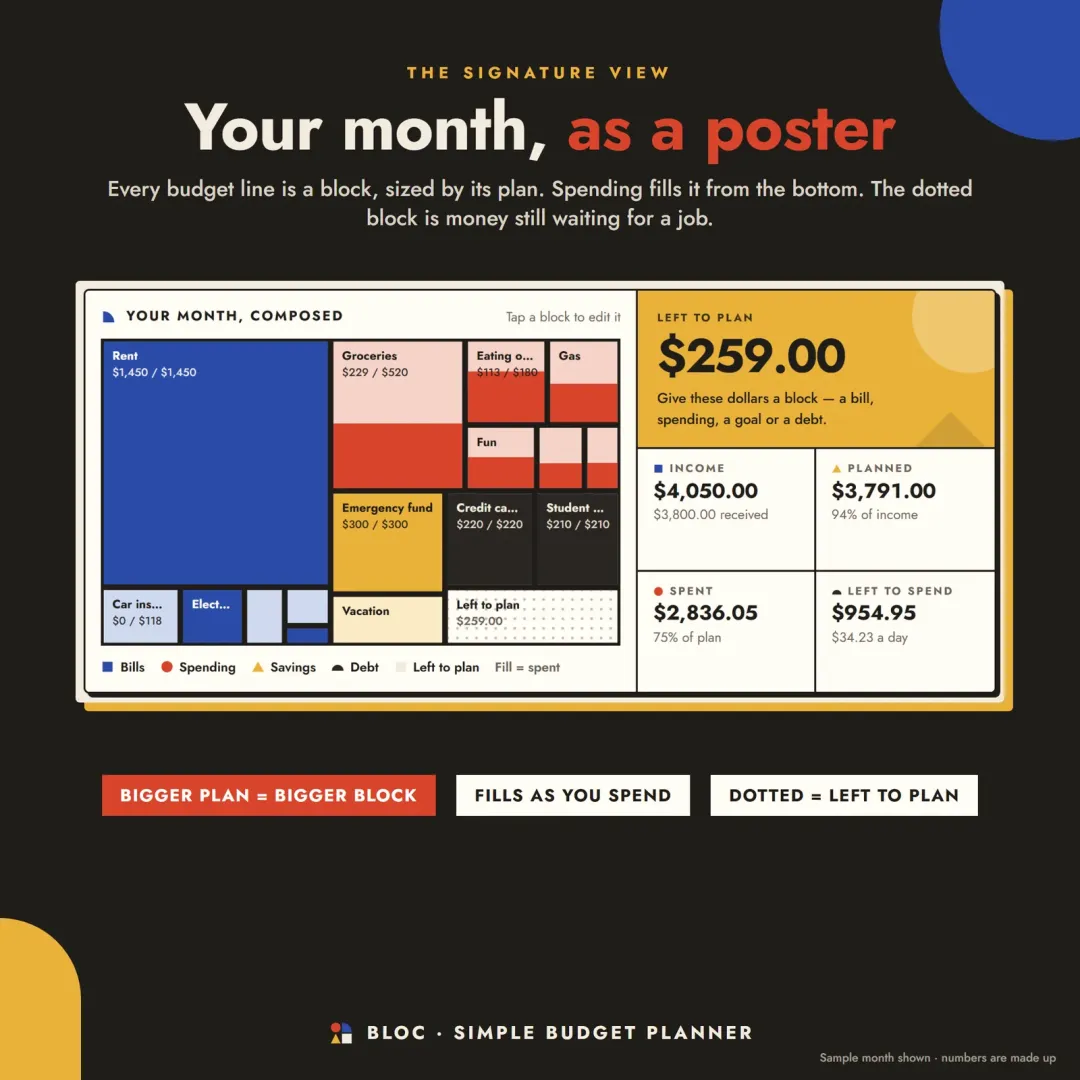
Bloc is a simple budget planner app built around one idea: give every dollar a block. Add this month's income, type a plan next to each block for your bills, spending, savings and debt, and watch "left to plan" count down to $0. Log spending in two taps, mark bills paid on a 31-day strip and see your whole month as a poster. A new month copies last month's plan in one click. If you'd rather have a full dashboard with budget, bills, goals and net worth together, Vault is our personal finance dashboard. Both have a free demo with sample data you can open in your browser.
Frequently asked questions
What is a zero-based budget?
How do I make a zero-based budget?
Is a zero-based budget good for beginners?
What's the difference between zero-based budgeting and 50/30/20?
What if I have money left over in a zero-based budget?
How do I do a zero-based budget with irregular income?
Key terms
Written by
Finance Specialist & Editor, VaultlyApps
Emma Whitfield writes and edits the VaultlyApps money guides and free calculators. Her focus is US household finance — budgeting on a real paycheck, paying down credit card and student debt, emergency funds and savings goals, renting — and the money side of freelancing and small-business income, from pricing and profit margins to self-employment tax. Every guide is researched against primary sources such as IRS publications and the CFPB, every number is checked in our tested calculators, and tax content is reviewed each year when new IRS figures come out. Emma is not a licensed financial adviser or tax preparer; her work is general education, not personal advice.
Researched against primary US sources, checked with our calculators and reviewed by a finance expert on our team. Written for US readers — general education, not financial, tax or legal advice. Editorial policy · Disclaimer