How to use the take-home pay calculator
- Choose whether you're paid a salary or by the hour, and enter your gross pay (per year or per hour plus hours a week).
- Pick your pay frequency and filing status.
- Enter your 401(k) contribution as a percentage, any health insurance taken from each paycheck, and an estimated state tax rate.
You'll see your take-home pay per paycheck, per month and per year, your overall tax rate and a line-by-line breakdown of where the money goes.
Save, print or share your paycheck estimate
You don't have to start over next time. Under the calculator you can:
- Save the calculation in your browser with a name, then reopen it from "Saved calculations" whenever you like.
- Copy a link that reopens this exact calculation with all your numbers — on your phone, another computer or for someone you're planning with.
- Print a clean one-page report, or download it as a PDF. It shows your take-home pay per paycheck, month and year with a line-by-line tax breakdown, plus a QR code at the top: scan it with your phone camera and the calculation opens again with every number filled in.
- Download a CSV to open in Excel, Google Sheets or Numbers.
Nothing is uploaded: saved calculations stay on your device, and the link and QR code carry your inputs inside the address itself.
2026 federal numbers used
| Filing status | Standard deduction | 10% bracket up to | 12% bracket up to | 22% bracket up to |
|---|---|---|---|---|
| Single | $16,100 | $12,400 | $50,400 | $105,700 |
| Married filing jointly | $32,200 | $24,800 | $100,800 | $211,400 |
| Head of household | $24,150 | $17,700 | $67,450 | $105,700 |
Higher brackets of 24%, 32%, 35% and 37% are included too. Social Security tax applies to the first $184,500 of wages in 2026; Medicare has no cap.
How each line is worked out
- 401(k): your percentage × gross pay. It lowers federal and state income tax but not FICA.
- Health insurance: the amount per paycheck × number of paychecks. As a section 125 deduction, it lowers income tax and FICA.
- Federal income tax: gross pay − 401(k) − health insurance − standard deduction, taxed through the brackets above.
- Social Security and Medicare: 6.2% and 1.45% of wages after health insurance (plus the 0.9% additional Medicare tax on high wages).
- State tax: your rate × income after pre-tax deductions — a simple flat estimate.
The calculator doesn't include tax credits, itemized deductions, local income taxes or extra withholding from your W-4, so your paycheck may differ a little.
What to do with the number
Your take-home pay is the starting point for every budget. Put it straight into the 50/30/20 budget calculator to split it into needs, wants and savings, then check what rent fits with the rent affordability calculator. Our guide What Is Safe to Spend? shows how to turn a paycheck into a weekly spending number.
Self-employed?
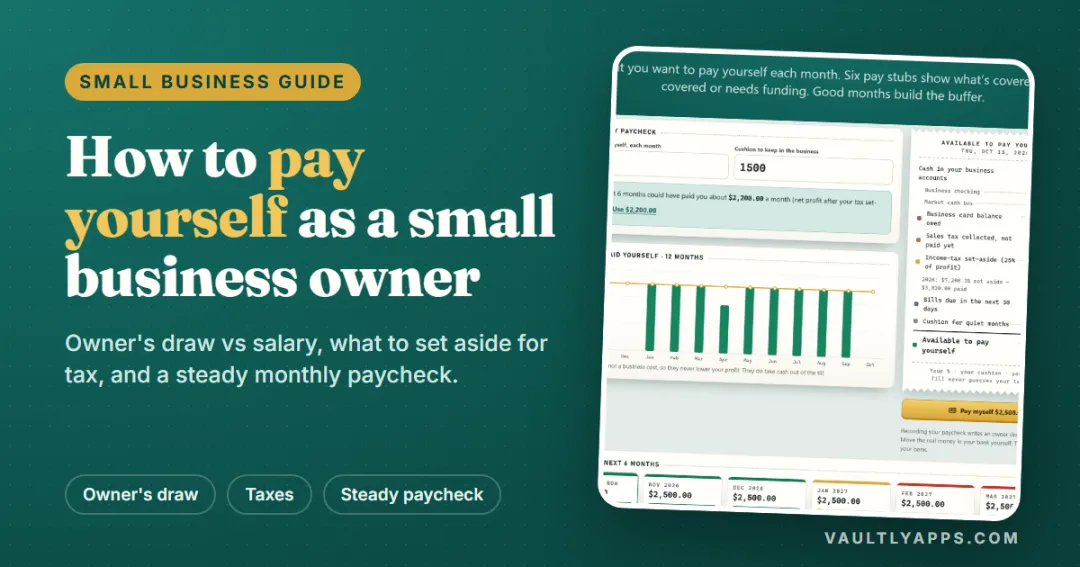
If you work for yourself, nobody withholds tax for you. You pay both halves of Social Security and Medicare as self-employment tax and send estimated payments each quarter. Use the self-employment tax calculator to see how much to set aside, and read how to pay yourself as a small business owner.
Plan every paycheck
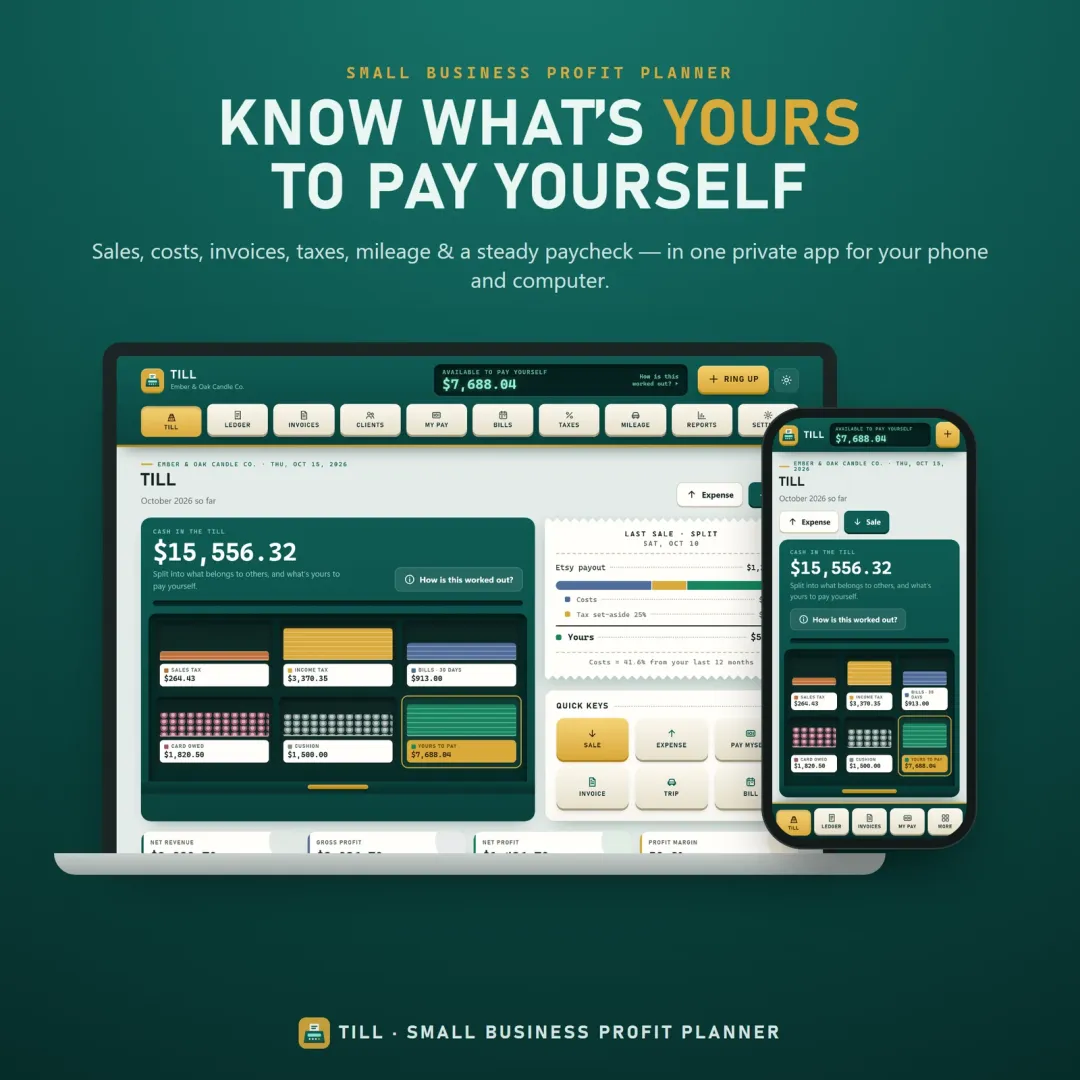
Flow, the VaultlyApps budget planner, starts from your real paycheck and keeps a "Safe to Spend" number in view until the next payday. If you run a small business, Till splits every sale into costs, tax and your own pay. Both have free live demos you can open in your browser.
Frequently asked questions
Can I save, print or download my paycheck estimate?
How much is $65,000 a year after taxes?
How is federal income tax on a paycheck calculated?
What are FICA taxes?
Does a 401(k) contribution lower my taxes?
Why is my real paycheck different from this estimate?
What state tax rate should I enter?
Written by
Finance Specialist & Editor, VaultlyApps
Emma Whitfield writes and edits the VaultlyApps money guides and free calculators. Her focus is US household finance — budgeting on a real paycheck, paying down credit card and student debt, emergency funds and savings goals, renting — and the money side of freelancing and small-business income, from pricing and profit margins to self-employment tax. Every guide is researched against primary sources such as IRS publications and the CFPB, every number is checked in our tested calculators, and tax content is reviewed each year when new IRS figures come out. Emma is not a licensed financial adviser or tax preparer; her work is general education, not personal advice.
Researched against primary US sources, checked against independent calculators and reviewed by a finance expert on our team. Written for US readers — general education, not financial, tax or legal advice. Editorial policy · Disclaimer