How to use the markup calculator
Choose what you already know:
- Cost + markup: enter your cost and the markup you want to see the selling price.
- Cost + price: enter what you pay and what you charge to see your markup and margin.
- Cost + margin: enter the margin you want and the calculator finds the markup and price.
The chart below the results shows the price, markup and margin for common markups on your cost.
Markup vs margin
People mix these up all the time, and it costs them money. Both start from the same profit:
- Markup compares the profit with the cost.
- Margin compares the profit with the selling price.
| Markup | Margin | Price on a $20 cost |
|---|---|---|
| 25% | 20% | $25.00 |
| 50% | 33.3% | $30.00 |
| 60% | 37.5% | $32.00 |
| 100% | 50% | $40.00 |
| 150% | 60% | $50.00 |
| 200% | 66.7% | $60.00 |
If you want a 50% margin and add a 50% markup, you end up with only a 33% margin. Always check which one a target is talking about: a supplier's "suggested markup" is not your margin.
Formulas
- Selling price = cost × (1 + markup %)
- Markup % = (price − cost) ÷ cost × 100
- Margin % = (price − cost) ÷ price × 100
- Markup from margin = margin ÷ (100 − margin) × 100
- Margin from markup = markup ÷ (100 + markup) × 100
Common markup rules
- Keystone (100%): retail's classic rule, doubling the wholesale cost.
- 2× to 3× materials: a common starting point for handmade goods, so the price also pays for your time.
- 3× the buy price: many resellers aim for this so that eBay or Poshmark fees and shipping still leave a profit.
- Cost-plus pricing: services and contractors often add a fixed markup, such as 20% to 30%, to labor and materials.
These are starting points, not rules. What the market will pay and what your competitors charge matter as much as your cost.
From markup to real profit
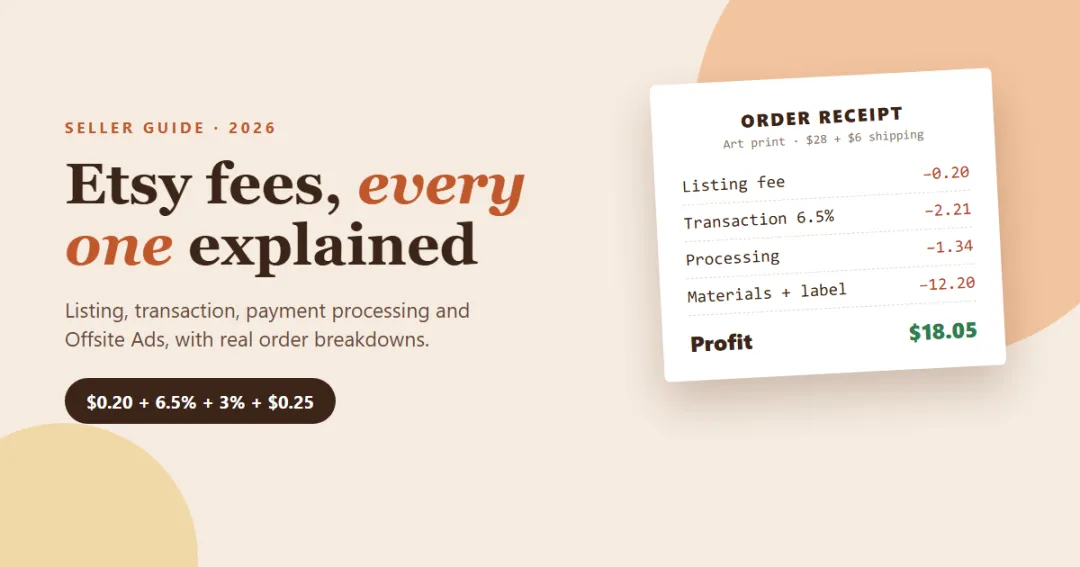
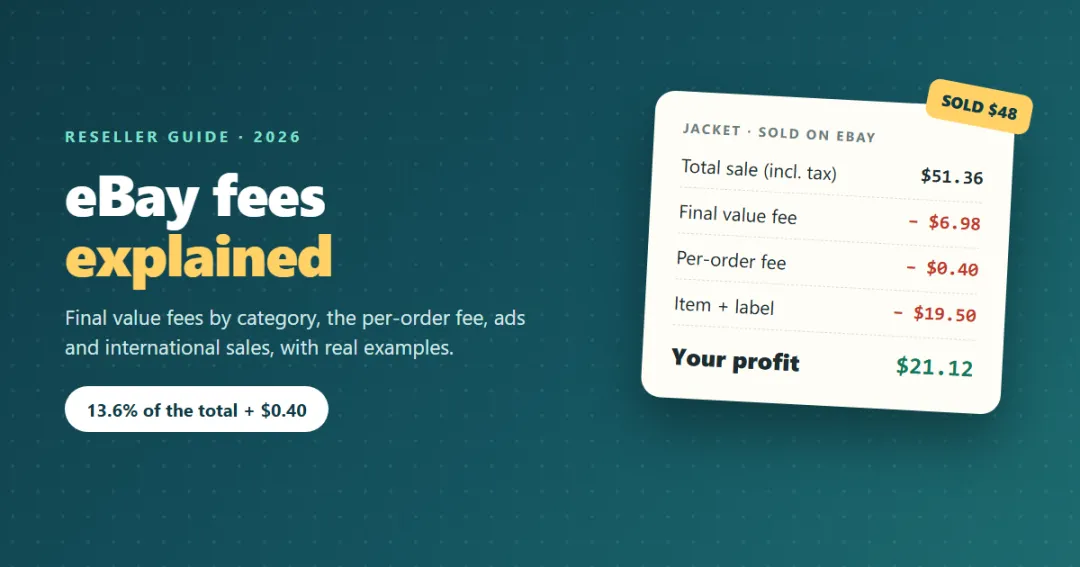
Markup ignores everything that happens after the sale. Marketplace and card fees, free-shipping promises and returns all come out of the price. Run your price through the profit margin calculator to see margin after fees, or use the Etsy fee calculator and eBay fee calculator for exact marketplace fees.
Then make sure the business works as a whole: the break-even calculator shows how many sales a month cover your fixed costs.
Pricing a whole product line
A markup for one product is a quick sum. Keeping prices right across dozens of products, as costs change, is where a planner helps. Till is a small business profit planner that keeps your costs, prices and monthly profit in one place; Flip does the same for resellers, item by item. Both have a free demo you can open in your browser.
Frequently asked questions
How do you calculate markup?
How do I add a markup to a cost?
What is the difference between markup and margin?
How do I convert margin to markup?
What is a good markup?
Does markup include marketplace fees?
Written by
Finance Specialist & Editor, VaultlyApps
Emma Whitfield writes and edits the VaultlyApps money guides and free calculators. Her focus is US household finance — budgeting on a real paycheck, paying down credit card and student debt, emergency funds and savings goals, renting — and the money side of freelancing and small-business income, from pricing and profit margins to self-employment tax. Every guide is researched against primary sources such as IRS publications and the CFPB, every number is checked in our tested calculators, and tax content is reviewed each year when new IRS figures come out. Emma is not a licensed financial adviser or tax preparer; her work is general education, not personal advice.
Researched against primary US sources, checked against independent calculators and reviewed by a finance expert on our team. Written for US readers — general education, not financial, tax or legal advice. Editorial policy · Disclaimer