How to use the reverse sales tax calculator
- Choose Remove tax from a total (the reverse calculation), Add tax to a price, or Several receipts.
- Enter the state and local sales tax rates — the calculator adds them into one combined rate.
- Enter the total that includes tax (or the price before tax, or a list of receipts).
You get the price before tax and the tax amount instantly. In "Several receipts" mode, every receipt is split into price and tax, with totals for all of them — handy for bookkeeping, expense reports and tax time.
The reverse sales tax formula
price before tax = total ÷ (1 + rate)
sales tax = total − price before tax
Write the rate as a decimal: 8.25% is 0.0825, so you divide by 1.0825.
The common mistake
It's tempting to take the tax rate of the total: 8.25% of $108.25 = $8.93. That's wrong, because the total already contains the tax — you'd be charging tax on the tax. The correct figure is $8.25. The calculator shows you the difference whenever you enter a total.
Examples at common rates
What's inside a $100 total at different combined rates:
| Combined rate | Price before tax | Sales tax |
|---|---|---|
| 6% | $94.34 | $5.66 |
| 7.25% | $93.24 | $6.76 |
| 8.25% | $92.38 | $7.62 |
| 8.875% | $91.85 | $8.15 |
| 10.25% | $90.70 | $9.30 |
When you need to reverse sales tax
- Bookkeeping and expense reports — a receipt shows the total, but your books need the price and the tax separately.
- Tax-inclusive pricing — if you sell at a round $25 "tax included" at a market, the calculator shows how much of each sale is yours and how much belongs to the state.
- Refunds and returns — split a refund into the product amount and the tax to return.
- Checking a receipt — confirm the tax charged matches the rate where you shopped.
- VAT and GST — the same formula removes value-added tax or goods and services tax from an inclusive price.
Sales tax for small sellers
Sales tax you collect is not income — you hold it for the state until it's due. Mixing it with your own money is one of the most common small-business cash surprises. In most states, marketplaces such as Etsy collect and pay sales tax on your orders for you under marketplace facilitator laws; sales you make yourself — at markets, on your own site or by invoice — are usually up to you to register for, collect and file.
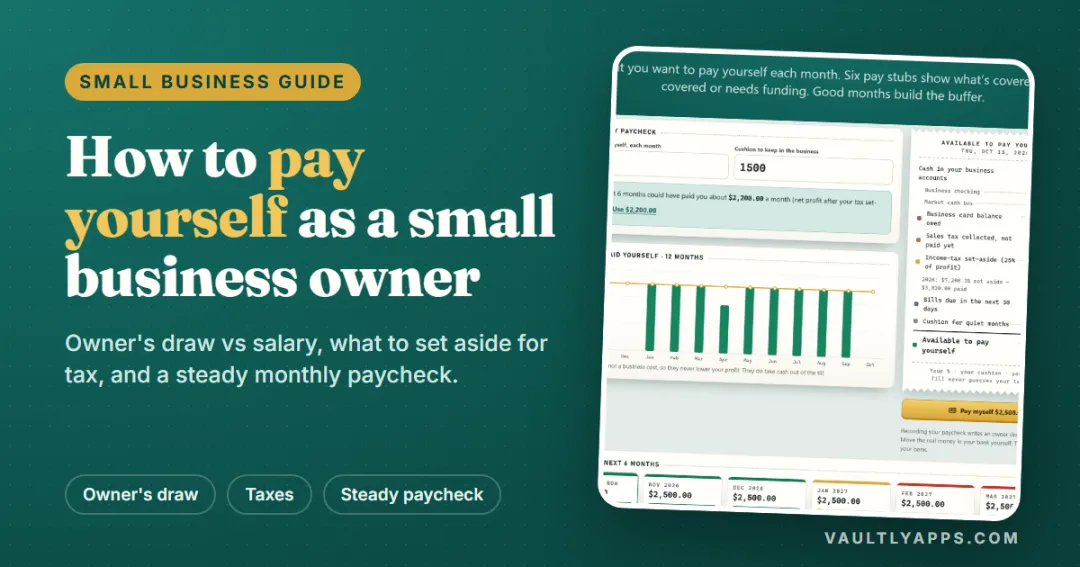
Once the tax is out of the price, check that each sale still makes money with the profit margin calculator, and set aside what you'll owe on the profit with the self-employment tax calculator. Our guide on how to pay yourself as a small business owner shows how to keep tax money separate from your pay.
How rates are made up
A US sales tax rate is usually several rates added together: a state rate plus county, city and sometimes special district rates. Five states — Alaska, Delaware, Montana, New Hampshire and Oregon — have no statewide sales tax, though some Alaska cities add their own. Rates can change, so check your state's department of revenue for the current combined rate at a specific address.
Keep sales tax out of your take-home
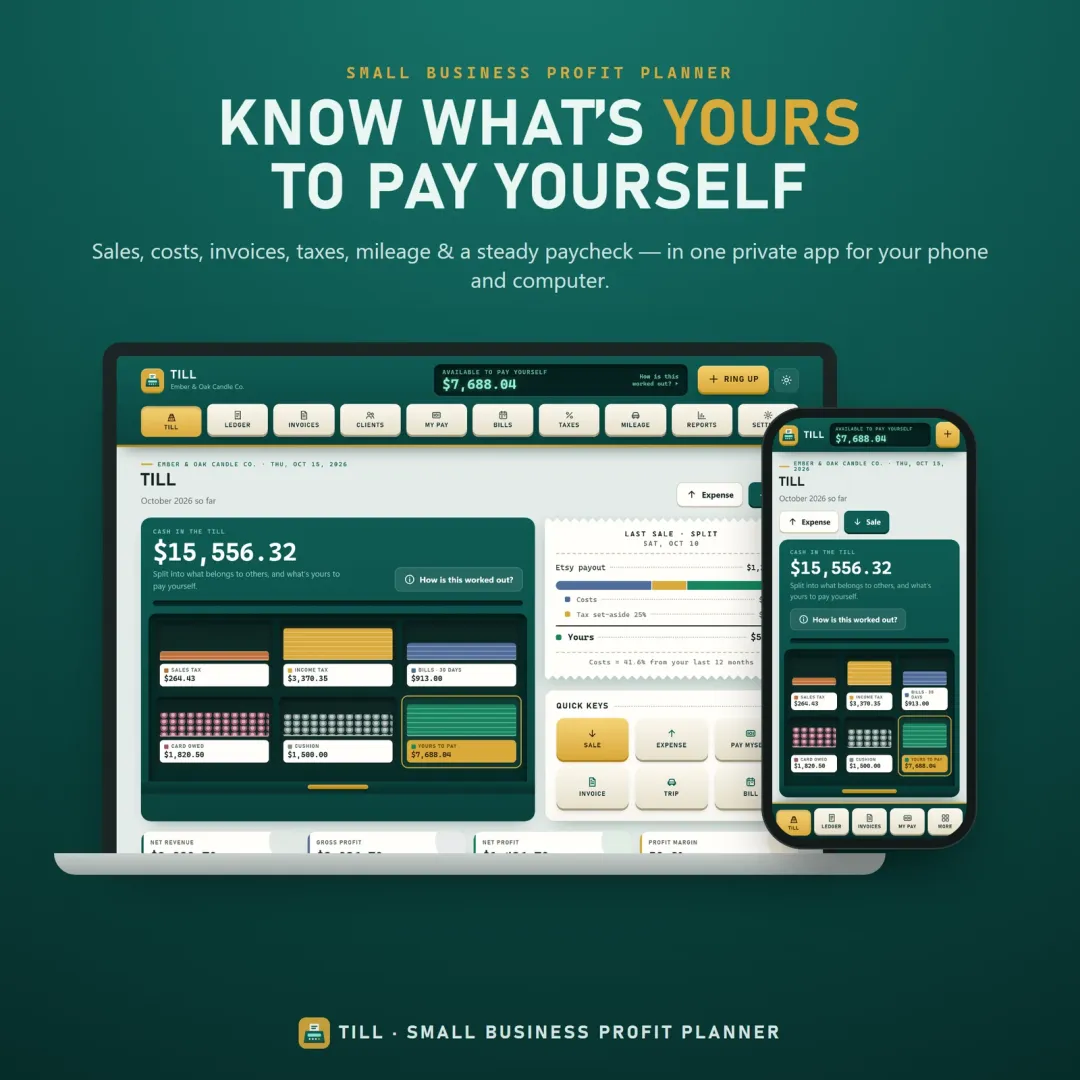
Till, the VaultlyApps small business profit planner, splits business cash into bins — sales tax collected, income-tax set-aside, upcoming bills and what's really yours to pay yourself — and works with US sales tax, VAT or GST. Try the free Till demo in your browser with sample data.
Frequently asked questions
How do you calculate reverse sales tax?
What is an inverse tax calculator?
How do I find my sales tax rate?
Which states have no sales tax?
Why is the answer sometimes one cent off my receipt?
Do Etsy sellers need to calculate sales tax?
Is my information saved or sent anywhere?
Key terms
Written by
Finance Specialist & Editor, VaultlyApps
Emma Whitfield writes and edits the VaultlyApps money guides and free calculators. Her focus is US household finance — budgeting on a real paycheck, paying down credit card and student debt, emergency funds and savings goals, renting — and the money side of freelancing and small-business income, from pricing and profit margins to self-employment tax. Every guide is researched against primary sources such as IRS publications and the CFPB, every number is checked in our tested calculators, and tax content is reviewed each year when new IRS figures come out. Emma is not a licensed financial adviser or tax preparer; her work is general education, not personal advice.
Researched against primary US sources, checked against independent calculators and reviewed by a finance expert on our team. Written for US readers — general education, not financial, tax or legal advice. Editorial policy · Disclaimer