How to use the profit margin calculator
- Choose "Check my price" to see the profit on a price you already charge, or "Find the right price" to work out the price for a target margin.
- Enter your cost per item — materials, packaging, shipping you pay for and, ideally, your labour.
- Enter your fees: the percentage taken from each sale and any fixed amount per order.
- Read your profit, margin, markup and break-even price. The table shows the price you'd need for margins from 20% to 60%.
Save, print or share your pricing calculation
You don't have to start over next time. Under the calculator you can:
- Save the calculation in your browser with a name, then reopen it from "Saved calculations" whenever you like.
- Copy a link that reopens this exact calculation with all your numbers — on your phone, another computer or for someone you're planning with.
- Print a clean one-page report, or download it as a PDF. It shows your profit, margin, markup, break-even price and a price table for each margin, plus a QR code at the top: scan it with your phone camera and the calculation opens again with every number filled in.
- Download a CSV to open in Excel, Google Sheets or Numbers.
Nothing is uploaded: saved calculations stay on your device, and the link and QR code carry your inputs inside the address itself.
Margin vs markup
| Cost | Price | Profit | Markup | Margin |
|---|---|---|---|---|
| $10 | $15 | $5 | 50% | 33% |
| $10 | $20 | $10 | 100% | 50% |
| $10 | $30 | $20 | 200% | 67% |
A 100% markup — doubling your cost — gives a 50% margin before fees. Once marketplace and payment fees come out, the real margin is lower, which is why this calculator always includes them.
The formulas used
- Fees per sale = price × fee % + fixed fee
- Profit = price − fees − cost
- Margin = profit ÷ price × 100
- Markup = (price − cost) ÷ cost × 100
- Break-even price = (cost + fixed fee) ÷ (1 − fee %)
- Price for a target margin = (cost + fixed fee) ÷ (1 − margin − fee %)
If margin plus fees reach 100% or more, no price can work and the calculator tells you to lower one of them.
Pricing tips for online sellers
- Price from margin, not from competitors alone. If a lower price leaves you with a 10% margin, one return or ad wipes out the profit.
- Include free shipping in the price if you offer it — it's a cost, not a gift.
- Count your time. A product that takes an hour should pay you for that hour.
- Raise prices on bestsellers first. Demand tells you buyers value them.
- Check the profit after tax too. Profit is not take-home pay: the self-employment tax calculator shows how much to set aside.
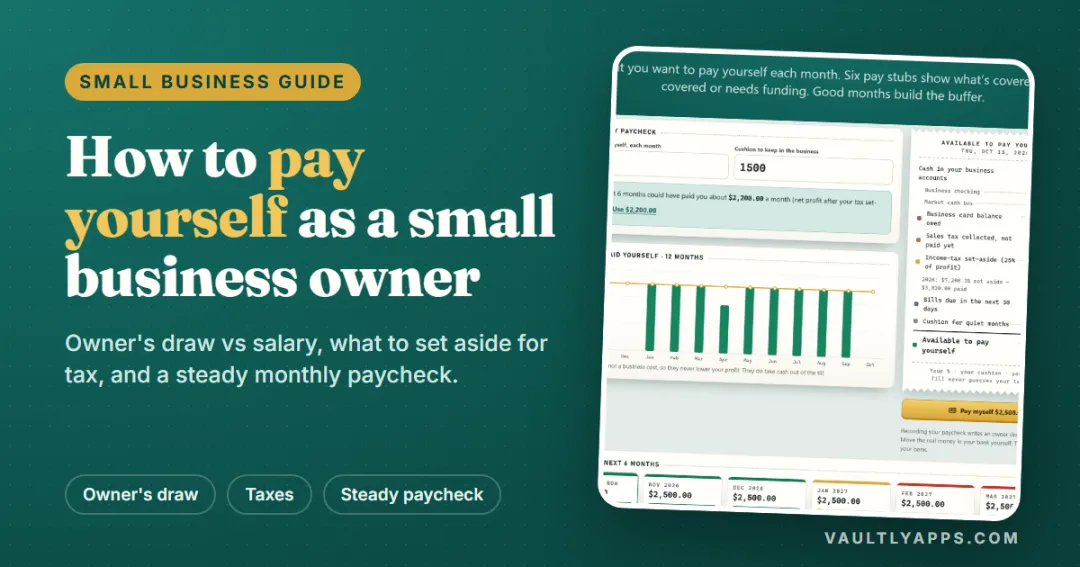
Our guide How to Pay Yourself as a Small Business Owner explains how to turn profit into a steady owner's pay, and How to Choose Business Software covers the tools that help.
See the profit on every sale
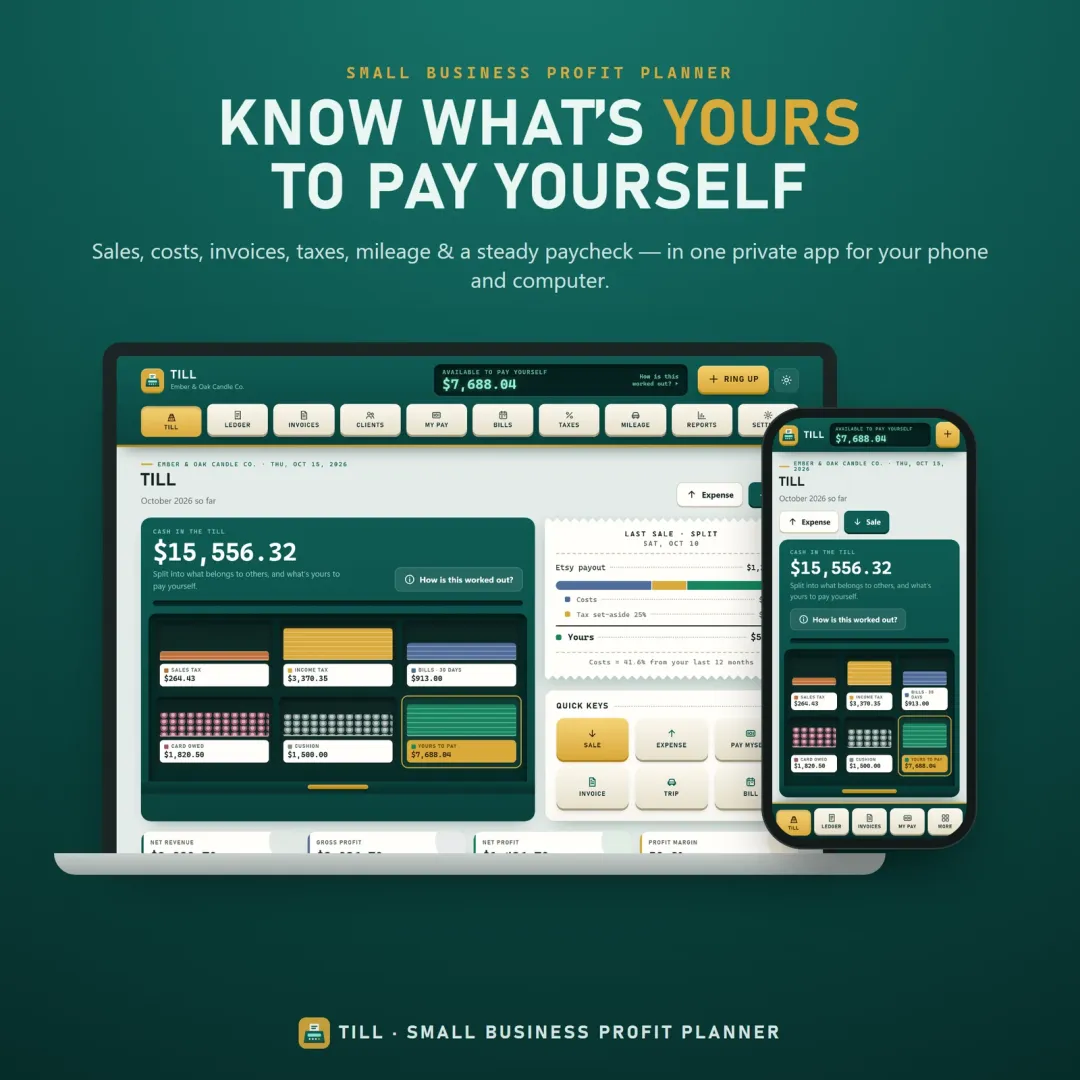
Till, the VaultlyApps small business profit planner, splits every sale into costs, fees, tax and what's really yours to pay yourself. It handles invoices, mileage and tax set-asides too. Open the free Till demo — it runs in your browser with sample data.
Frequently asked questions
Can I save, print or download my pricing calculation?
How do you calculate profit margin?
What is the difference between margin and markup?
How do I price a product for a 50% margin?
What is a good profit margin for a handmade or small business?
Which fees should I include?
Should my own time be part of the cost?
Written by
Finance Specialist & Editor, VaultlyApps
Emma Whitfield writes and edits the VaultlyApps money guides and free calculators. Her focus is US household finance — budgeting on a real paycheck, paying down credit card and student debt, emergency funds and savings goals, renting — and the money side of freelancing and small-business income, from pricing and profit margins to self-employment tax. Every guide is researched against primary sources such as IRS publications and the CFPB, every number is checked in our tested calculators, and tax content is reviewed each year when new IRS figures come out. Emma is not a licensed financial adviser or tax preparer; her work is general education, not personal advice.
Researched against primary US sources, checked against independent calculators and reviewed by a finance expert on our team. Written for US readers — general education, not financial, tax or legal advice. Editorial policy · Disclaimer