How to Choose the Right Business Software: A Practical Checklist
Good business software fits your process, protects your data and stays affordable as you grow. Use this step-by-step checklist, a three-year cost comparison and a simple scorecard to compare options before you commit.
In this article
- 1. Define the problem in one sentence
- 2. Map your current process
- 3. Separate must-haves from nice-to-haves
- 4. Calculate the total cost of ownership
- A three-year example
- 5. Check data ownership and export
- 6. Review security and privacy
- 7. Consider who will use it, and where
- 8. Look at support and longevity
- 9. Run a real trial
- 10. Decide, then plan the rollout
- Use a simple weighted scorecard
- Red flags during demos and trials
- Questions to ask before you buy
- Your first 30 days with new software
- Software subscriptions add up
- An example: software for small landlords
- Another example: freelancers and makers
Choosing software is a business decision, not a shopping trip. The wrong choice costs more than its price: hours lost to workarounds, data stuck in a system nobody likes, and a painful switch a year later. A short, structured process prevents most of that.
1. Define the problem in one sentence
Write down what's going wrong today and who it affects. For example: "We don't know which tenants have paid until the end of the month." or "Quotes take two days because pricing lives in three spreadsheets." or "I never know how much of the money in the business account I can actually pay myself."
If you can't describe the problem in a sentence, you're not ready to compare products — every demo will look impressive.
2. Map your current process
List the steps your team follows now, who does each one, and where information is stored. This shows which steps the software must handle, which it could remove, and which data you'll need to move.
A simple way to do it: follow one real job from start to finish — one order, one invoice, one tenant payment — and write down every step, every tool it touches and every place someone copies information by hand. The copy-and-paste steps are usually where software saves the most time.
3. Separate must-haves from nice-to-haves
Make two lists:
- Must-have — without these, the software fails. Keep this list short.
- Nice-to-have — useful, but not deal-breakers.
Judge every product against the must-have list first. Feature-count comparisons tend to favour bloated products you'll only partly use.
4. Calculate the total cost of ownership
The sticker price is only part of the cost. Over three years, add up:
| Cost | Questions to ask |
|---|---|
| Licence or subscription | Per user? Per month? Does the price rise after year one? |
| Setup and migration | Who moves your existing data, and how long will it take? |
| Training | How long until your team is productive? |
| Add-ons | Are key features in higher tiers or paid extras? |
| Integrations | Will you need extra tools to connect it to what you already use? |
| Switching cost | What will it cost to leave later? |
A three-year example
Here are three ways a three-person business might pay for the same kind of tool:
| Option | Pricing | Three-year cost |
|---|---|---|
| A | $29 per user per month, 3 users | $3,132 |
| B | $49 per month flat, unlimited users | $1,764 |
| C | $299 once, plus $79 a year optional support from year two | $457 |
The cheapest-looking monthly price isn't always the cheapest product, and per-user pricing grows with your team. Then add the costs that don't appear on the price page — setup time, training and add-ons — before deciding.
5. Check data ownership and export
This is the most often skipped step — and the one that causes lock-in. Confirm:
- you can export all your data in a standard format such as CSV;
- you know where data is stored and who can access it;
- you know what happens to your data if you stop paying.
Test the export during the trial, not after you've decided. Open the exported file in a spreadsheet and check that everything you entered is there.
6. Review security and privacy
At minimum, look for encrypted connections, sensible access controls, backups and a clear privacy policy. For sensitive data — finances, tenants, customers — prefer tools that collect only what they need. Software that stores data on your own devices, or encrypts it end to end, reduces risk.
Ask, too, who in your business needs access to what. A part-time helper may need to enter sales but not see every bank account.
7. Consider who will use it, and where
Will people use it at a desk, on a phone at a job site, or both? Does it need to work offline? A tool that only works well on a desktop browser will fail for staff in the field.
This also affects what kind of software makes sense. Web apps that install on any device can suit mixed teams well; our comparison of an Android app vs a web app explains the trade-offs.
8. Look at support and longevity
Who answers when something breaks, and how quickly? Is the product actively updated? A smaller, focused product with a responsive developer can be a better bet than a large platform with slow, tiered support — as long as you can export your data.
9. Run a real trial
Use demos to shortlist, then trial your top choice with real data and a real process, start to finish — a full billing cycle, a month-end, a complete project. Involve the people who'll use it daily. Note every workaround you need.
A good trial plan has three parts:
- A real task list — the five or six jobs the software must do every week.
- Real users — at least one person who will use it daily, not only the person buying it.
- A finish line — a date to decide, and what "good enough" means.
10. Decide, then plan the rollout
Pick the simplest option that fully solves the problem. Then plan the switch: import data, train the team, run old and new side by side briefly, and set a date to retire the old method.
Use a simple weighted scorecard
When two or three options are close, a scorecard turns opinions into a decision. Give each criterion a weight that reflects how much it matters to your business, score each product from 1 to 5, then multiply and add.
| Criterion | Weight | Option A | Option B | Option C |
|---|---|---|---|---|
| Fit for our process | 30% | 4 | 5 | 3 |
| Ease of use | 20% | 3 | 4 | 5 |
| Three-year cost | 20% | 2 | 4 | 5 |
| Data export | 15% | 5 | 3 | 4 |
| Support | 15% | 4 | 3 | 2 |
| Weighted score | 3.55 | 4.00 | 3.80 |
Option B wins here because fit carries the most weight. Change the weights and the winner may change — which is exactly the point: the scorecard makes your priorities visible.
Red flags during demos and trials
- No clear pricing page, or prices that only appear after a sales call.
- Data export that's missing, partial or "available on request".
- Annual contracts with automatic renewal and a long cancellation notice.
- Key features only in the top tier.
- Slow or no answers during the trial — support rarely gets faster after you pay.
- A demo that never shows your actual process, only a polished sample.
Questions to ask before you buy
Send these to the vendor, or look for the answers in their help pages:
- How do I export all my data, and in what format?
- What happens to my data if I cancel or stop paying?
- Where is my data stored, and who at your company can see it?
- Which features are in which plan, and what does the next plan up cost?
- How do price increases work — and how much notice do customers get?
- How do I get help, and how quickly do you usually answer?
- How often is the product updated, and how are customers told about changes?
- Does it work on the devices my team uses — including offline, if we need that?
Vague answers to the first three are a reason to keep looking.
Your first 30 days with new software
- Week 1 — set up. Import or enter your core data, set up users and access, and connect anything that needs connecting.
- Week 2 — run in parallel. Use the new tool for real work while the old method still runs. Note every gap.
- Week 3 — fix the gaps. Adjust settings, write a one-page "how we use it" note for the team, and decide which gaps are acceptable.
- Week 4 — switch over. Retire the old method on a set date, keep a final export of the old data, and schedule a review in three months.
Software subscriptions add up
Each tool may be affordable on its own, but business subscriptions accumulate quickly: per-seat plans for people who've left, overlapping tools that do the same job, yearly renewals nobody remembers. Review them once or twice a year, the same way you would household subscriptions — our guide on how to track subscriptions works for business tools too.
An example: software for small landlords
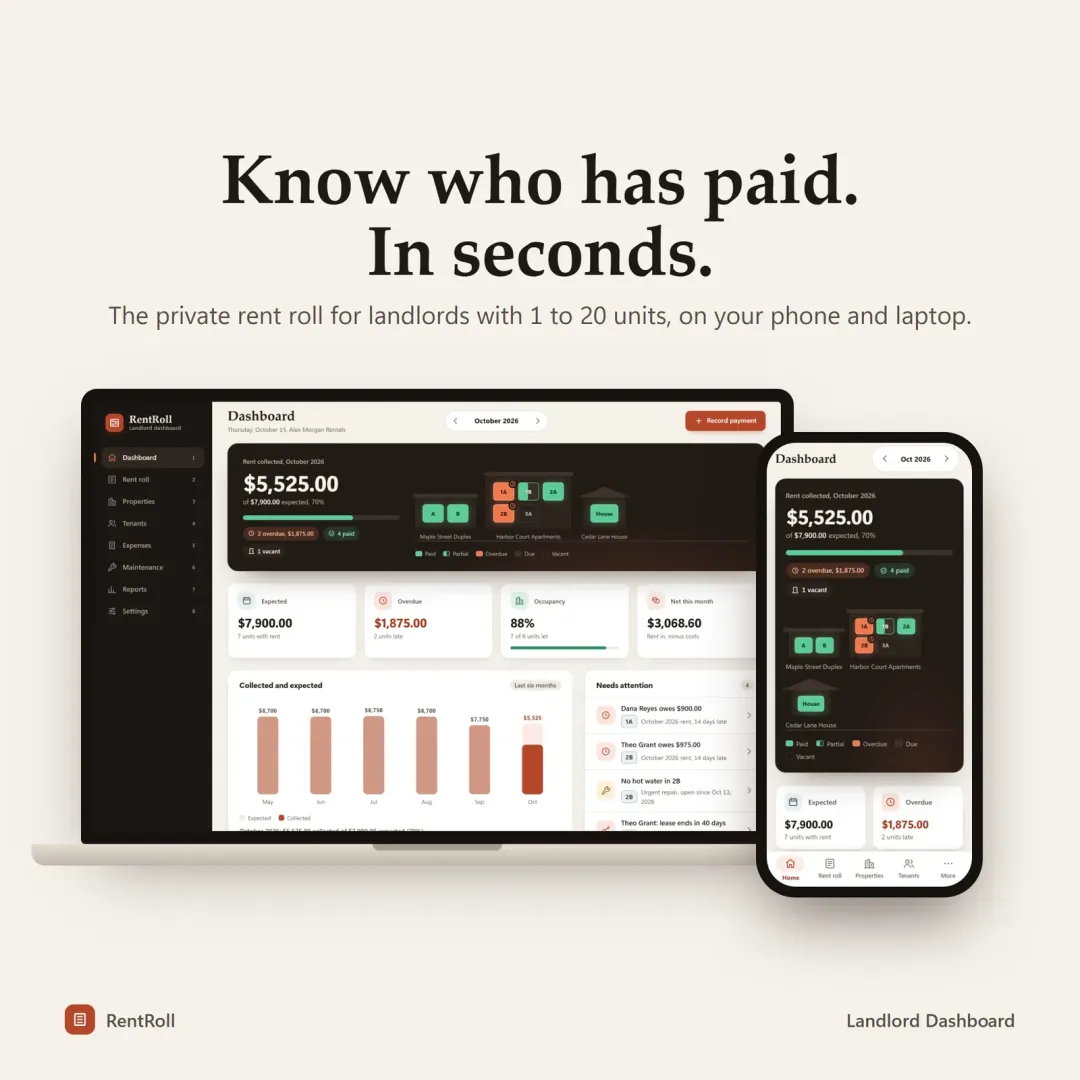
Small landlords show why fit matters more than features. Enterprise property-management platforms handle thousands of units, tenant portals and online payments — and charge accordingly. A landlord with four units usually needs something simpler: who has paid, what's overdue, which leases end soon, and a clean expense summary at tax time.
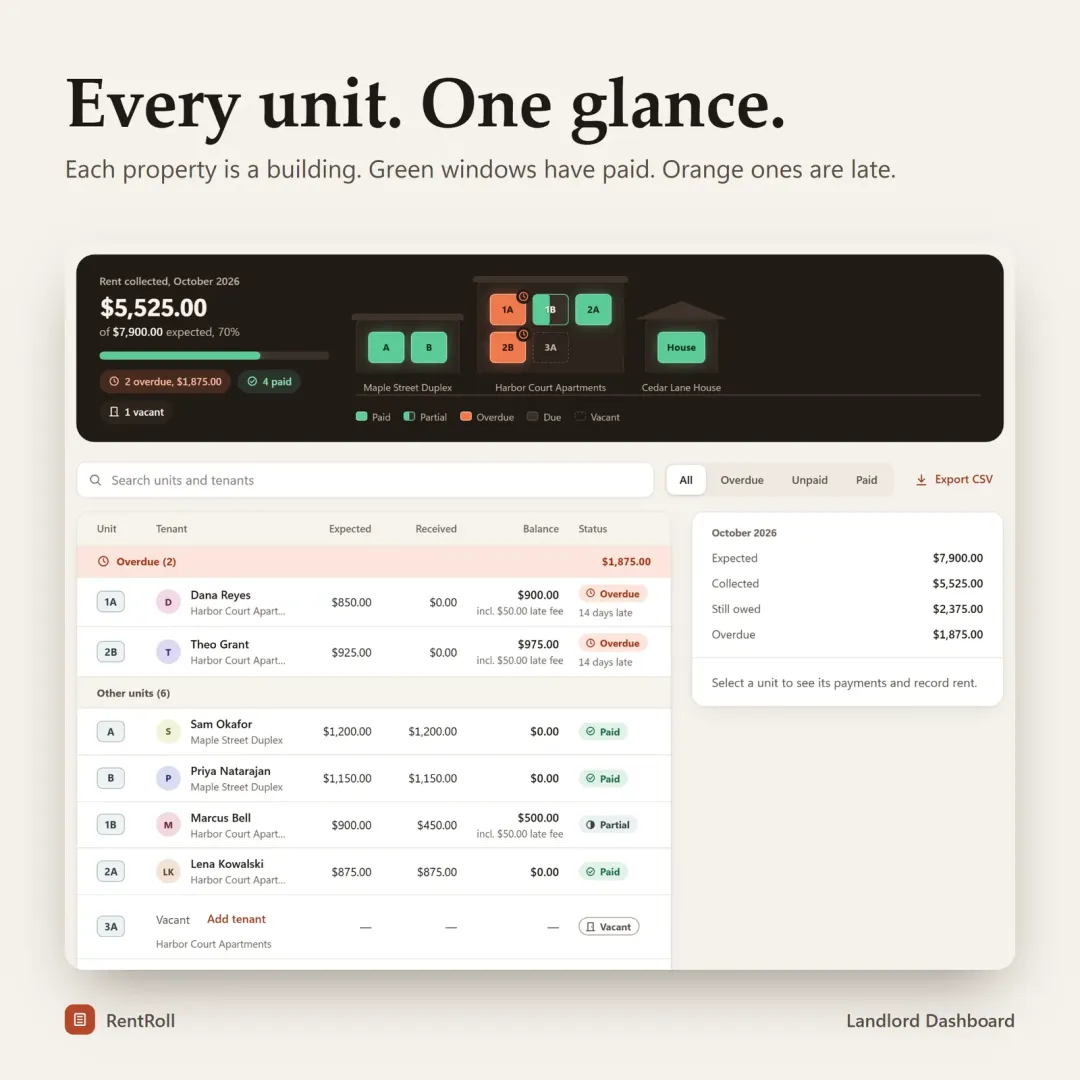
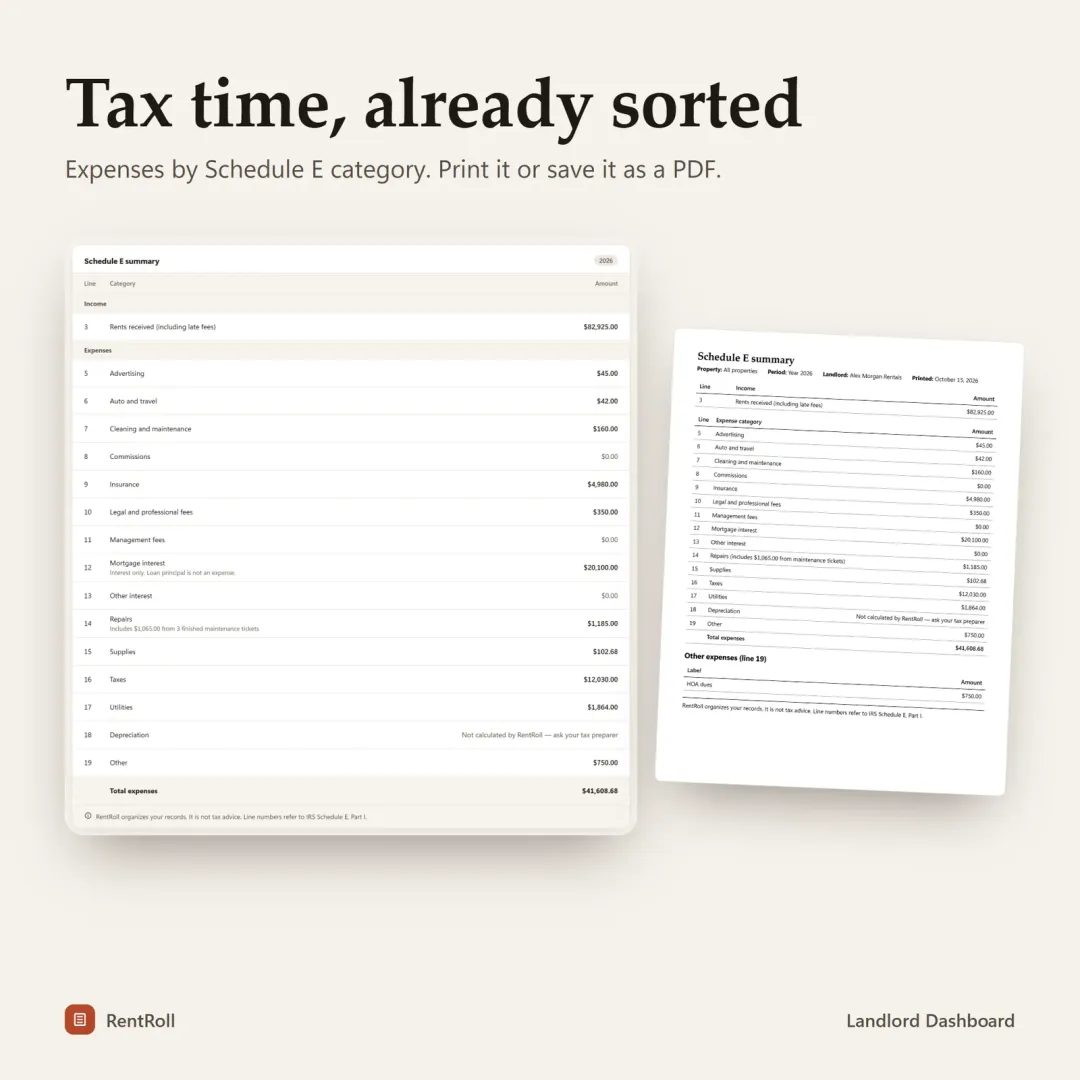
That's the gap RentRoll was designed for: a private landlord dashboard for roughly 1–20 units with a rent roll, automatic late fees, lease tracking, a maintenance log and Schedule E tax reports, plus CSV export of everything. You can try it with sample properties in the free live demo before deciding whether it fits your process.
Another example: freelancers and makers
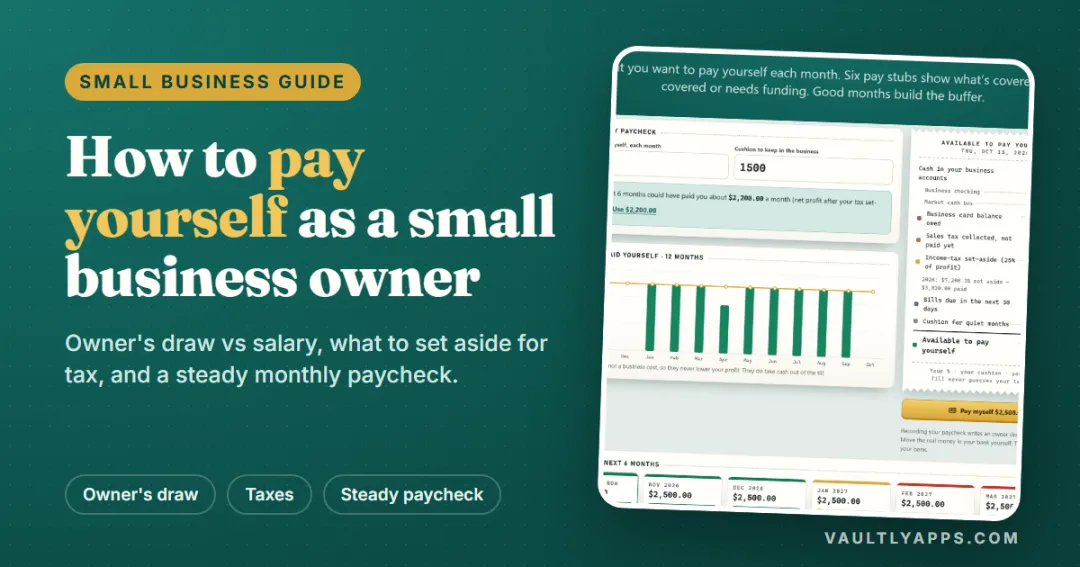
A freelancer or Etsy seller faces the same choice. Full accounting suites do a lot, but the everyday questions are simpler: what came in, what went out, which invoices are overdue, how much to set aside for tax — and how much is safe to pay yourself. A focused tool that answers those questions every day is often more useful than a large system opened once a quarter. (For the method itself, see how to pay yourself as a small business owner.)
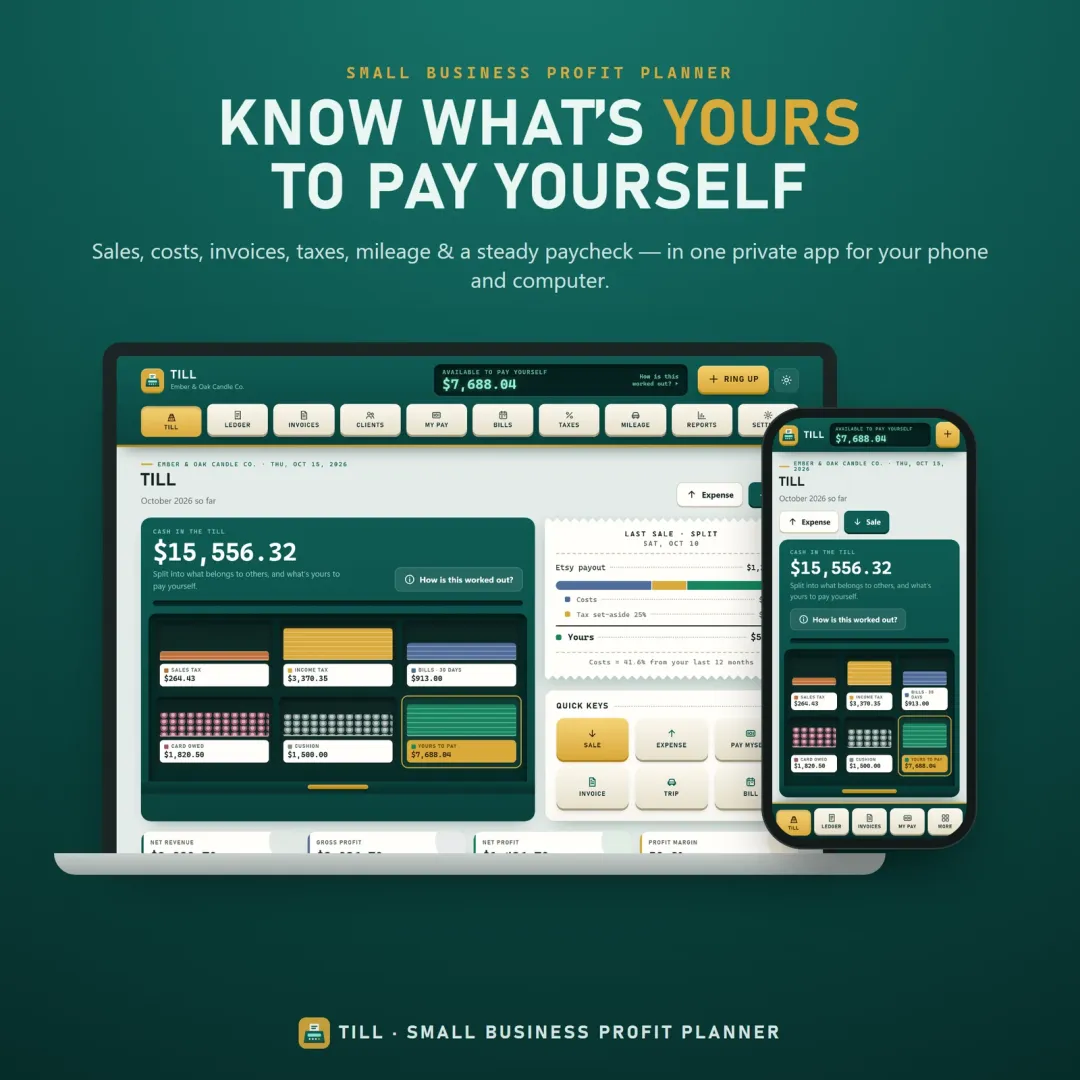
Till, our small business profit planner, was built for that: income and expenses, invoices, tax set-asides, mileage and a cash drawer that shows what's available to pay yourself. Like our other apps, it has a free live demo with a sample business, so you can run the trial step on real screens before buying anything. If the idea of a "safe" amount is new, our article on what a safe-to-spend number is explains the thinking behind it.
For construction businesses, where field teams and offline use matter even more, see what construction management software is and how to choose it.
Frequently asked questions
What is the most important factor when choosing business software?
Should a small business choose subscription or one-time purchase software?
How long should a software trial last?
How do I avoid getting locked into business software?
Is free business software good enough?
Should I choose one all-in-one platform or several focused tools?
Written by
Founder & developer, VaultlyApps
Mohammad Ali is the developer behind VaultlyApps. He designs, builds and tests every VaultlyApps product himself, with a focus on private, practical tools that solve one real problem well. His background also includes the construction industry, which shapes how he thinks about software for real-world work.