How to Track Subscriptions and Stop Paying for Ones You Forgot
Subscriptions are designed to be forgotten. A simple four-step audit — find, convert to yearly cost, decide, and set reminders — puts every recurring charge back under your control. Includes a worked audit and a cancellation checklist.

In this article
- Why subscriptions are so easy to forget
- Step 1: Find every recurring charge
- Step 2: Convert everything to a yearly cost
- A worked audit
- Step 3: Keep, downgrade or cancel
- How to cancel cleanly
- Step 4: Track renewals and free trials
- When a price goes up
- Family and shared plans
- A subscription list that stays useful
- Bills and subscriptions belong on one calendar
- Signs you're paying for too many subscriptions
- Subscriptions vs one-time purchases
- Put the savings to work
- Subscriptions in a small business
- Make it automatic
Most people underestimate what they spend on subscriptions. Streaming, music, cloud storage, apps, news, fitness, software — each charge is small and arrives on a different day, so the total never shows up in one place. A short, structured audit fixes that, and a simple tracking habit keeps it fixed.
Why subscriptions are so easy to forget
Subscriptions are built for convenience, and convenience cuts both ways. A few features make them hard to keep track of:
- Small amounts. $4.99 doesn't trigger the same attention as a $200 bill.
- Different dates. Charges arrive on the 3rd, the 11th, the 19th — never together.
- Different places. Some bill your card, some your phone's app store, some PayPal.
- Free trials that turn into paid plans automatically.
- Quiet price increases announced by an email most people don't open.
- Yearly renewals that happen once — and are forgotten for the other eleven months.
None of this requires willpower to fix. It requires a list.
Step 1: Find every recurring charge
Look in all the places subscriptions hide:
- Bank and card statements — scan two or three months, because some services bill every other month or quarterly.
- App stores — iPhone: Settings → your name → Subscriptions. Android: Google Play → Payments & subscriptions.
- PayPal and other wallets — check automatic payments.
- Email — search for "receipt", "renewal", "your plan" and "trial".
- Yearly charges — search last year's statements for annual renewals: software, domains, memberships, insurance add-ons.
Write every one down: name, amount, how often it bills, next renewal date and which card it's on.
Step 2: Convert everything to a yearly cost
Monthly prices are designed to feel small. Yearly prices are honest.
| Billing | Multiply by |
|---|---|
| Weekly | 52 |
| Every 2 weeks | 26 |
| Monthly | 12 |
| Quarterly | 4 |
| Yearly | 1 |
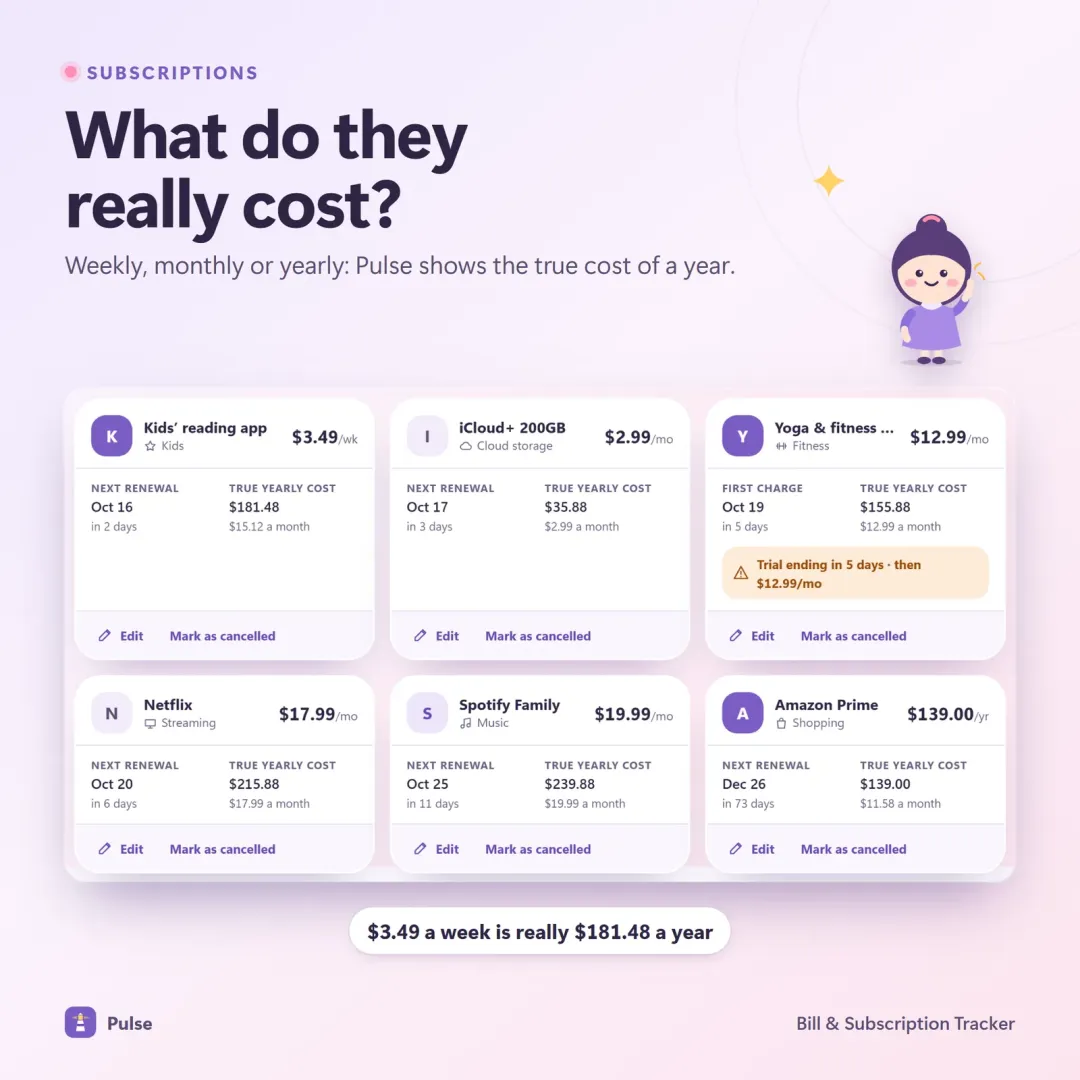
A $12.99 monthly service is $155.88 a year. Five services like that are close to $780.
A worked audit
Here's what a typical list might look like once everything is converted:
| Subscription | Price | Billing | Yearly cost |
|---|---|---|---|
| Video streaming | $15.49 | Monthly | $185.88 |
| Second video service | $7.99 | Monthly | $95.88 |
| Music | $10.99 | Monthly | $131.88 |
| Cloud storage | $2.99 | Monthly | $35.88 |
| Gym membership | $39.00 | Monthly | $468.00 |
| Photo-editing app | $9.99 | Monthly | $119.88 |
| Fitness app | $79.99 | Yearly | $79.99 |
| Total | $1,117.39 |
That's about $93 a month — far more than any single charge suggests. Now the decisions get easier. If the gym was used three times last month, it cost $13 a visit. If the second video service and the photo-editing app haven't been opened in weeks, cancelling them plus the gym would save $683.76 a year.
Step 3: Keep, downgrade or cancel
For each subscription, ask:
- Did I use it in the last 30 days? If not, it's a strong cancel candidate.
- Would I sign up again today at this price? If not, cancel or downgrade.
- Is there an overlap? Two music services, three video platforms and two cloud drives are common.
- Is there a cheaper tier? Ad-supported, family or annual plans may cost less for the same use.
Then sort the list by yearly cost and start at the top — the biggest savings come from a few expensive plans, not from shaving a dollar off a cheap one.
How to cancel cleanly
Cancelling is where good intentions often stall. A short checklist helps:
- Cancel at the source. App-store subscriptions are cancelled in the app store; others in your account settings on the service's website. Deleting the app usually isn't enough.
- Check what happens to your data. Download photos, files or reports you want to keep before access ends.
- Keep the confirmation. Save the email or take a screenshot showing the cancellation date.
- Check the next statement. Make sure the charge really stopped.
- Ask about retention offers if you'd keep the service at a lower price. Many services offer a discount when you start cancelling — decide in advance what price would make it worth keeping.
Step 4: Track renewals and free trials
The audit only stays useful if new subscriptions go on the list too.
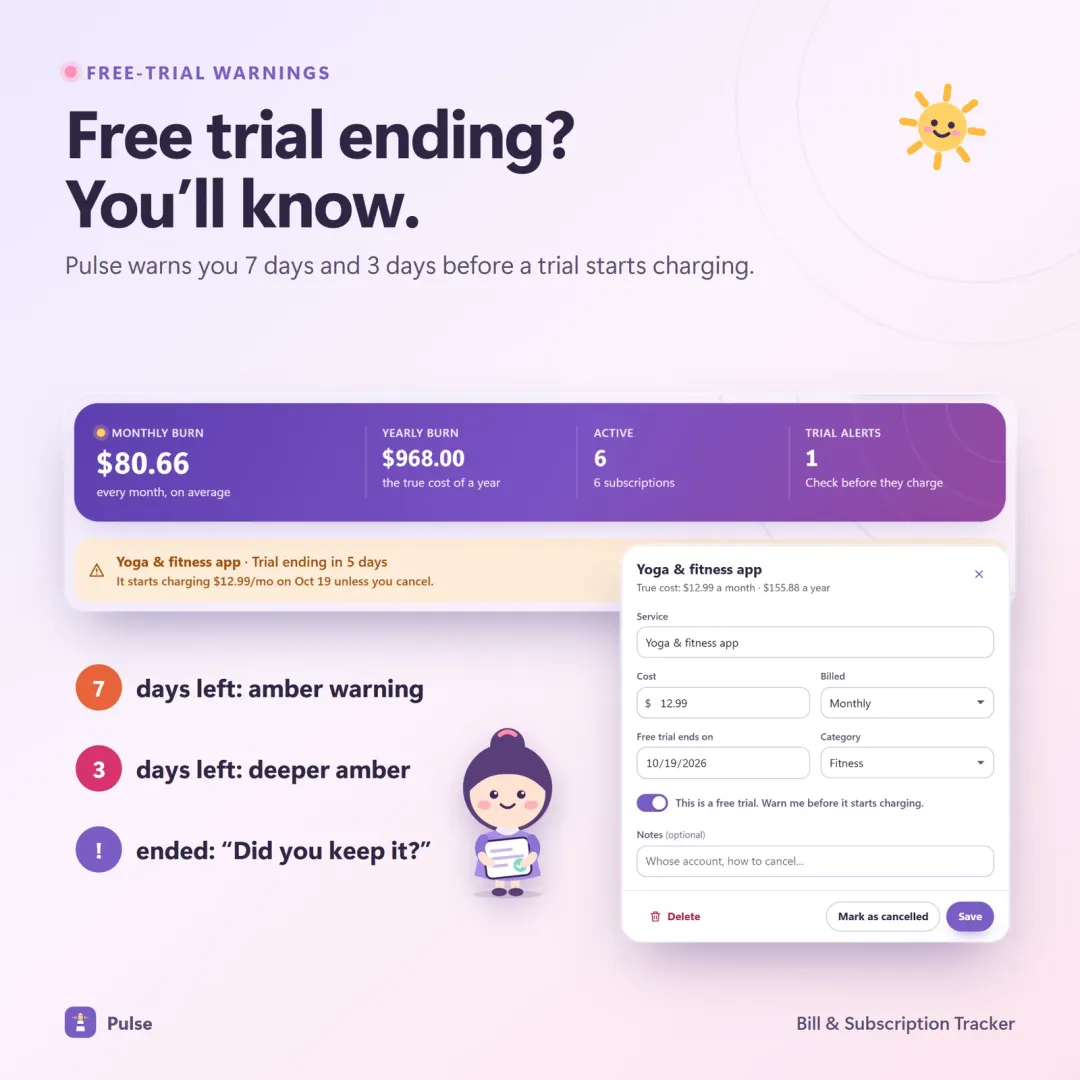
- Record free trials the moment you start them, with the date the first charge will hit.
- Set reminders 7 days and 3 days before a trial ends or a yearly plan renews.
- Check price-increase emails — many services raise prices with only an email notice.
- Review the list monthly, alongside your bills.
When a price goes up
Price increases are the quietest way subscriptions grow. When you get a "your plan is changing" email:
- Update the yearly cost on your list straight away. A $2 monthly increase is $24 a year.
- Re-ask the keep-or-cancel questions. Would you sign up today at the new price?
- Look for a cheaper tier. Ad-supported, annual or family plans may now be better value.
- Note the date it takes effect, so you can cancel before the first higher charge if you decide to.
Family and shared plans
Family plans can be good value — one payment covering several people — but they're also where forgotten charges hide:
- Check who is still using it. A family member who has moved out may have their own plan now.
- Avoid paying twice. It's common for one person to pay for a family plan while another keeps an individual plan for the same service.
- Agree on who owns each subscription in a household, so cancellation decisions don't fall between two people.
A subscription list that stays useful
Your list doesn't need to be complicated. These columns are enough:
| Column | Why it matters |
|---|---|
| Name | So you recognise it on a statement |
| Price and billing | Monthly, yearly, every 4 weeks… |
| Yearly cost | The honest number for decisions |
| Next renewal date | When to decide before you pay again |
| Payment method | Which card, app store or wallet to check |
| Trial end date | Only for trials — the most important date on the list |
| Decision | Keep, downgrade or cancel, and when you last reviewed it |
A five-minute monthly check — new charges on the statement, renewals coming up, any price-increase emails — keeps it current.
Bills and subscriptions belong on one calendar
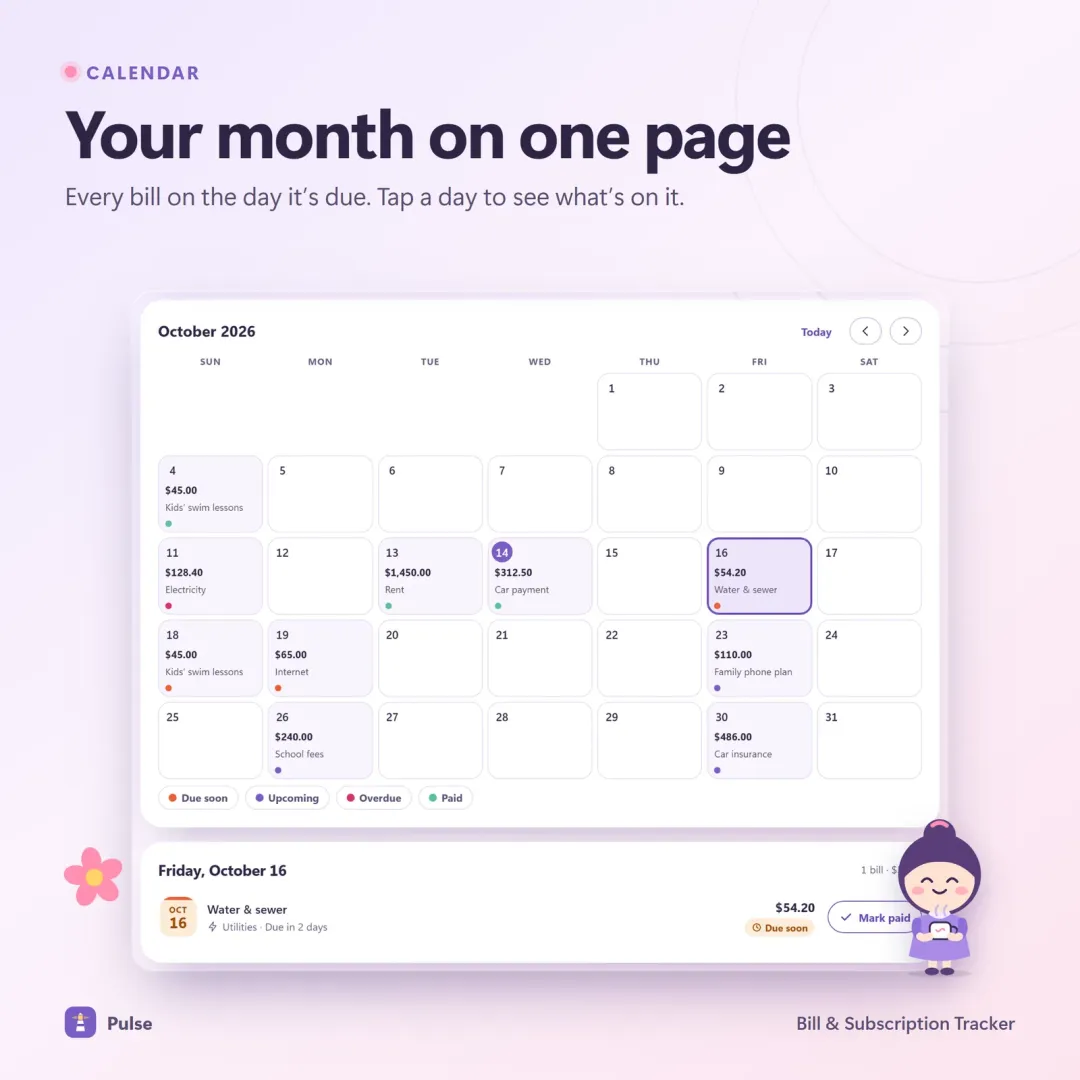
Subscriptions are really just small recurring bills. Seeing both on a single due-date calendar makes heavy weeks visible before they arrive — for example, when rent, a car payment and an annual software renewal land within a few days of each other.
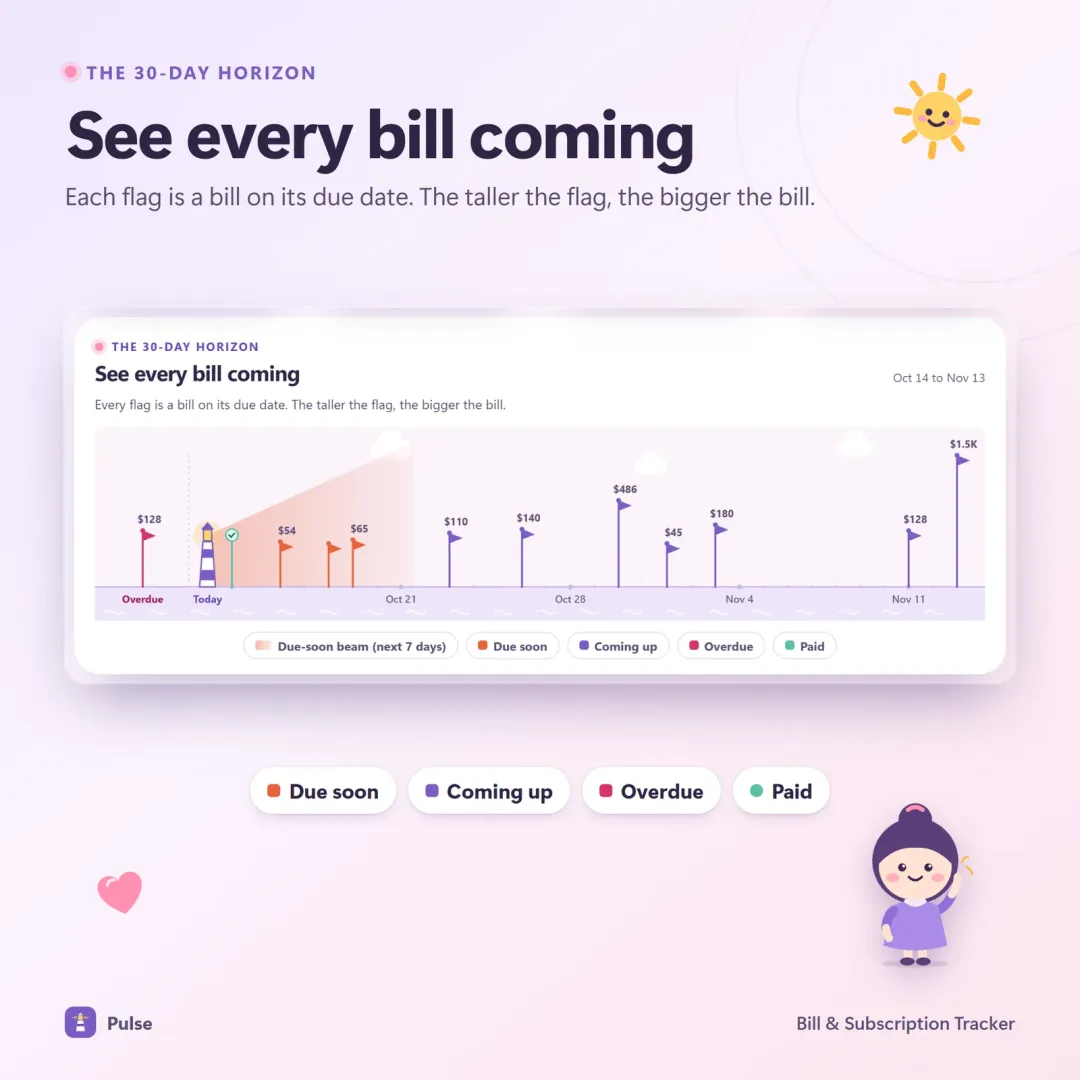
Once bills and subscriptions are on one calendar, they also become part of your safe-to-spend number — the money that's genuinely free after everything committed is subtracted. Our guide to what safe to spend is and how to calculate it shows how yearly subscriptions fit in as a small monthly share.
Signs you're paying for too many subscriptions
You don't need a full audit to spot the warning signs. Any of these is a good reason to start one this week:
- You see a charge on your statement and can't immediately say what it is.
- You've signed up for a free trial in the last few months and don't remember cancelling it.
- You pay for two services that do the same thing.
- Your "small" monthly charges add up to more than one of your utility bills.
- A service raised its price and you only noticed on the statement.
- You keep a subscription "just in case" but haven't used it in months.
Subscriptions vs one-time purchases
Not every recurring charge is bad. Subscriptions make sense for things that genuinely change or cost money to run every month — streaming catalogues, cloud storage, hosted software with ongoing updates. They make less sense for tools you use occasionally, or for software that does the same job year after year.
When you have a choice, compare over three years rather than one month. A tool at $9.99 a month costs $359.64 over three years; a one-time purchase with free updates may cost far less over the same period — or more, if you'd only use it for a few months. The point isn't to avoid subscriptions, but to choose them deliberately.
Put the savings to work
Cancelling a subscription only helps if the money goes somewhere on purpose. A few ideas:
- Start a savings challenge. The $155.88 a year from one cancelled $12.99 service covers the first 17 weeks of the 52-week savings challenge.
- Add it to a debt payment. An extra $50 a month aimed at your target debt shortens a payoff plan noticeably — see debt snowball vs debt avalanche.
- Build a sinking fund for the yearly plans you decided to keep, so their renewal never feels like a surprise.
Subscriptions in a small business
Businesses collect subscriptions even faster than households: software seats, website hosting, domain names, design tools, marketplace fees, email marketing. The same audit works, with two additions:
- Check per-user pricing. A tool billed per seat keeps charging for people who no longer use it.
- Record the business share. If a subscription is partly personal, note what percentage is for the business so your expense records are accurate.
Every dollar saved on business subscriptions is a dollar of profit — and profit is what you pay yourself from. See how to pay yourself as a small business owner.
When you're choosing new tools, comparing the three-year cost rather than the monthly price prevents most surprises. Our checklist for choosing business software covers that in detail.
Make it automatic
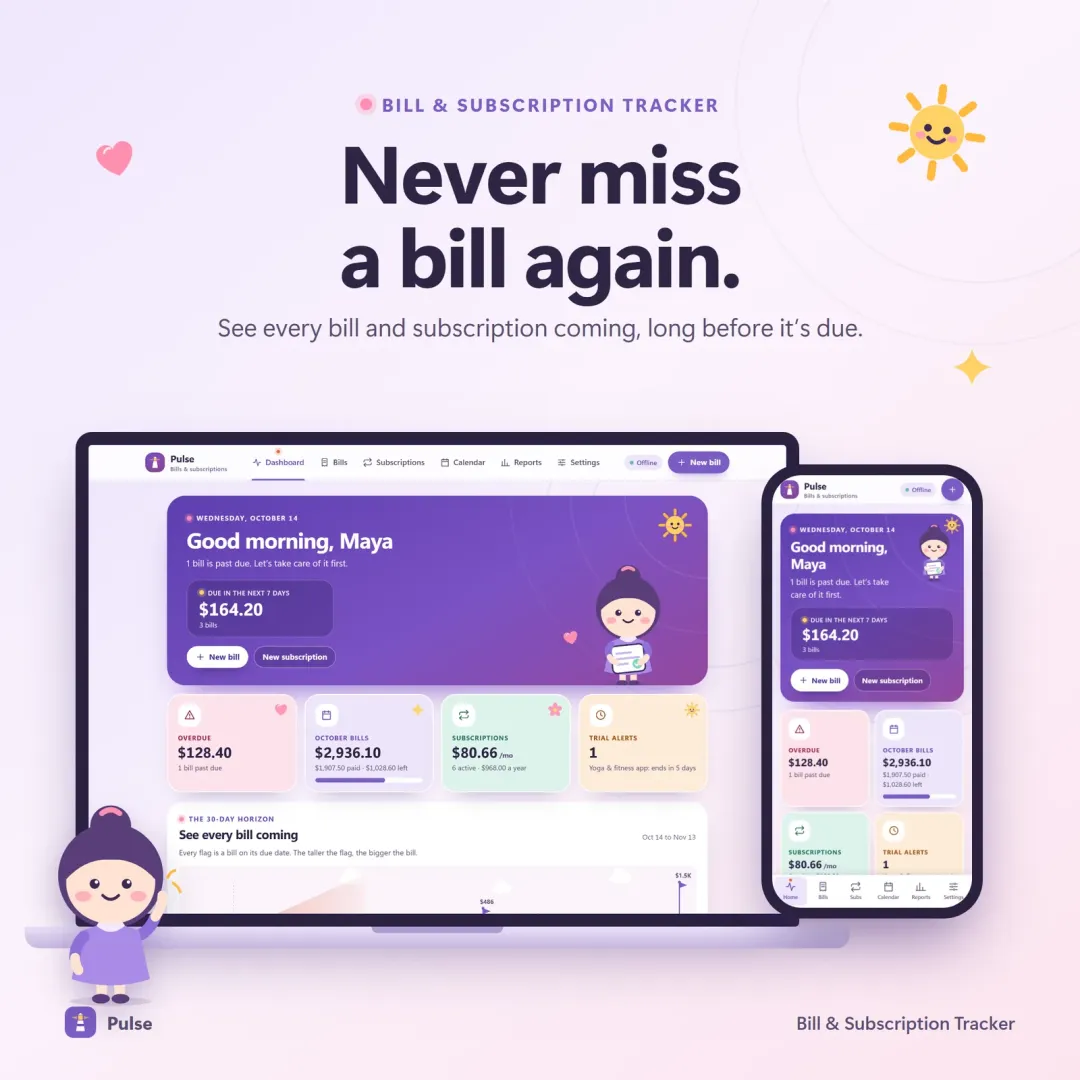
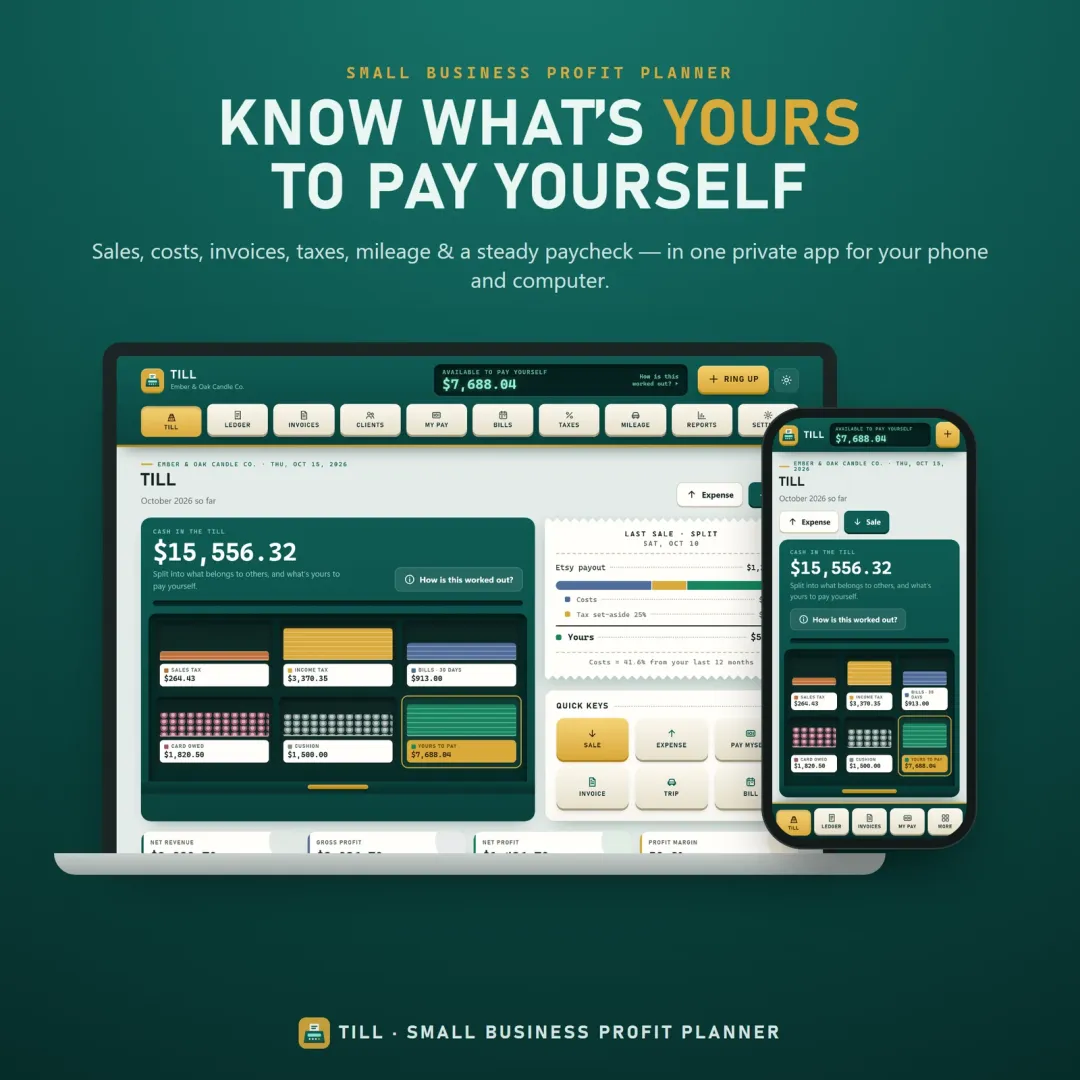
Pulse, our bill and subscription tracker, shows every bill and subscription on a 30-day horizon and a due-date calendar, converts each subscription to its true monthly and yearly cost, counts down free trials with warnings 7 and 3 days before you're charged, and has a cancel simulator that shows exactly what you'd save. Vault also ranks cancel candidates by yearly cost inside a full budget dashboard, and Till tracks recurring business bills alongside income and expenses. All three have free live demos.
Frequently asked questions
How do I find all my subscriptions?
How often should I do a subscription audit?
What is the best way to avoid free-trial charges?
Is it worth paying yearly instead of monthly?
Does deleting an app cancel its subscription?
What is cost per use?
Written by
Founder & developer, VaultlyApps
Mohammad Ali is the developer behind VaultlyApps. He designs, builds and tests every VaultlyApps product himself, with a focus on private, practical tools that solve one real problem well. His background also includes the construction industry, which shapes how he thinks about software for real-world work.