Android App vs Web App: Which Should You Build?
Native Android apps, web apps and progressive web apps each have real strengths. Here's how they compare on cost, reach, features, offline use, distribution and updates — with a decision checklist and a real example.

In this article
- The three options, defined
- Side-by-side comparison
- When a native Android app is the right choice
- When a web app or PWA is the right choice
- How a PWA works, in plain terms
- What a PWA can (and can't) do in 2026
- Installing a PWA: what users actually see
- Offline, storage and sync
- Cost and maintenance over time
- Security and privacy
- What about cross-platform frameworks?
- Common myths about web apps
- A quick decision checklist
- How we approach it at VaultlyApps
"Should we build an app or a website?" is one of the first decisions in any software project. In 2026 the real choice is usually between three options: a native Android app, a standard web app and a progressive web app (PWA) — a web app that installs and works offline like a native one.
The three options, defined
- Native Android app — built with Kotlin or Java (or a cross-platform framework such as Flutter) and installed from Google Play or as an APK. It has full access to the device's hardware and system features.
- Web app — runs in a browser at a web address. Nothing to install; works on any device with a modern browser.
- Progressive web app (PWA) — a web app that adds a manifest and a service worker, so it can be installed with its own icon, open in its own window, work offline and, on supported platforms, receive notifications.
Side-by-side comparison
| Native Android | Web app | PWA | |
|---|---|---|---|
| Runs on | Android only | Any browser | Any modern browser, installable |
| Codebases for Android + iPhone + desktop | 2–3 (or 1 cross-platform) | 1 | 1 |
| Works offline | Yes | Rarely | Yes |
| Install | Play Store / APK | None | From the browser (optional Play Store) |
| Updates | Store review, user updates | Instant | Instant |
| Device features | Full | Limited | Broad and growing |
| Discoverability | Store search | Search engines, links | Search engines, links (+ store if wrapped) |
| Typical cost to build | Highest | Lowest | Low to medium |
When a native Android app is the right choice
- Heavy device integration — background location, Bluetooth peripherals, advanced camera control, deep system integration.
- Performance-critical work — 3D games, video editing, large on-device machine-learning models.
- Your audience lives in the Play Store — and expects to find you there.
- Android-only markets — where nearly all of your users are on Android, the "one codebase for everything" advantage of the web matters less.
When a web app or PWA is the right choice
- You need every platform. One codebase serves Android, iPhone, Windows, Mac and ChromeOS.
- You want to ship and fix quickly. Updates go live the moment you deploy, with no review queue.
- Your app is mostly forms, lists, dashboards and calculations — which describes most business and productivity software.
- You want to sell directly. Selling outside app stores avoids store commissions and lets you choose your own payment and licensing model.
- Search traffic matters. Web pages can be indexed and linked to; app screens can't.
How a PWA works, in plain terms
A PWA is a normal website with three extra pieces:
- A web app manifest — a small file with the app's name, icons and colours. It's what lets the browser offer "Install" or "Add to Home Screen", and what gives the installed app its own icon and window.
- A service worker — a script that sits between the app and the network. It can store the app's files on the device, so the app opens instantly and works offline, and it can update those files in the background when a new version is published.
- Local storage — the app keeps its data on the device (for example in IndexedDB), so it doesn't need a server round-trip for every tap.
The result behaves like an installed app, but it's distributed and updated like a website.
What a PWA can (and can't) do in 2026
PWAs can install with an icon, open full-screen, work offline, cache data, use the camera and microphone, share content, store data locally and run on every major platform. Device-level limits remain — some background tasks, certain Bluetooth and NFC use cases and some system integrations still require native code, and platform support varies slightly between browsers.
Installing a PWA: what users actually see
The install step is simpler than most people expect, but it differs by device:
- Android (Chrome): the browser offers an install prompt, or the user taps the menu and chooses "Install app" or "Add to Home screen".
- iPhone and iPad (Safari): tap Share, then "Add to Home Screen". The app then opens from its own icon without the browser bars.
- Windows, Mac and ChromeOS (Chrome or Edge): an install icon appears in the address bar; the app then opens in its own window and can be pinned to the taskbar or dock.
Because the iPhone step isn't automatic, good PWAs show a short, device-specific hint the first time someone opens them. A two-line instruction makes a noticeable difference to how many people install.
Offline, storage and sync
Offline support is where PWAs have improved most. Once the service worker has cached the app, it opens with no connection at all — on a plane, in a basement, on a building site with no signal. Data entered offline is stored on the device and can be sent to a server or another device when the connection returns.
Two practical points matter when you design for this:
- Treat the device as the source of truth. If the app stores data locally first and syncs second, it stays fast and keeps working when the network doesn't.
- Plan for storage limits and clean-ups. Browsers manage storage for websites, and Safari in particular may clear data for sites that haven't been used for a while unless they've been added to the Home Screen. Encourage installation, and give users an easy backup or export.
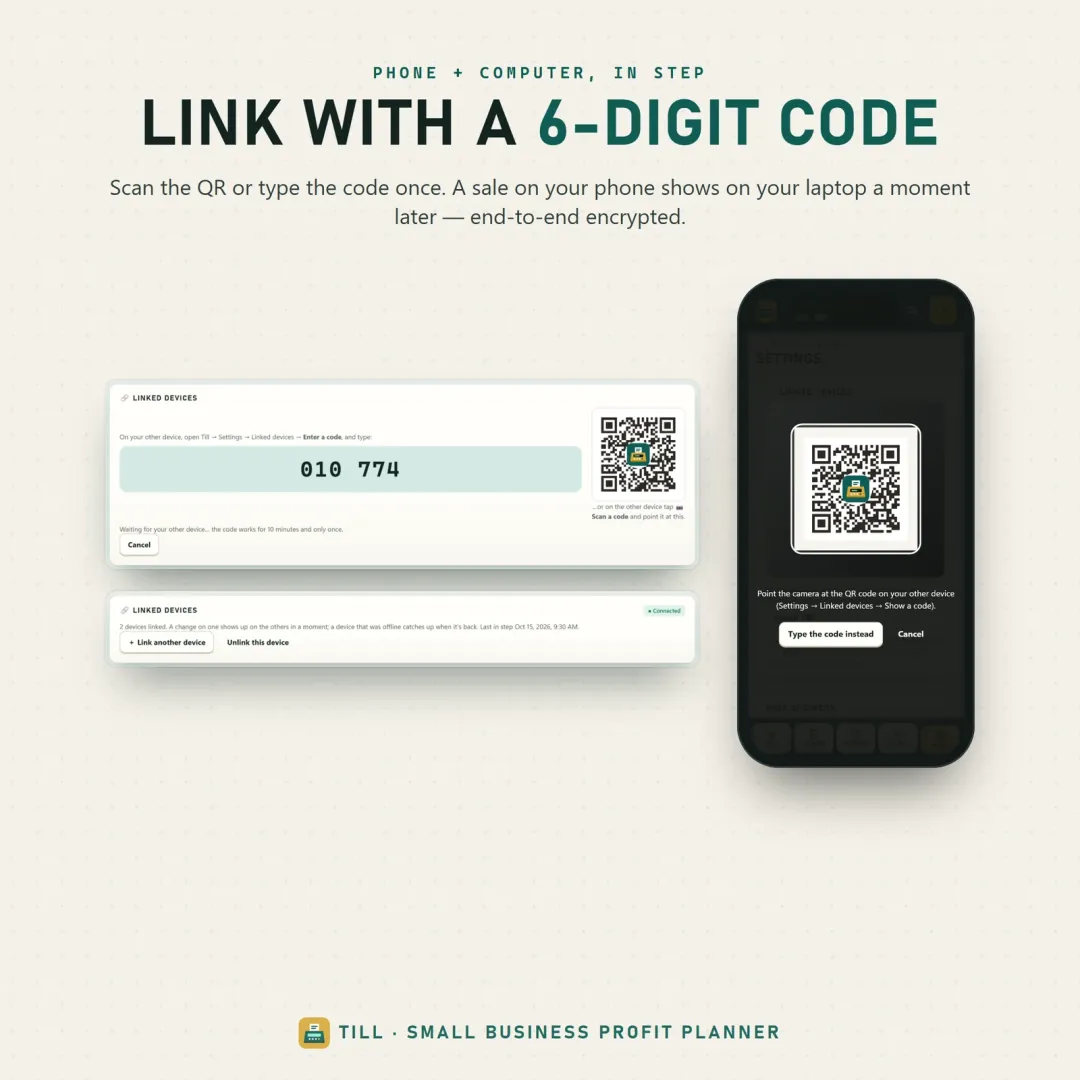
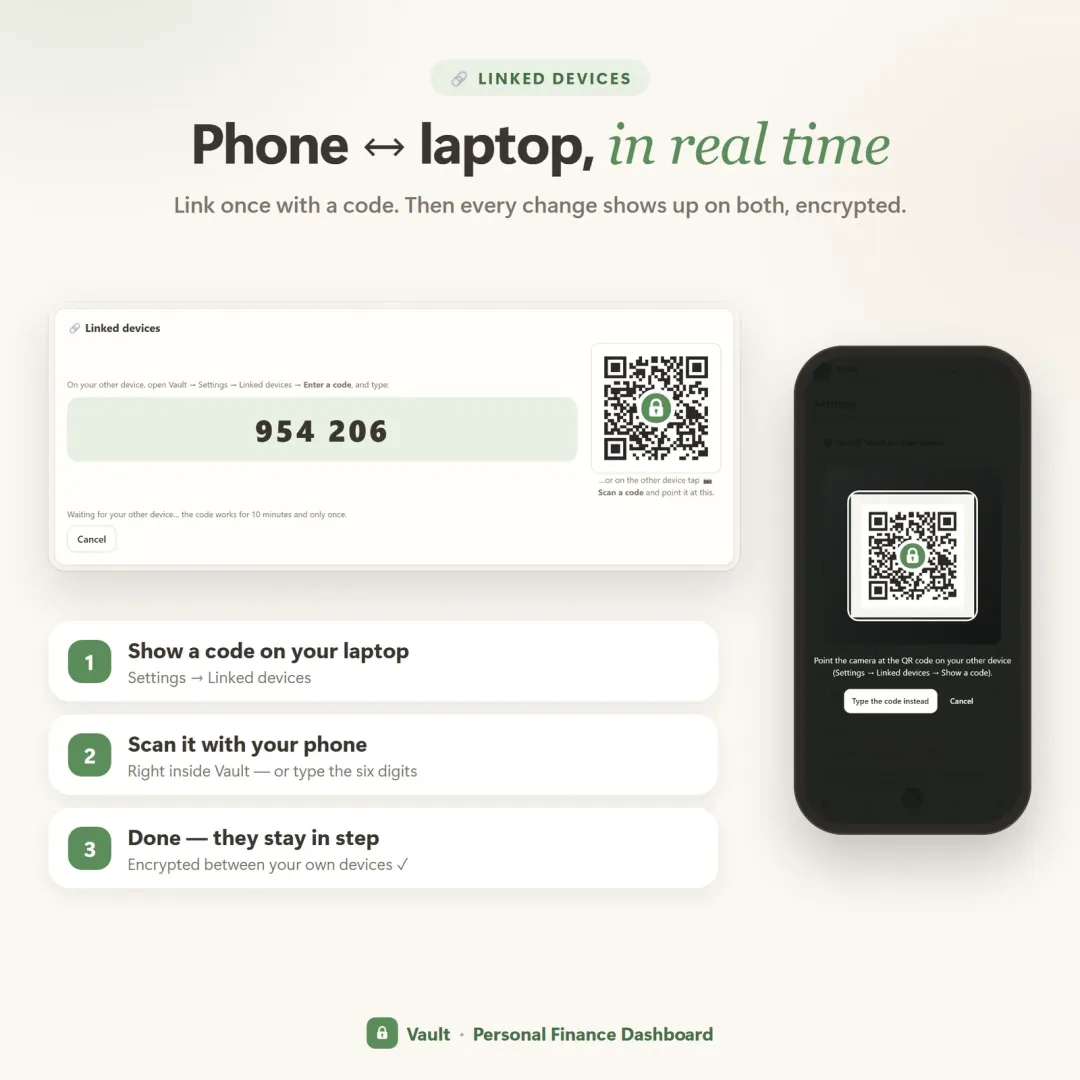
Syncing between devices doesn't have to mean a traditional account and cloud database either. A phone and a laptop can be paired directly — for example with a short code or a QR — and exchange changes through a relay that only passes along encrypted data.
Cost and maintenance over time
The build cost is only the beginning. Over the life of a product, the bigger difference is maintenance:
- Native apps need updates for new OS versions, store policy changes and device-specific bugs — separately for each platform you support.
- Web apps and PWAs need browser testing, but one fix reaches every user on every device the moment it's deployed.
- Store releases add review time to every update. That's acceptable for a monthly release cycle and painful for an urgent fix.
For small teams, the "one codebase, instant updates" advantage of the web often decides the question on its own.
Security and privacy
Both approaches can be secure; the risks are just in different places. A few principles apply to any web app:
- Serve everything over HTTPS — service workers require it anyway.
- Collect only what you need. An app that stores data on the user's own device holds less sensitive data on servers in the first place.
- Encrypt data that travels. If data syncs between devices, encrypting it on the device before it leaves means the server in the middle can't read it.
- Make code harder to copy if you sell the app: minify and obfuscate what ships to the browser, and keep paid features behind access you control.
What about cross-platform frameworks?
There's a fourth option between "native" and "web": frameworks such as Flutter, React Native and Kotlin Multiplatform let one team share much of the code between Android and iPhone apps while still shipping through the app stores. They're a good fit when you need store distribution and native device access on both platforms but can't afford two separate teams.
The trade-offs: you still go through store reviews, you still maintain store listings on each platform, and some features still need platform-specific code. Desktop and web support varies by framework. If your app doesn't need native-only features, a PWA usually remains simpler; if it does, a cross-platform framework is often cheaper than two fully native apps.
Common myths about web apps
- "Web apps don't work offline." Older websites didn't. A PWA with a service worker opens and works with no connection at all.
- "Users won't install a web app." Many will, if the app explains how in one or two steps. And many people use web apps happily without installing them at all.
- "Web apps are less secure." Security depends on how an app is built, not on whether it came from a store. HTTPS, careful data handling and on-device encryption matter more than the distribution channel.
- "You can't sell a web app." You can sell access directly — by licence, link or account — without giving a share of every sale to an app store.
- "Web apps feel slow." Poorly built ones do. A web app that stores data locally and caches its files can feel instant, because most taps never wait for the network.
A quick decision checklist
Answer each question with yes or no:
- Does the core feature need hardware or background access the web can't provide?
- Is on-device performance (graphics, heavy computation) critical?
- Is the Play Store your main or only way to reach users?
- Do you need to support iPhone and desktop users as well?
- Do you want to update daily without store reviews?
- Is your budget limited to one development team?
Mostly yes to 1–3 → native Android. Mostly yes to 4–6 → web app or PWA.
If you're choosing software to buy rather than build, the same questions — which devices, offline or not, how updates arrive, who owns the data — appear in our checklist for choosing business software. They matter just as much for field teams; see what construction management software needs to do on site.
How we approach it at VaultlyApps
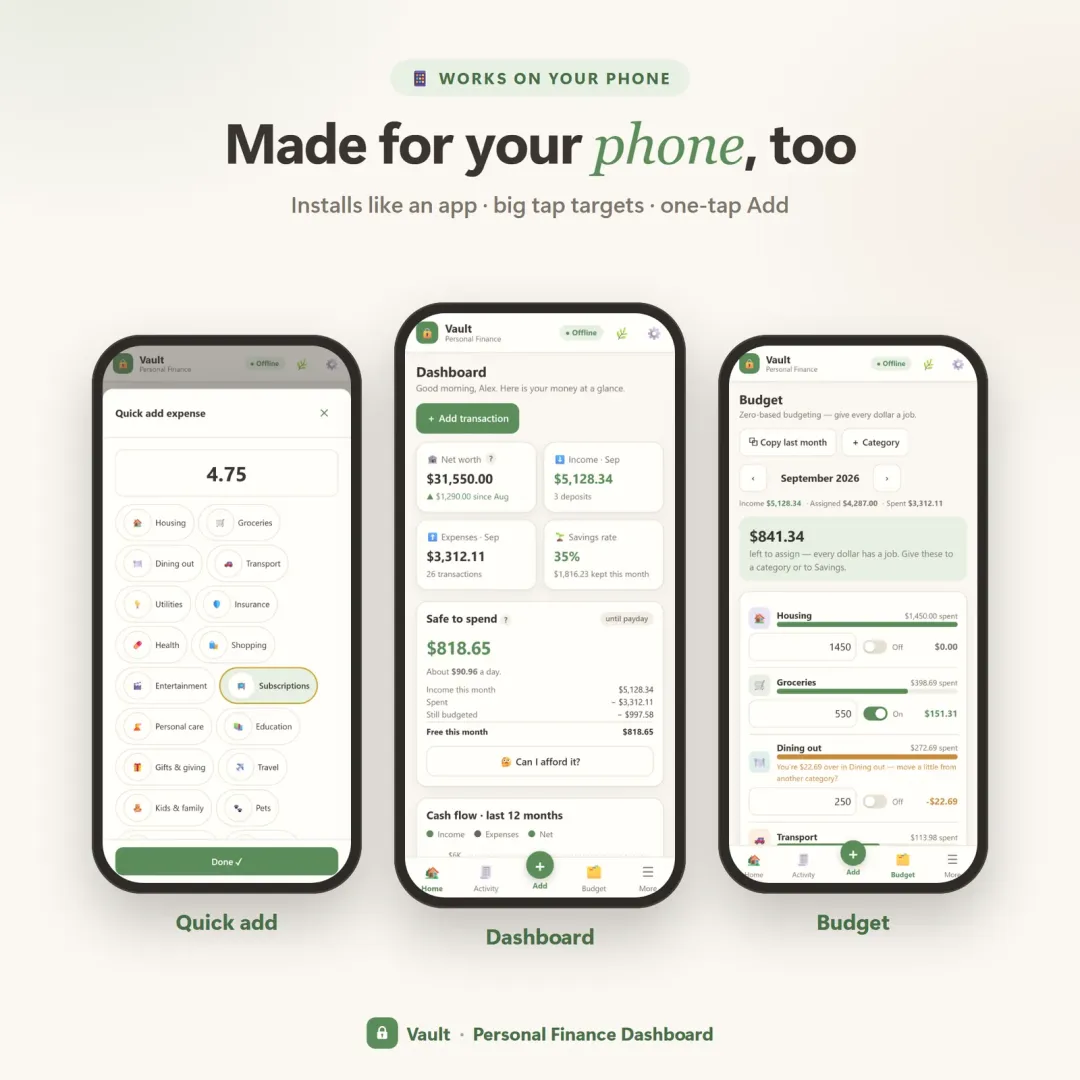
Every current VaultlyApps product is a progressive web app. Apps like Vault, Flow and Till install from the browser on iPhone, Android, iPad, Mac, Windows and Chromebook, work offline once installed, and keep a phone and a laptop in sync with end-to-end encryption — all from one codebase. Each has a free live demo that runs right in the browser, which is itself one of the web's advantages: you can try the real app before deciding anything. For personal finance and small-business tools, that combination of reach, privacy and instant updates has mattered more than native-only features.
Frequently asked questions
What is a progressive web app (PWA)?
Can a web app work offline?
Can a PWA be published on Google Play?
Is a native Android app faster than a web app?
How do you install a PWA on an iPhone?
Can a PWA send push notifications?
Written by
Founder & developer, VaultlyApps
Mohammad Ali is the developer behind VaultlyApps. He designs, builds and tests every VaultlyApps product himself, with a focus on private, practical tools that solve one real problem well. His background also includes the construction industry, which shapes how he thinks about software for real-world work.