VaultlyApps logo VaultlyApps

Free calculator

100 Envelope Challenge Calculator and Tracker: Save $5,050

The 100 envelope challenge saves $5,050: envelope 1 holds $1, envelope 100 holds $100, and you fill them in any order. Tap each envelope as you fill it, draw a random one when you can't decide, and watch your total grow. Change the number of envelopes or the dollar amount to make it your own.

By Updated Private — runs in your browser Free, no sign-up Save, print, PDF & CSV — with a QR code to reopen it

1 = envelope 37 holds $37.

Tap an envelope when you’ve filled it. Your progress stays in this browser when you press Save below.

Saved so far


Challenge total


Average per day


Other versions

For readers in the United States. Estimates for planning only — not financial, investment, tax or legal advice. Disclaimer · How we check our numbers

Nest app icon

Want these numbers to update by themselves?

Nest — Savings Challenge Tracker — keeps this plan current as you log real payments. Try the free demo, no sign-up.

How the 100 envelope challenge works

  1. Number 100 envelopes from 1 to 100.
  2. Each time you save, pick an envelope (in any order) and put that many dollars in it: envelope 37 gets $37.
  3. When all 100 are full, you've saved $5,050.

Use the tracker above: tap an envelope when you fill it, or press Draw a random envelope to let chance decide. Press Save to keep your progress in this browser.

Versions for every budget

Version Total saved
52 envelopes × $1 $1,378
100 envelopes × $0.50 $2,525
100 envelopes × $1 (classic) $5,050
100 envelopes × $2 $10,100
200 envelopes × $1 $20,100

Change the number of envelopes and the dollars per number in the calculator to design your own.

Tips to finish

  • Mix big and small. Pair envelope 90 with envelope 5 in the same week so no week is too painful.
  • Go small first in tight months. Save the big numbers for paydays, tax refunds or bonus weeks.
  • Pick a pace you can keep. One a day is intense; two or three a week is realistic for most budgets.
  • Bank it. Cash at home can disappear. Move each week's envelopes into a high-yield savings account; see how much interest it adds with the savings calculator.
  • Give it a purpose. An emergency fund, a trip, the holidays. The emergency fund calculator is a good place to start.

Is $50 a day realistic?

For many people, no, and that's fine. The challenge works because you choose the order and the pace. At two envelopes a week (about $101 a week on average) you'll finish in about a year. If even that's too much, try the half-dollar version, or the gentler 52-week savings challenge, which starts at $1 and saves $1,378. Our 52-week challenge guide has more ideas.

Where to keep the money

Envelopes are fun, but money earning interest is better. Once a week, move what you've put aside into a separate high-yield savings account. If you won't need it for a while, a CD can lock in a rate; see CD vs high-yield savings. To set a target and date for something specific, use the savings goal calculator.

Track every challenge in one place

Nest is a savings challenge tracker with the 100 envelope, 52-week, 365-day and other challenges, goals with target dates and a board where every saved amount blooms when it's done. Vault keeps your savings next to your budget and bills. Both have a free demo with sample data you can open in your browser.

Frequently asked questions

How much do you save with the 100 envelope challenge?

$5,050. The envelopes are numbered 1 to 100 and each holds that many dollars, so the total is 1 + 2 + … + 100 = $5,050.

How long does the 100 envelope challenge take?

The classic version fills one envelope a day for 100 days, an average of $50.50 a day. Many people do two or three a week instead and finish in 8 to 12 months.

How do I do the challenge if I can't afford big envelopes?

Use half-dollar steps ($0.50 per number, total $2,525), do 50 envelopes ($1,275), or pair a big envelope with a small one each week. The calculator shows each version.

Should I keep the cash in envelopes?

Some people like the physical envelopes. Moving the money into a high-yield savings account each week is safer and earns interest; you can still use the tracker to pick and tick off envelopes.

What's the difference from the 52-week challenge?

The 52-week challenge saves $1 more each week for a total of $1,378 in a year. The 100 envelope challenge saves much more, $5,050, and lets you choose the order, so you can do small envelopes in tight weeks.

Does the tracker save my progress?

Yes, in your own browser. Press Save under the calculator and give it a name; reopen it any time from Saved calculations. Nothing is sent to a server.

Written by

Emma Whitfield

Finance Specialist & Editor, VaultlyApps

Emma Whitfield writes and edits the VaultlyApps money guides and free calculators. Her focus is US household finance — budgeting on a real paycheck, paying down credit card and student debt, emergency funds and savings goals, renting — and the money side of freelancing and small-business income, from pricing and profit margins to self-employment tax. Every guide is researched against primary sources such as IRS publications and the CFPB, every number is checked in our tested calculators, and tax content is reviewed each year when new IRS figures come out. Emma is not a licensed financial adviser or tax preparer; her work is general education, not personal advice.

Researched against primary US sources, checked against independent calculators and reviewed by a finance expert on our team. Written for US readers — general education, not financial, tax or legal advice. Editorial policy · Disclaimer

From VaultlyApps

Apps that do this for you

Each one has a free live demo with sample data — open it in your browser, nothing to install.

Nest savings challenge tracker with growth rings and a savings garden Live
Nest app icon

Nest

Savings Challenge Tracker

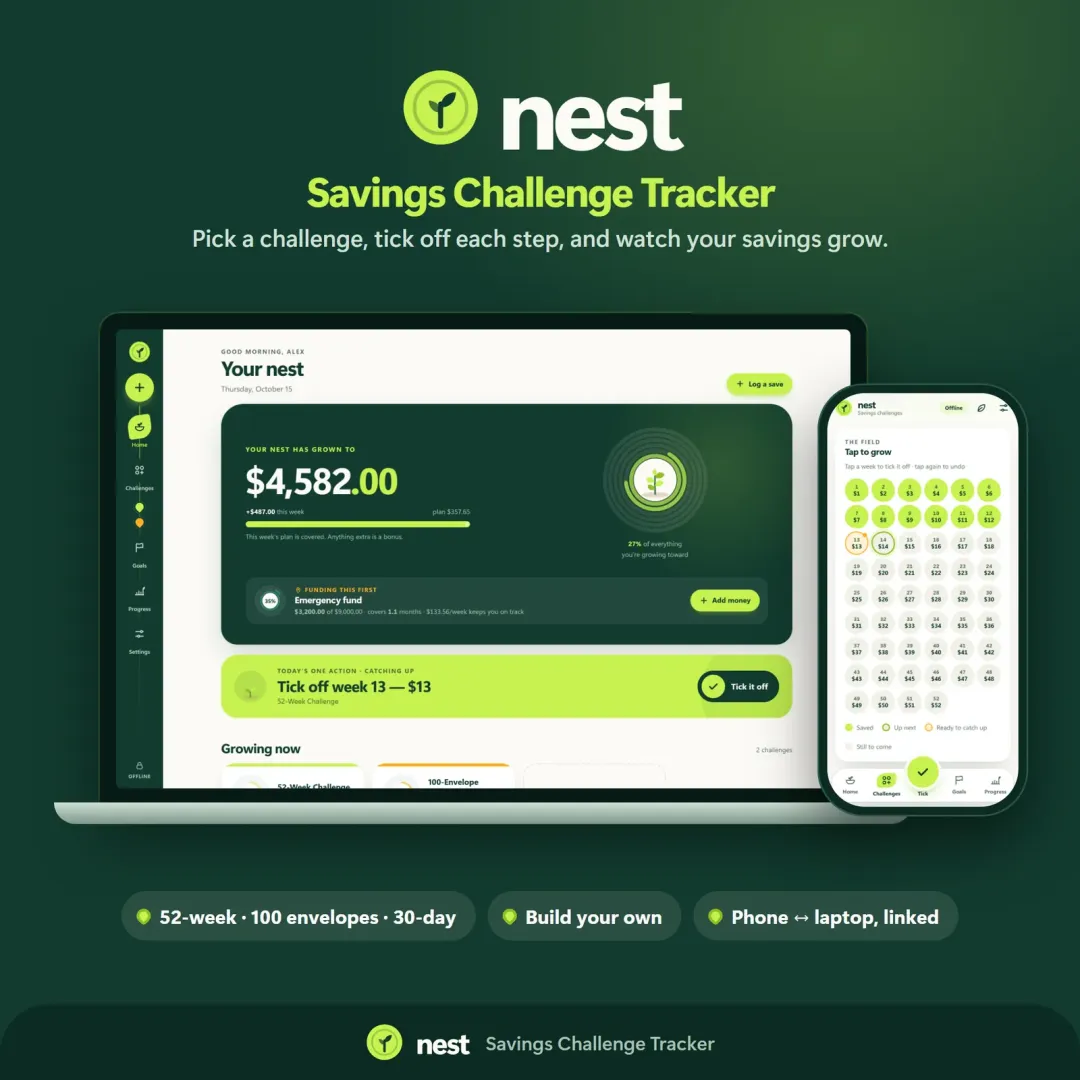
Run a 52-week, 365-day, no-spend or custom savings challenge and watch your savings grow — with goals, an emergency fund tracker and kind catch-up options.

Vault personal finance dashboard shown on a laptop and a phone, with the safe-to-spend number and cash-flow charts Live
Vault app icon

Vault

Personal Finance Dashboard

Your whole money picture on one private dashboard — safe-to-spend, budgets, bills, goals, debt payoff and net worth, on your phone and laptop.

Keep planning

Related calculators

All calculators

Savings Goal Calculator

How much to save each month to hit a goal by a date — or when you'll reach it.

Open calculator

Savings Calculator

Savings growth with monthly deposits, time to your goal and an APY comparison.

Open calculator

Further reading

Guides on this topic

All articles
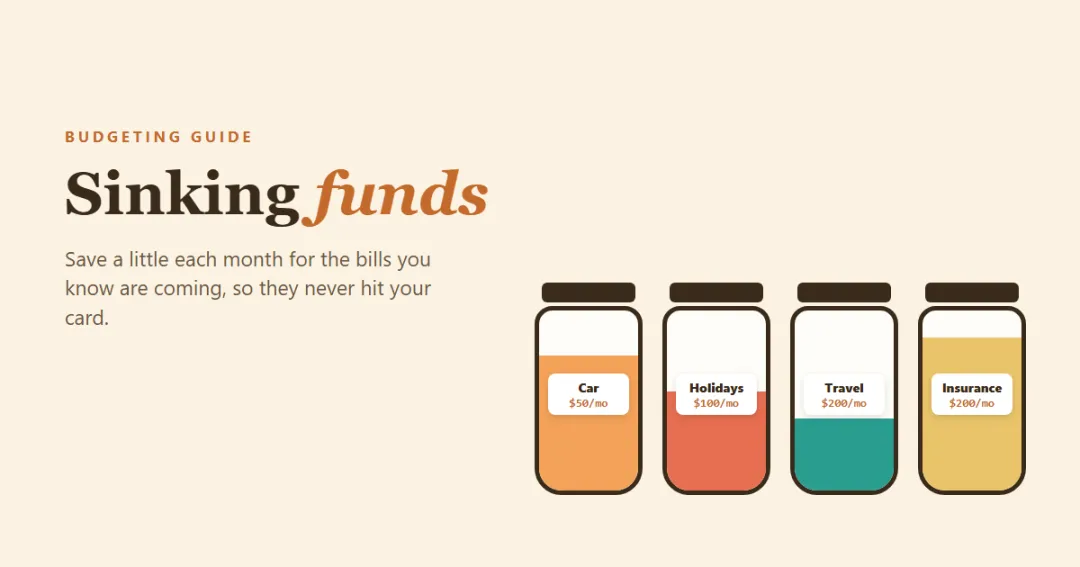
Sinking funds — labeled jars for car repairs, holidays, insurance and travel filling up each month

Personal Finance

Sinking Funds: What They Are, Examples and How to Start (With a Simple Plan)

A sinking fund is money you set aside a little at a time for an expense you know is coming — car repairs, holidays, insurance, a vacation — so it never lands on a credit card. Here's how sinking funds work, a list of the most useful ones, how to calculate the monthly amount, and where to keep the money.

6 min read
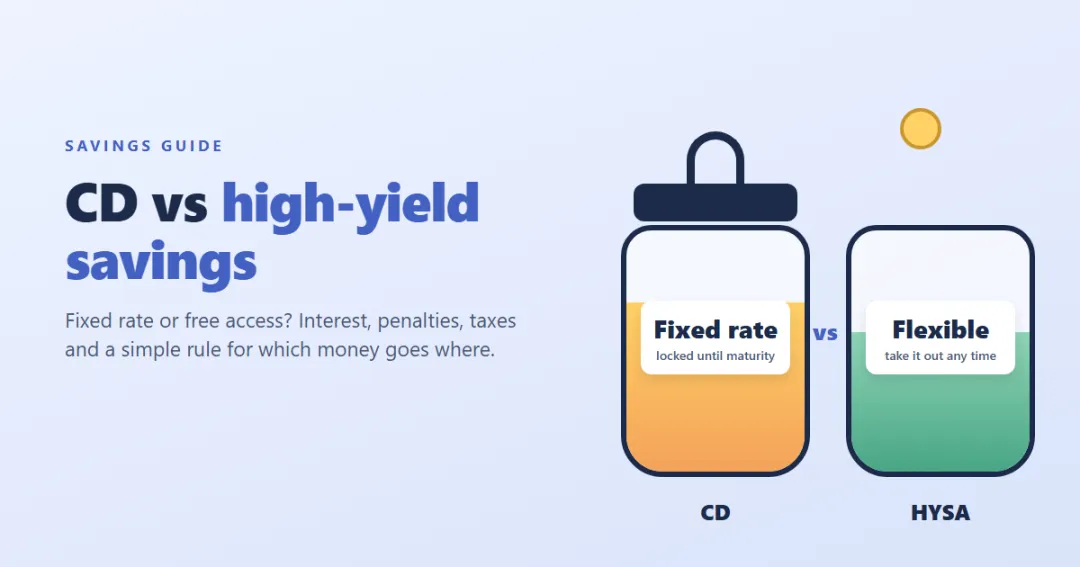
CD vs high-yield savings account — a locked jar with a fixed rate next to an open jar with a variable rate

Personal Finance

CD vs High-Yield Savings Account: Which Is Better for Your Money?

A CD locks in a rate; a high-yield savings account keeps your money free but its rate can fall. Here's how they really compare — interest, early withdrawal penalties, taxes and safety — with worked examples, a simple rule for which money goes where, and how to build a CD ladder.

9 min read

Try Nest free in your browser

Run a 52-week, 365-day, no-spend or custom savings challenge and watch your savings grow — with goals, an emergency fund tracker and kind catch-up options. The live demo uses sample data — nothing to install, no sign-up.

We use optional cookies for anonymous analytics. Nothing optional is set until you choose. Cookie policy