How to use the savings goal calculator
- Enter your savings goal and how much you have already saved.
- Enter the APY of your savings account (use 0% for cash).
- Choose what you want to know:
- How much to save each month — enter the number of months until your deadline.
- How long it will take — enter the amount you can save every month.
The calculator shows the amount per month, week and day, what you'll deposit in total and how much interest does for you.
Save, print or share your savings plan
You don't have to start over next time. Under the calculator you can:
- Save the calculation in your browser with a name, then reopen it from "Saved calculations" whenever you like.
- Copy a link that reopens this exact calculation with all your numbers — on your phone, another computer or for someone you're planning with.
- Print a clean one-page report, or download it as a PDF. It shows the amount to save each month, week and day plus a month-by-month savings table, plus a QR code at the top: scan it with your phone camera and the calculation opens again with every number filled in.
- Download a CSV to open in Excel, Google Sheets or Numbers.
Nothing is uploaded: saved calculations stay on your device, and the link and QR code carry your inputs inside the address itself.
The formula behind it
The calculator first grows what you have already saved for the full period:
future value of savings = saved × (1 + r)^n
where r is the monthly rate from your APY and n is the number of months. Whatever is still missing is spread over equal monthly deposits that also earn interest:
monthly deposit = remaining × r ÷ ((1 + r)^n − 1)
When you choose "How long will it take", it adds your monthly amount and interest month by month until the balance reaches the goal.
Breaking a goal into weekly and daily amounts
A big number feels easier as a small one. $336 a month is about $78 a week or $11 a day. If you're paid weekly or every two weeks, moving the weekly amount on payday — automatically — is the most reliable way to hit the goal.
If you like a game, the 52-week savings challenge calculator turns the same idea into a schedule that grows each week. Our 52-week challenge guide has printable variations and tips.
Where the money comes from
A savings goal only works if the monthly amount fits your budget. Run your income through the 50/30/20 budget calculator: the 20% savings bucket tells you what you can direct to goals without squeezing essentials. It also helps to know what is safe to spend after bills and savings are set aside.
How interest helps over longer goals
For a one-year goal, interest makes a small difference. Over five or ten years it becomes meaningful, especially if you keep adding money. The compound interest calculator shows how a regular deposit grows over decades.
Tips to reach your goal faster
- Automate it. Schedule a transfer for payday so the money moves before you can spend it.
- Name the account after the goal — "Japan 2027" is harder to raid than "Savings 2".
- Add windfalls. Tax refunds, bonuses and gifts can cut months off the timeline.
- Track progress visually. The progress bar under your results is there for a reason: seeing the bar fill keeps people going.
Track every goal in one place
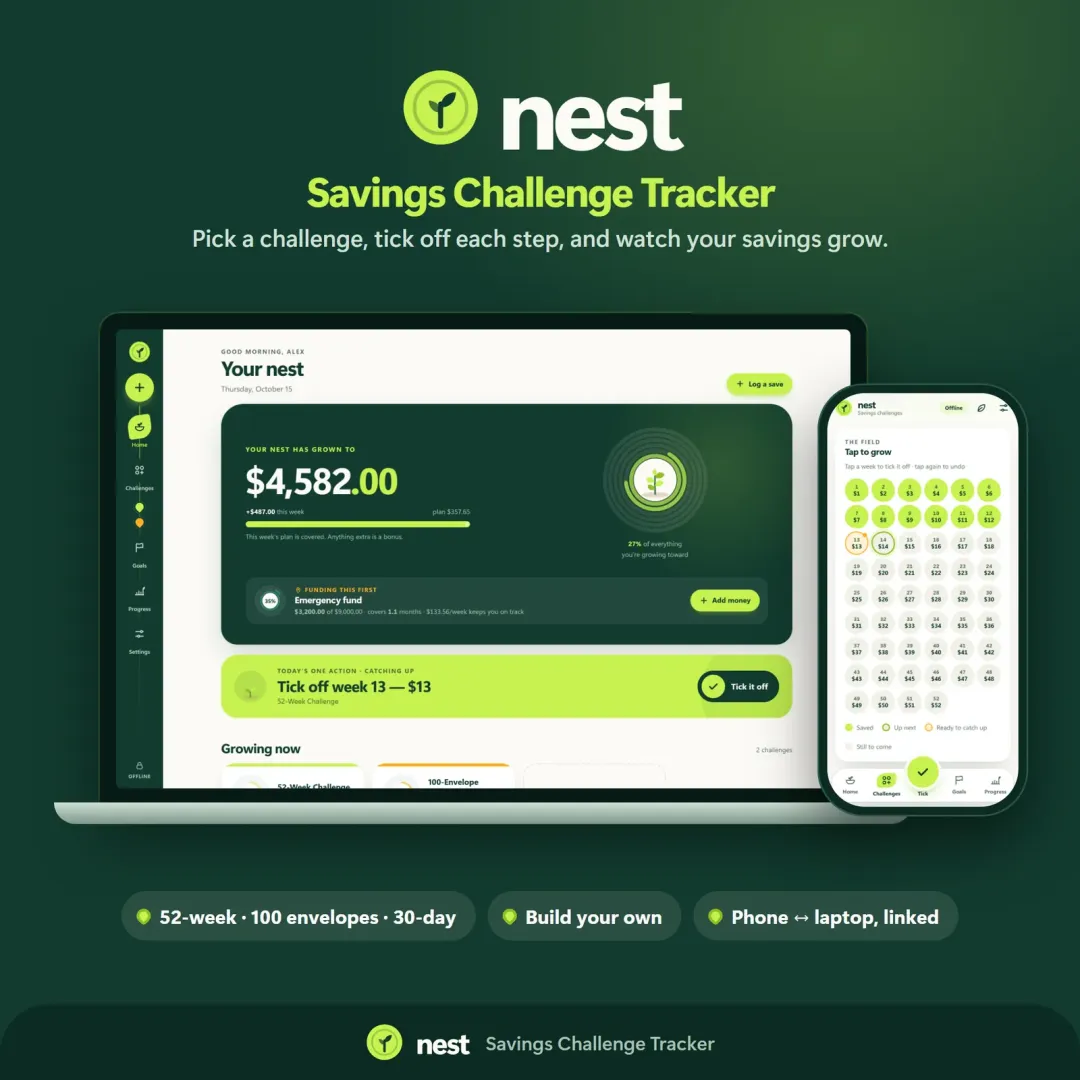
Nest, the VaultlyApps savings tracker, keeps your goals, challenges and emergency fund together, shows the maths for each goal and celebrates streaks as you save. Try the free Nest demo with sample data — it opens in your browser, no sign-up.
Frequently asked questions
Can I save, print or download my savings plan?
How do I calculate how much I need to save each month?
How long will it take to save $10,000?
What interest rate should I use?
Should I save for several goals at once?
What is a good first savings goal?
Is this calculator private?
Written by
Finance Specialist & Editor, VaultlyApps
Emma Whitfield writes and edits the VaultlyApps money guides and free calculators. Her focus is US household finance — budgeting on a real paycheck, paying down credit card and student debt, emergency funds and savings goals, renting — and the money side of freelancing and small-business income, from pricing and profit margins to self-employment tax. Every guide is researched against primary sources such as IRS publications and the CFPB, every number is checked in our tested calculators, and tax content is reviewed each year when new IRS figures come out. Emma is not a licensed financial adviser or tax preparer; her work is general education, not personal advice.
Researched against primary US sources, checked against independent calculators and reviewed by a finance expert on our team. Written for US readers — general education, not financial, tax or legal advice. Editorial policy · Disclaimer