How to use the student loan payoff calculator
- Enter your total balance. Add up all your loans, or work on one loan at a time.
- Enter the interest rate (use a weighted average if your loans have different rates) and your monthly payment.
- Enter an extra amount you could add each month, even $25.
- Optionally, choose the number of years you want to be debt-free in.
You'll see your debt-free date with and without the extra payment, the interest you'd save, the 10-year standard payment and the payment needed to hit your target.
What extra payments do
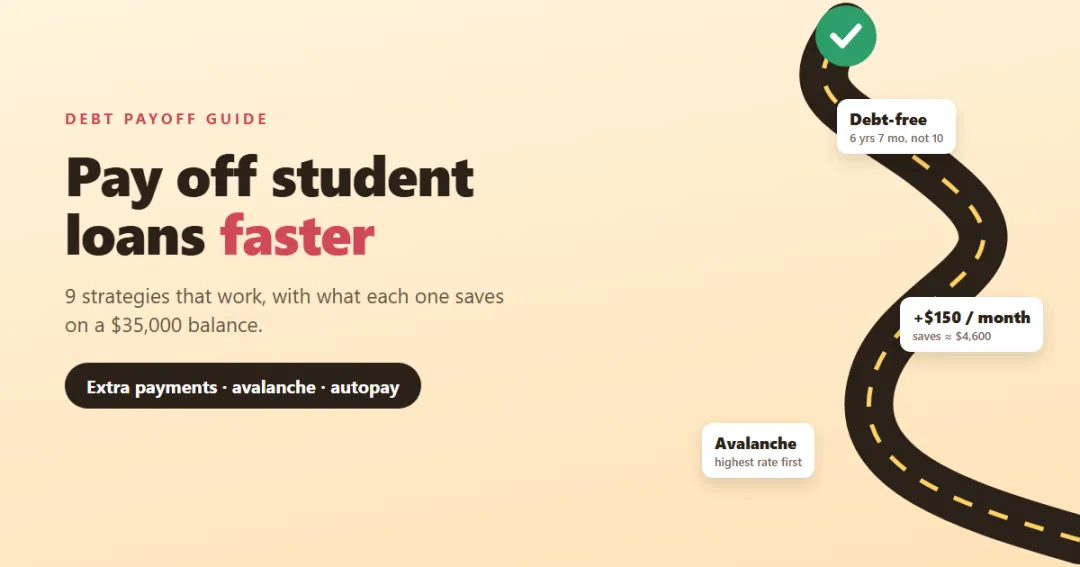
Same $35,000 at 6.5%, paying $397 a month:
| Extra each month | Debt-free in | Interest saved |
|---|---|---|
| $0 | 10 years 1 month | — |
| $50 | 8 years 7 months | about $2,046 |
| $100 | 7 years 5 months | about $3,514 |
| $150 | 6 years 7 months | about $4,621 |
| $300 | 4 years 11 months | about $6,751 |
Extra money goes straight to principal, so less interest builds up every month after that. Small amounts make a real difference: $50 a month, less than $2 a day, takes a year and a half off.
Where to find the extra money
- Raises: send half of every raise to the loan before you get used to the bigger paycheck.
- Windfalls: tax refunds, bonuses and gifts. A one-off $1,000 payment early in the loan saves far more than the same amount near the end.
- Subscriptions and small leaks: the subscription cost calculator often finds $30–$80 a month.
- A written budget: the monthly budget calculator shows where every dollar goes and what's left to put toward debt.
Before you pay extra
Paying off student loans early isn't always the best first move:
- Emergency fund first. Without savings, the next car repair goes on a credit card at 25% interest. The emergency fund calculator helps you set a target.
- Get the employer 401(k) match. It's an instant 50% or 100% return.
- Pay off higher-interest debt. A credit card at 24% beats a student loan at 6% every time. See the debt payoff calculator for a full plan across all your debts.
- Check forgiveness. If you're on track for Public Service Loan Forgiveness or income-driven forgiveness, extra payments may only reduce the amount that would have been forgiven.
Federal vs private loans
Federal loans come with income-driven repayment, deferment, forbearance and forgiveness programs. Their rates are fixed. Private loans usually have fewer protections and may have variable rates. It often makes sense to pay extra on private loans first, especially variable-rate ones.
Refinancing can lower your rate, but refinancing federal loans into a private loan gives up the federal protections for good. Compare the new payment with the personal loan calculator, which also shows the true APR when there are fees.
How student loans affect the rest of your finances
Your student loan payment counts toward your debt-to-income ratio, which lenders check when you apply for a mortgage or car loan. Paying it down raises how much house you can afford: see the debt-to-income calculator.
Stay on track every month
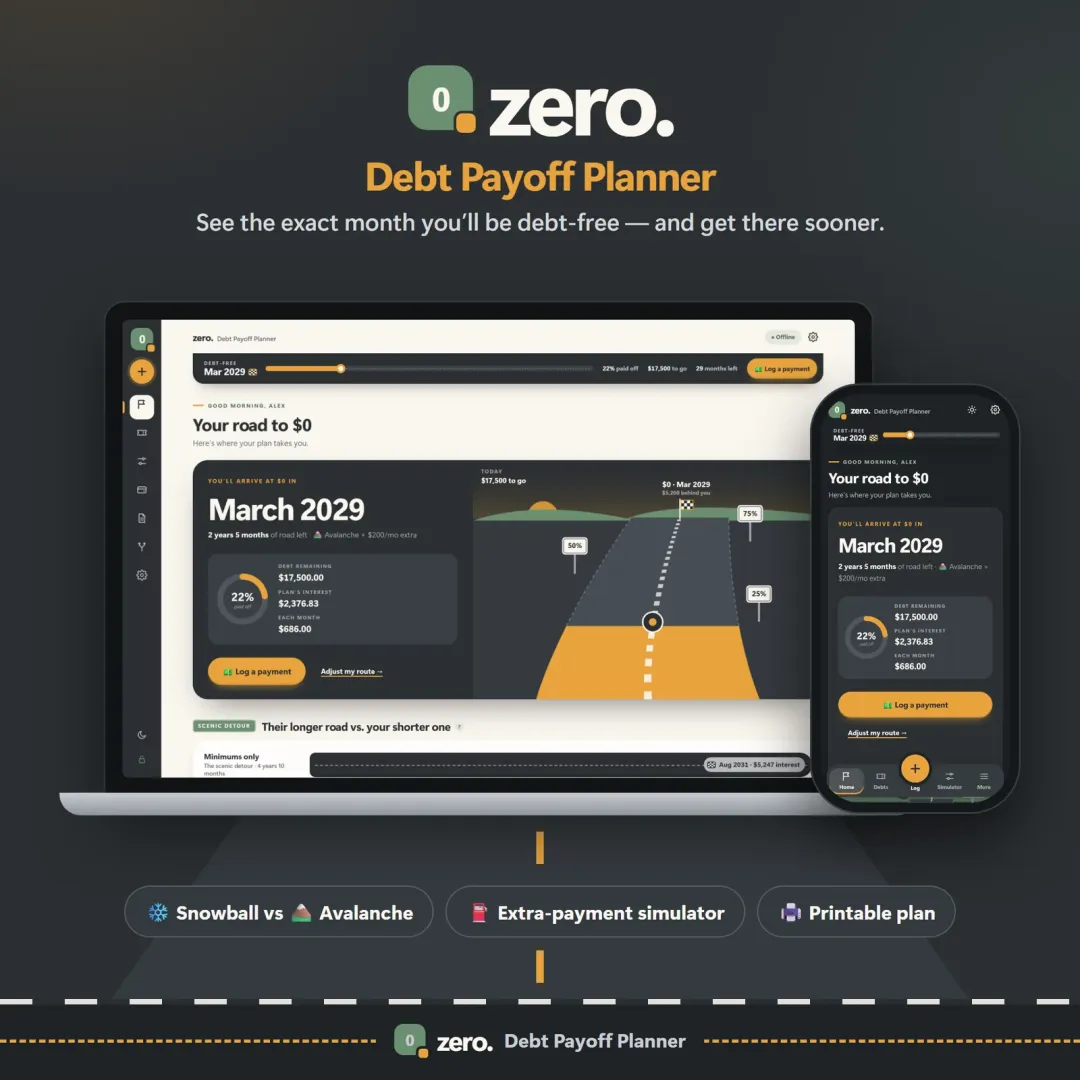
A payoff plan works when you can see progress. Zero is a debt payoff planner that turns your loans into a road trip to your debt-free date, with snowball or avalanche ordering and a chart that moves every time you pay. Vault keeps the whole budget in view. Both have a free demo with sample data you can try in your browser.
This calculator assumes a fixed rate and the same payment every month. It isn't financial advice; check your loan terms and forgiveness options with your servicer.
Frequently asked questions
How long will it take to pay off $35,000 in student loans?
Is it smart to pay extra on student loans?
How do I make sure an extra payment goes to principal?
Which student loan should I pay off first?
Should I refinance my student loans?
What is the standard repayment plan?
Written by
Finance Specialist & Editor, VaultlyApps
Emma Whitfield writes and edits the VaultlyApps money guides and free calculators. Her focus is US household finance — budgeting on a real paycheck, paying down credit card and student debt, emergency funds and savings goals, renting — and the money side of freelancing and small-business income, from pricing and profit margins to self-employment tax. Every guide is researched against primary sources such as IRS publications and the CFPB, every number is checked in our tested calculators, and tax content is reviewed each year when new IRS figures come out. Emma is not a licensed financial adviser or tax preparer; her work is general education, not personal advice.
Researched against primary US sources, checked against independent calculators and reviewed by a finance expert on our team. Written for US readers — general education, not financial, tax or legal advice. Editorial policy · Disclaimer