How to use the debt payoff calculator
- Add each debt. Enter the balance, the interest rate (APR) and the minimum monthly payment from your latest statement. Credit cards, store cards, car loans, personal loans, medical bills and student loans all work.
- Add an extra monthly payment. This is money on top of all minimums. It always goes to the debt at the top of your payoff order.
- Choose a method. Switch between avalanche and snowball to see which order costs less and which finishes sooner.
The results update as you type: your debt-free month, total interest, total paid, how much your extra payment saves compared with paying no extra, and the order your debts disappear in.
Save, print or share your debt payoff plan
You don't have to start over next time. Under the calculator you can:
- Save the calculation in your browser with a name, then reopen it from "Saved calculations" whenever you like.
- Copy a link that reopens this exact calculation with all your numbers — on your phone, another computer or for someone you're planning with.
- Print a clean one-page report, or download it as a PDF. It shows your debt-free date, total interest, payoff order and a month-by-month balance for every debt, plus a QR code at the top: scan it with your phone camera and the calculation opens again with every number filled in.
- Download a CSV to open in Excel, Google Sheets or Numbers.
Nothing is uploaded: saved calculations stay on your device, and the link and QR code carry your inputs inside the address itself.
Snowball vs avalanche: what the calculator compares
Both methods use the same total monthly budget. The only difference is which debt gets the extra money first.
- Debt avalanche puts every spare dollar on the highest interest rate. Mathematically it is the cheapest way out of debt.
- Debt snowball puts every spare dollar on the smallest balance. You clear whole debts faster at the start, which many people find motivating.
When a debt is paid off, its minimum payment does not disappear from your budget — it "rolls over" to the next debt in line. That rollover is what makes both methods speed up over time. Our full guide, Debt Snowball vs Debt Avalanche, walks through a worked example and how to choose.
How the payoff is calculated
For every month the calculator:
- Adds one month of interest to each balance (APR ÷ 12 × balance).
- Pays the minimum on every debt that still has a balance.
- Sends whatever is left of your monthly budget to the target debt, then the next one if that debt is cleared.
It repeats until every balance is zero. Your monthly budget is the sum of all minimum payments plus your extra payment, and it stays the same for the whole plan. That is why the plan accelerates: as debts disappear, more of the same budget goes to the remaining ones.
The comparison line "vs paying no extra" runs the same plan with an extra payment of $0, so you can see exactly what your extra money buys you in months and dollars.
A worked example
Take the sample numbers already in the calculator: a $6,500 credit card at 24.99%, a $1,200 store card at 17.99%, a car loan at 7.5% and a student loan at 5.5% — $38,000 in total with $765 of minimum payments.
- With $200 extra a month and the avalanche method, the credit card goes first because it charges the most interest. Everything is paid off in 46 months with about $6,100 of interest.
- With the snowball, the $1,200 store card is gone in six months — a quick win — then the credit card, the car loan and the student loan. It also finishes in 46 months, for about $140 more interest.
- The bigger win is the extra $200 itself. Paying no extra takes 64 months and costs about $10,200 in interest, so the extra payment saves roughly $4,100 and a year and a half.
Change the numbers to your own and the comparison updates instantly.
Tips to get out of debt faster
- Find your extra payment in your budget. Run your income through the budget calculator and send part of your "wants" or savings money to debt for a while.
- Attack card balances first if you can. Cards above 20% APR grow quickly. The credit card payoff calculator shows what one card costs you on its own.
- Stop new borrowing. The plan only works if balances aren't growing behind you.
- Check your debt-to-income ratio before applying for a loan or a lease. The DTI calculator shows how lenders see you today.
- Keep a small emergency fund — even $500 to $1,000 — so a surprise bill doesn't go back on a card.
Turn the plan into a habit
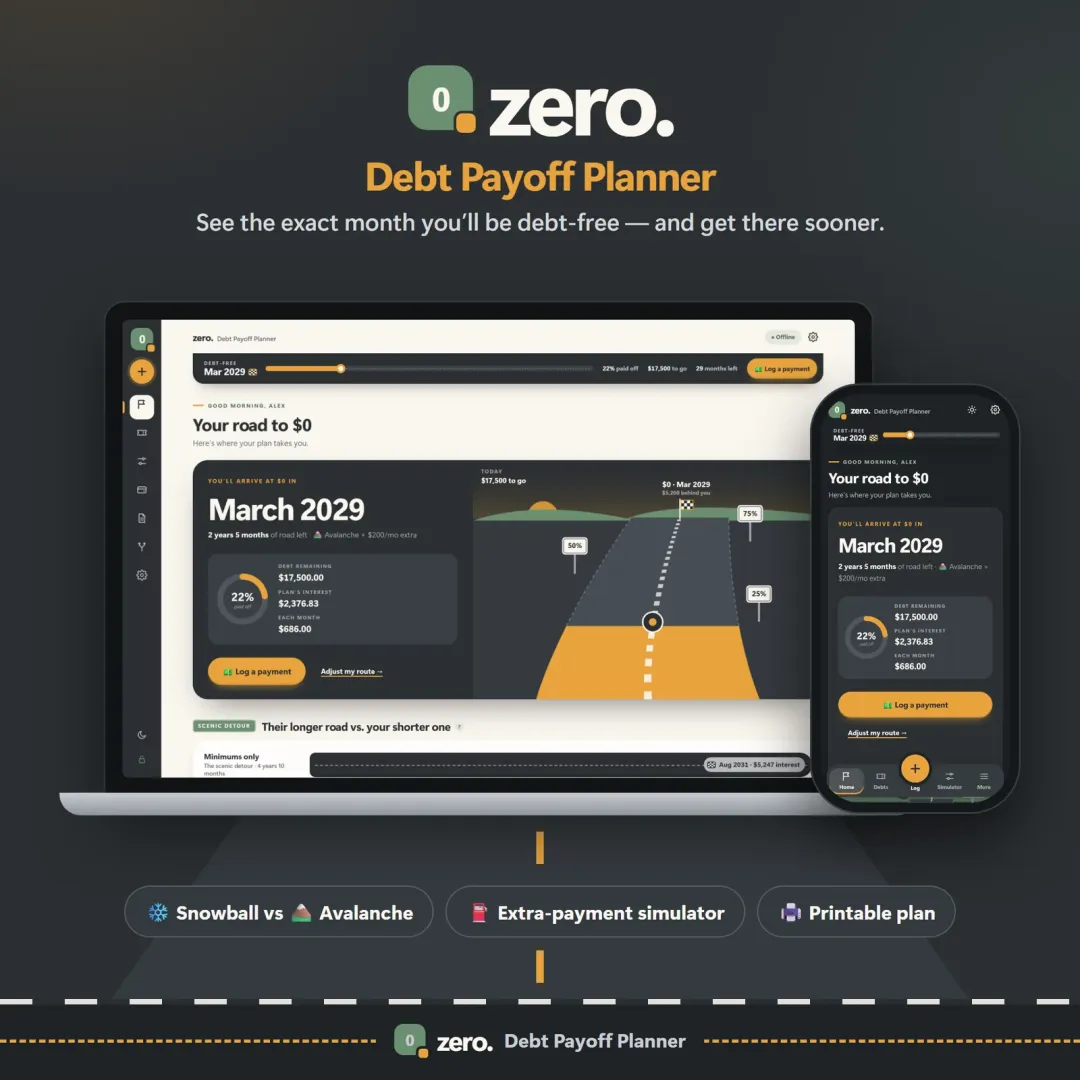
A calculator gives you a date. Staying on track means logging payments, adjusting when a bill changes and seeing the progress month by month. Zero, the VaultlyApps debt payoff planner, does exactly that — snowball vs avalanche, an extra-payment slider, lump-sum "what ifs" and a printable plan — and it runs privately on your own device. You can open the free Zero demo in your browser with sample data before you decide.
Frequently asked questions
Can I save, print or download my debt payoff plan?
How do I calculate how long it will take to pay off my debt?
Is the snowball or avalanche method better?
What should I put as the extra payment?
Does the calculator include new purchases on my credit cards?
Why does the calculator say my debt will never be paid off?
Is my information saved or shared?
Written by
Finance Specialist & Editor, VaultlyApps
Emma Whitfield writes and edits the VaultlyApps money guides and free calculators. Her focus is US household finance — budgeting on a real paycheck, paying down credit card and student debt, emergency funds and savings goals, renting — and the money side of freelancing and small-business income, from pricing and profit margins to self-employment tax. Every guide is researched against primary sources such as IRS publications and the CFPB, every number is checked in our tested calculators, and tax content is reviewed each year when new IRS figures come out. Emma is not a licensed financial adviser or tax preparer; her work is general education, not personal advice.
Researched against primary US sources, checked against independent calculators and reviewed by a finance expert on our team. Written for US readers — general education, not financial, tax or legal advice. Editorial policy · Disclaimer