How to use the credit card payoff calculator
- Enter your current balance and the card's APR (on your statement, usually called "Purchase APR").
- Pick what you want to know:
- How long it will take — enter the fixed amount you can pay each month.
- What to pay each month — enter the number of months you want to be done in.
- Read your payoff date, total interest and total paid. The table underneath shows what paying $50, $100 or $250 more each month would change.
Save, print or share your credit card payoff plan
You don't have to start over next time. Under the calculator you can:
- Save the calculation in your browser with a name, then reopen it from "Saved calculations" whenever you like.
- Copy a link that reopens this exact calculation with all your numbers — on your phone, another computer or for someone you're planning with.
- Print a clean one-page report, or download it as a PDF. It shows your payoff date, total interest and the full month-by-month payment schedule, plus a QR code at the top: scan it with your phone camera and the calculation opens again with every number filled in.
- Download a CSV to open in Excel, Google Sheets or Numbers.
Nothing is uploaded: saved calculations stay on your device, and the link and QR code carry your inputs inside the address itself.
The cost of minimum payments
The amber box under your results shows what happens if you only pay the card issuer's minimum. Most issuers calculate it as about 1% of the balance plus the month's interest, with a minimum of around $25. Because the minimum shrinks as the balance shrinks, progress slows down every month.
On a $5,000 balance at 22.9%, minimum-only payments take almost 20 years and cost more than $8,000 in interest — more than the original balance. A fixed payment of $200 clears the same card in under three years. That difference — keeping the payment the same as the balance falls — is the single most effective change you can make.
How the calculator works
Payoff time: each month the calculator adds interest (balance × APR ÷ 12), subtracts your payment, and repeats until the balance is gone. The last payment is smaller if only a little is left.
Payment for a target date: it uses the standard amortization formula:
payment = balance × r ÷ (1 − (1 + r)^−n)
where r is the monthly rate (APR ÷ 12) and n is the number of months. If the APR is 0%, the payment is simply the balance divided by the months.
The calculator assumes no new purchases on the card. If you keep spending on it, the real payoff date moves later.
Paying off several cards
If you have more than one card or other debts, use the debt payoff calculator. It handles all your balances together and compares the snowball and avalanche methods. Our guide to snowball vs avalanche explains which order makes sense for you.
Ways to pay a card off faster
- Pay a fixed amount, not the minimum. Set up an automatic payment for the amount the calculator gives you.
- Cancel subscriptions you forgot about. A $15 streaming plan is $180 a year that could go to the card — the subscription cost calculator adds it all up.
- Ask for a lower APR. If you've paid on time for a year, call the issuer. Even a few points less shortens the plan.
- Consider a 0% balance transfer only if you can clear the balance during the promo period.
- Check your debt-to-income ratio with the DTI calculator before taking on any new credit.
Keep the plan on track
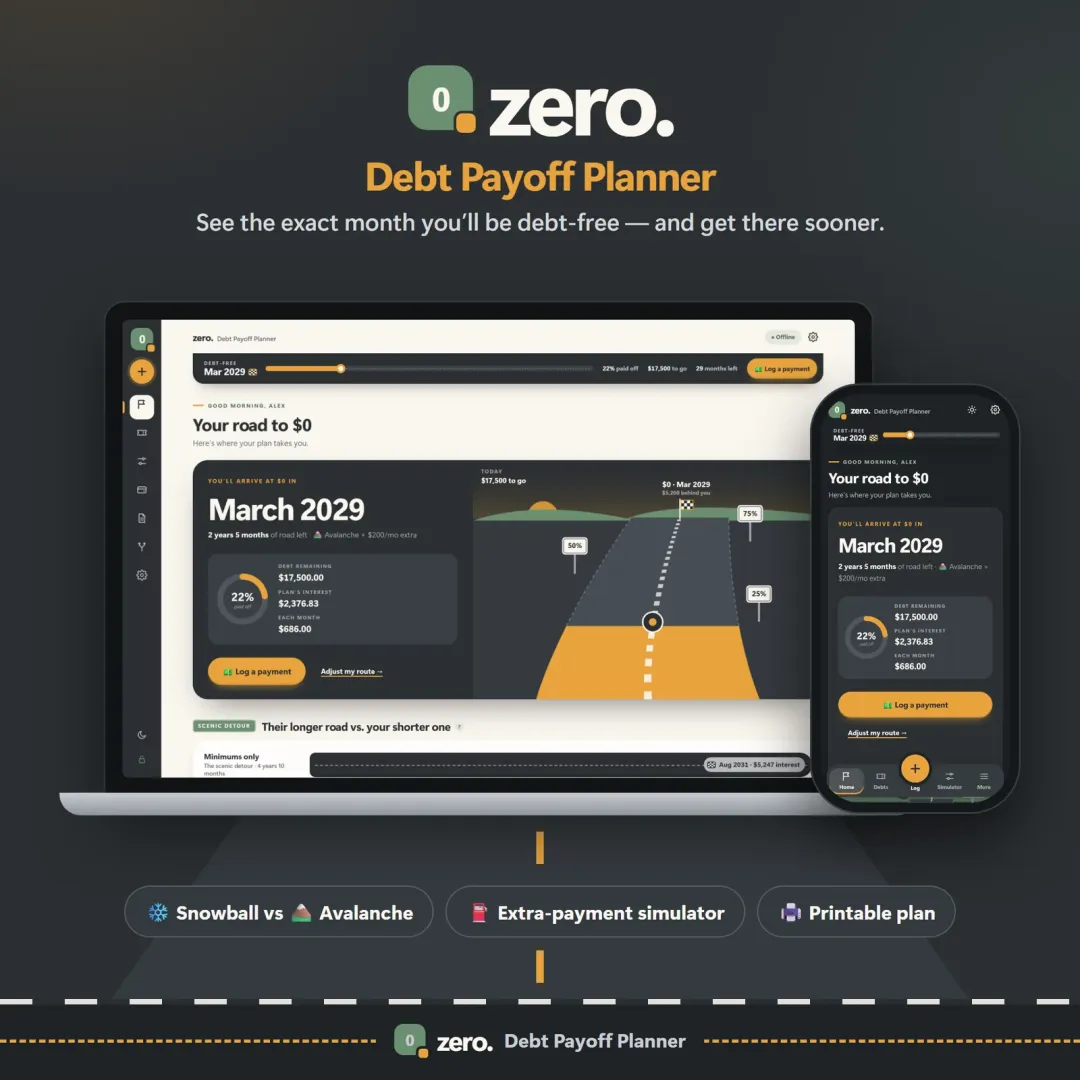
Zero, the VaultlyApps debt payoff planner, turns this one-off answer into a plan you can follow: log each payment, watch every card's balance fall and see your debt-free date move closer. It works for one card or a dozen. Try the free Zero demo — it runs in your browser with sample data and nothing to install.
Frequently asked questions
Can I save, print or download my credit card payoff plan?
How long will it take to pay off my credit card?
How much should I pay to pay off my credit card in 12 months?
Why does paying only the minimum take so long?
Is APR the same as the interest rate on my card?
Should I use a balance transfer card?
Does this calculator store my card details?
Written by
Finance Specialist & Editor, VaultlyApps
Emma Whitfield writes and edits the VaultlyApps money guides and free calculators. Her focus is US household finance — budgeting on a real paycheck, paying down credit card and student debt, emergency funds and savings goals, renting — and the money side of freelancing and small-business income, from pricing and profit margins to self-employment tax. Every guide is researched against primary sources such as IRS publications and the CFPB, every number is checked in our tested calculators, and tax content is reviewed each year when new IRS figures come out. Emma is not a licensed financial adviser or tax preparer; her work is general education, not personal advice.
Researched against primary US sources, checked against independent calculators and reviewed by a finance expert on our team. Written for US readers — general education, not financial, tax or legal advice. Editorial policy · Disclaimer