VaultlyApps logo VaultlyApps

Free calculator

Wedding Budget Calculator: Split Your Budget by Category

Enter your total wedding budget and number of guests. The calculator splits it across typical categories — venue and catering, photography, attire, flowers, music, rings and a buffer — which you can adjust, and shows the cost per guest.

By Updated Private — runs in your browser Free, no sign-up Save, print, PDF & CSV — with a QR code to reopen it

Categories (% of the budget)

Cost per guest


Venue & food per guest


Shares add up to


Your wedding budget

For readers in the United States. Estimates for planning only — not financial, investment, tax or legal advice. Disclaimer · How we check our numbers

Nest app icon

Want these numbers to update by themselves?

Nest — Savings Challenge Tracker — keeps this plan current as you log real payments. Try the free demo, no sign-up.

How to use the wedding budget calculator

  1. Enter your total budget and the number of guests.
  2. Adjust the share (%) for each category, rename them or add your own.
  3. Check that the shares add up to 100%, and look at the cost per guest.

A $30,000 wedding, category by category

Category Share Amount
Venue & catering 45% $13,500
Photography & video 12% $3,600
Flowers & decor 8% $2,400
Attire & beauty 7% $2,100
Music & entertainment 7% $2,100
Planner / coordinator 5% $1,500
Rings 3% $900
Invitations & stationery 2% $600
Transportation 2% $600
Favors & gifts 2% $600
Buffer for surprises 7% $2,100

The biggest levers

  • Guest count: venue and food scale with guests. Twenty fewer guests can save thousands.
  • Date and day: off-season months and Fridays or Sundays often cost much less.
  • Venue: all-inclusive venues can be cheaper than renting a space and hiring every vendor separately.
  • Priorities: pick your top two or three categories and spend there; trim the rest.

Hidden costs to plan for

Service charges and tax on catering (often 20%+), vendor tips, alterations, marriage license, hair and makeup trials, postage, and vendor meals. The buffer exists for these.

A simple planning timeline

  • 12+ months out: set the total budget and guest list, decide who is contributing, and book the venue, which sets the date.
  • 9–12 months: book photographer, caterer if separate, and music; these good vendors fill up first.
  • 6–9 months: attire, florist, invitations design, and a planner or day-of coordinator if you want one.
  • 3–6 months: send invitations, order rings, plan transport and favors.
  • Final month: confirm numbers with every vendor, pay final balances, and prepare tips in labeled envelopes.

Track deposits and due dates as you go. Most vendors take a deposit at booking and the balance a week or two before the wedding, so the money has to be ready earlier than the date itself.

How to save for it

Work out the monthly amount with the savings goal calculator: $20,000 in 18 months is about $1,100 a month. Keep the money in a separate high-yield account, or a CD if the date is fixed; see CD vs high-yield savings. A fun way to build part of it: the 100 envelope challenge saves $5,050. Then fit the monthly saving into your monthly budget.

Keep the wedding fund on track

Nest is a savings tracker with goals, target dates and a weekly amount for each, so the wedding fund grows on schedule. Vault keeps the budget and bills in view while you plan. Both have a free demo with sample data.

Frequently asked questions

How should I split my wedding budget?

A common split is about 45% for venue and catering, 10–12% for photography and video, 7–10% each for flowers and decor and music, 5–8% for attire and beauty, and smaller shares for rings, stationery, transport and favors, with 5–10% kept as a buffer.

How much does a wedding cost per guest?

Divide the total by the guest count. A $30,000 wedding for 100 guests is $300 per guest, of which venue and catering are about $135. Cutting the guest list is usually the biggest way to save.

How much should I keep as a buffer?

5–10% of the total. Last-minute costs — overtime, extra guests, alterations, tips — almost always appear.

Who pays for the wedding?

It varies. Many couples pay most themselves today, with family contributing. Agree early on who is paying for what so the budget is realistic.

How can I save for a wedding?

Set a target and date, divide by the months left, and save that amount in a separate high-yield account. The savings goal calculator gives the monthly amount.

Should I include the honeymoon and rings?

Include whatever you'll pay from the same pot. Engagement rings are often bought earlier and kept separate; wedding bands are usually in the budget. Add the honeymoon as its own category if it comes from the same savings.

Written by

Emma Whitfield

Finance Specialist & Editor, VaultlyApps

Emma Whitfield writes and edits the VaultlyApps money guides and free calculators. Her focus is US household finance — budgeting on a real paycheck, paying down credit card and student debt, emergency funds and savings goals, renting — and the money side of freelancing and small-business income, from pricing and profit margins to self-employment tax. Every guide is researched against primary sources such as IRS publications and the CFPB, every number is checked in our tested calculators, and tax content is reviewed each year when new IRS figures come out. Emma is not a licensed financial adviser or tax preparer; her work is general education, not personal advice.

Researched against primary US sources, checked against independent calculators and reviewed by a finance expert on our team. Written for US readers — general education, not financial, tax or legal advice. Editorial policy · Disclaimer

From VaultlyApps

Apps that do this for you

Each one has a free live demo with sample data — open it in your browser, nothing to install.

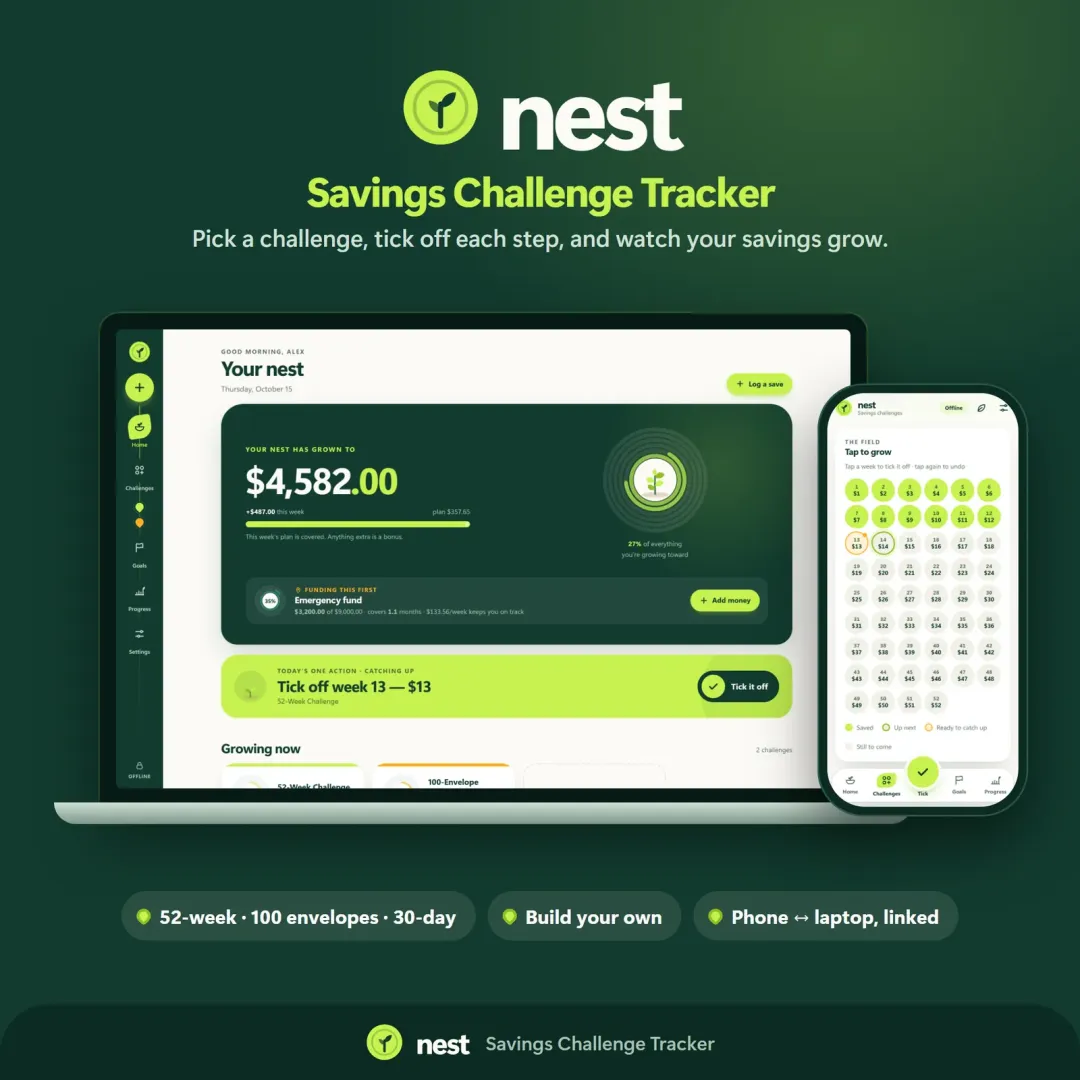
Nest savings challenge tracker with growth rings and a savings garden Live
Nest app icon

Nest

Savings Challenge Tracker

Run a 52-week, 365-day, no-spend or custom savings challenge and watch your savings grow — with goals, an emergency fund tracker and kind catch-up options.

Vault personal finance dashboard shown on a laptop and a phone, with the safe-to-spend number and cash-flow charts Live
Vault app icon

Vault

Personal Finance Dashboard

Your whole money picture on one private dashboard — safe-to-spend, budgets, bills, goals, debt payoff and net worth, on your phone and laptop.

Keep planning

Related calculators

All calculators

Savings Goal Calculator

How much to save each month to hit a goal by a date — or when you'll reach it.

Open calculator

Savings Calculator

Savings growth with monthly deposits, time to your goal and an APY comparison.

Open calculator

Further reading

Guides on this topic

All articles
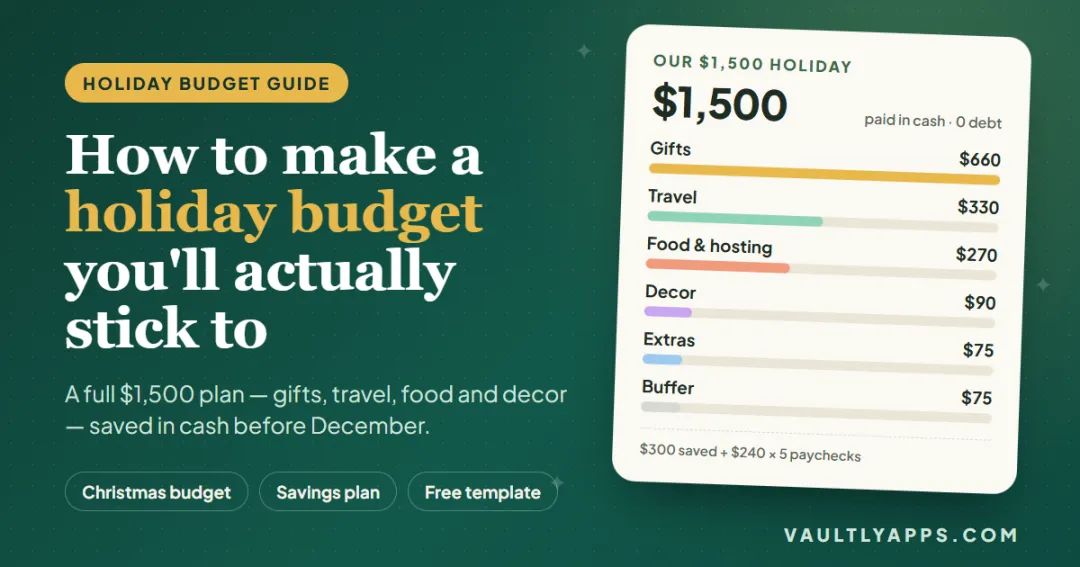
How to make a holiday budget you'll actually stick to — a $1,500 Christmas budget broken down into gifts, travel, food and decor

Personal Finance

How to Make a Holiday Budget You'll Actually Stick To

A complete $1,500 holiday budget, built line by line — gifts, travel, food and decor — with the Christmas savings plan that pays for it in cash and the simple tracking that keeps it on course through December.

10 min read
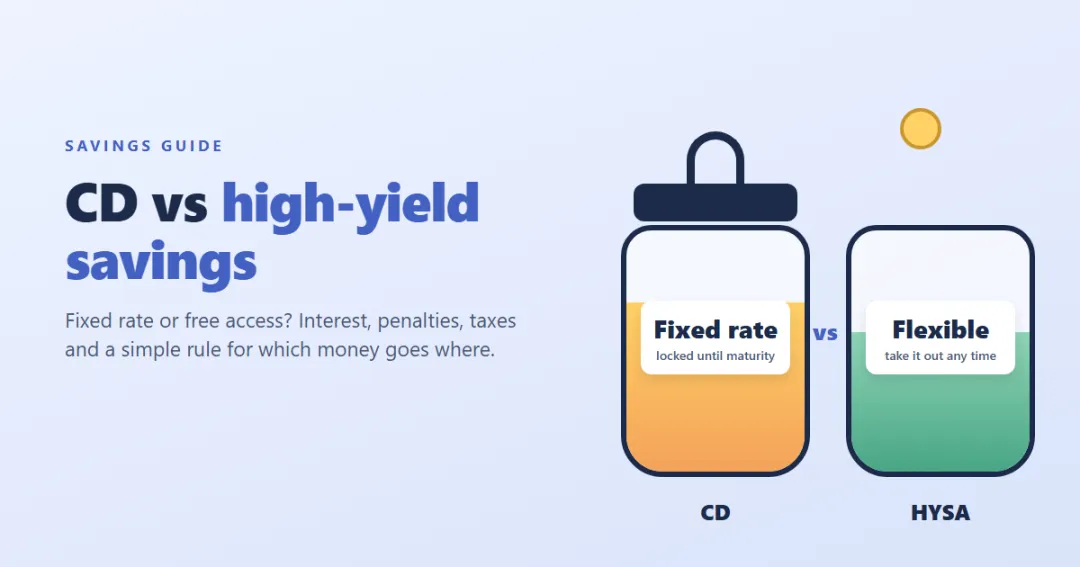
CD vs high-yield savings account — a locked jar with a fixed rate next to an open jar with a variable rate

Personal Finance

CD vs High-Yield Savings Account: Which Is Better for Your Money?

A CD locks in a rate; a high-yield savings account keeps your money free but its rate can fall. Here's how they really compare — interest, early withdrawal penalties, taxes and safety — with worked examples, a simple rule for which money goes where, and how to build a CD ladder.

9 min read

Try Nest free in your browser

Run a 52-week, 365-day, no-spend or custom savings challenge and watch your savings grow — with goals, an emergency fund tracker and kind catch-up options. The live demo uses sample data — nothing to install, no sign-up.

We use optional cookies for anonymous analytics. Nothing optional is set until you choose. Cookie policy