VaultlyApps logo VaultlyApps

Free tool

Self-Care Bingo: a Free Printable Card You Can Tap Off

Self-care bingo turns looking after yourself into a gentle game. Each square is one small act of care — drink a big glass of water, call someone you love, go to bed early. Tick a square whenever you do one, and celebrate a line. Pick a theme, add your own ideas, shuffle until the card feels right, then keep it here or print it for the fridge.

By Updated Private — runs in your browser Free, no sign-up Save, print, PDF & CSV — with a QR code to reopen it

Theme

Your own ideas join the card first (up to 24).

Squares done


Bingo lines


Save the card to come back to it, or print / download it as a PDF and stick it on the fridge.

For readers in the United States. Estimates for planning only — not financial, investment, tax or legal advice. Disclaimer · How we check our numbers

Snug app icon

Want these numbers to update by themselves?

Snug — Cozy Life Planner — keeps this plan current as you log real payments. Try the free demo, no sign-up.

How to use the self-care bingo card

  1. Choose a theme: Classic, Cozy at home, Busy week or Outdoors.
  2. Add a few of your own ideas — they always join the card.
  3. Press New card until you like the mix. The middle square is always FREE.
  4. Each time you do something on the card, tap the square. Five in a row is a bingo line.
  5. Save the card to come back to it, or print it for the fridge.

Why self-care bingo works

Self-care often slips because it feels like one more thing to do. Bingo flips that: every tiny act becomes a square ticked, and a line is a small celebration. It also gives you variety — instead of the same bath every Sunday, you'll try a walk, a phone-free hour, an early night and a call with a friend.

It's especially helpful when you're tired or low, because every square is small. You don't have to "fix" your week; you just have to tick one square.

The four themes

Theme Good for Example squares
Classic Everyday care Drink a big glass of water, open a window, read 10 pages
Cozy at home Winter, rainy days, rest weeks Blanket + a film, bake something, fairy lights on
Busy week Work-heavy weeks Lunch away from the desk, leave on time once, bed before 11
Outdoors Spring and summer Golden-hour walk, picnic, barefoot on grass

Ideas for your own squares

If you'd like to personalize your card, pick from these or write your own:

  • Make one appointment you've been avoiding
  • Cook a meal you loved as a child
  • Delete five photos you don't need
  • Sit in the sun for ten minutes
  • Write a kind note to yourself
  • Go to bed without your phone
  • Say yes to help
  • Do something creative for fifteen minutes
  • Play your favourite album start to finish
  • Spend an hour with no plans

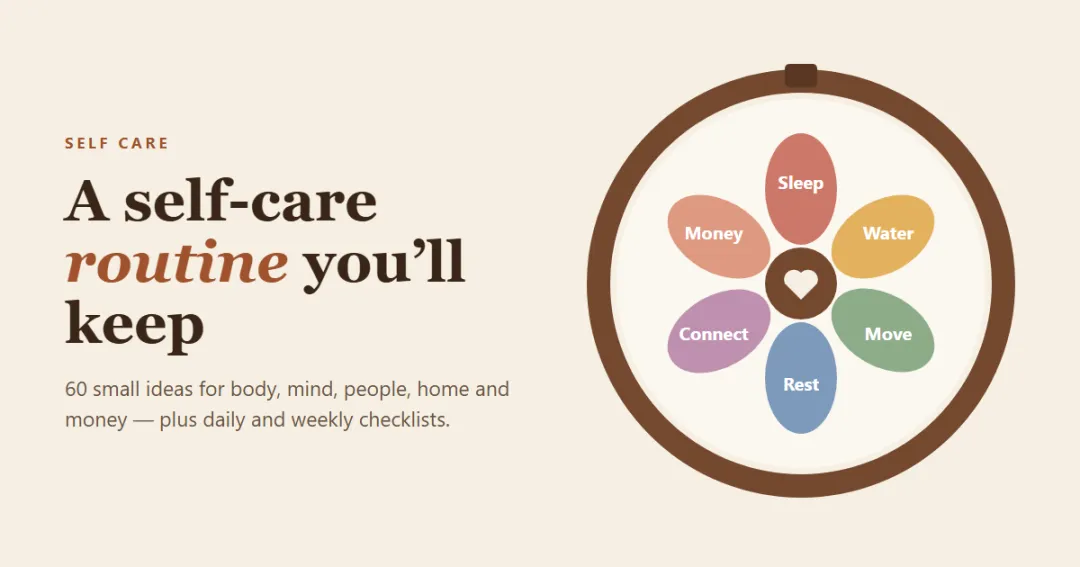
Our self-care routine guide has 60 more ideas by daily, weekly and monthly routine.

Make it a habit

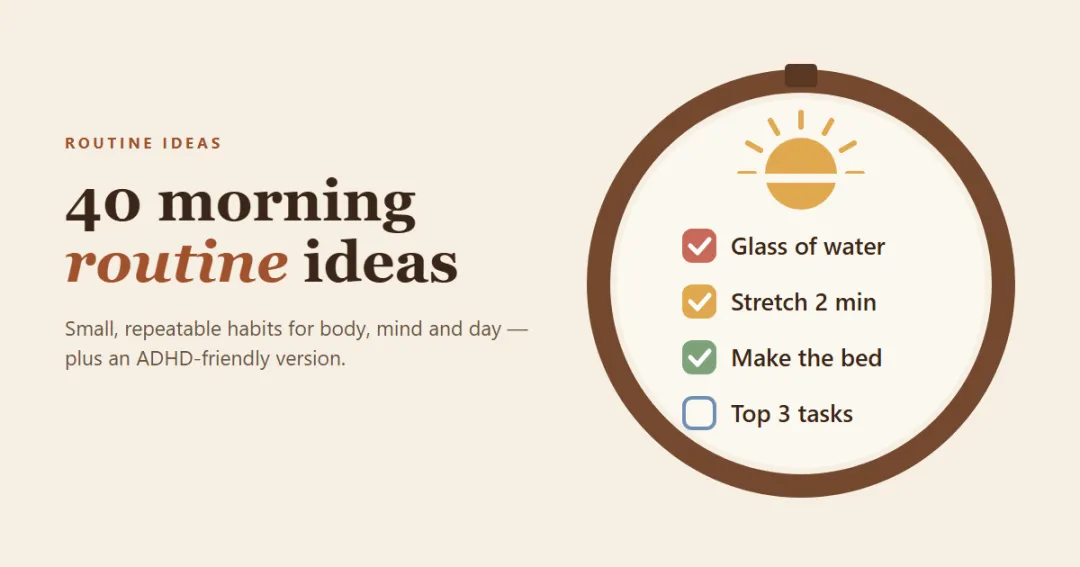
Bingo is a great start; a habit keeps it going. Once you notice which squares lift you most, turn one or two into a weekly habit — see our habit tracker ideas for simple ways to track them, or add them to your morning routine.

Self-care in a cozy planner

Our cozy planner app Snug brings self-care into your daily plan: a check-in with mood, water, sleep and three good things, a journal with a gentle prompt each day, breathing in the focus room and a weekly reset — with a little companion who cheers when you look after yourself. The Snug bonus pack includes a printable self-care bingo board too.

Frequently asked questions

What is self-care bingo?

Self-care bingo is a bingo card where every square is a small self-care activity, such as drinking water, going outside or calling a friend. You tick a square each time you do one, and five in a row — across, down or diagonally — is a 'bingo'. It makes self-care feel lighter and more playful.

How do you play self-care bingo?

Pick a time frame, usually a week or a month. Each time you do something on the card, tick that square. Try to make one line, then two, then a full card. There are no losers: every ticked square is a win.

Can I print the bingo card?

Yes. Use Print or PDF below the card to get a clean printable sheet with your card, your theme and the date. Stick it on the fridge, in your planner or next to your bed.

Can I add my own self-care ideas?

Yes. Type your own ideas into 'Add your own idea' — they go onto the card first. Use New card to shuffle the rest until the mix feels right.

Is self-care bingo good for groups or classrooms?

It works well for friends, teams and classrooms: everyone gets a different shuffle of the same theme, and you compare lines at the end of the week. Keep the squares small and free so everyone can join in.

How long should a self-care bingo card last?

A week suits busy people; a month gives you time to try everything. Start a new card whenever the old one feels stale.

Are my ticks saved?

Use Save to keep your card and ticks in this browser, or share the link to open the same card on another device. Nothing is sent to a server.

Written by

Emma Whitfield

Finance Specialist & Editor, VaultlyApps

Emma Whitfield writes and edits the VaultlyApps money guides and free calculators. Her focus is US household finance — budgeting on a real paycheck, paying down credit card and student debt, emergency funds and savings goals, renting — and the money side of freelancing and small-business income, from pricing and profit margins to self-employment tax. Every guide is researched against primary sources such as IRS publications and the CFPB, every number is checked in our tested calculators, and tax content is reviewed each year when new IRS figures come out. Emma is not a licensed financial adviser or tax preparer; her work is general education, not personal advice.

Researched against primary US sources, checked against independent calculators and reviewed by a finance expert on our team. Written for US readers — general education, not financial, tax or legal advice. Editorial policy · Disclaimer
From VaultlyApps

Apps that do this for you

Each one has a free live demo with sample data — open it in your browser, nothing to install.

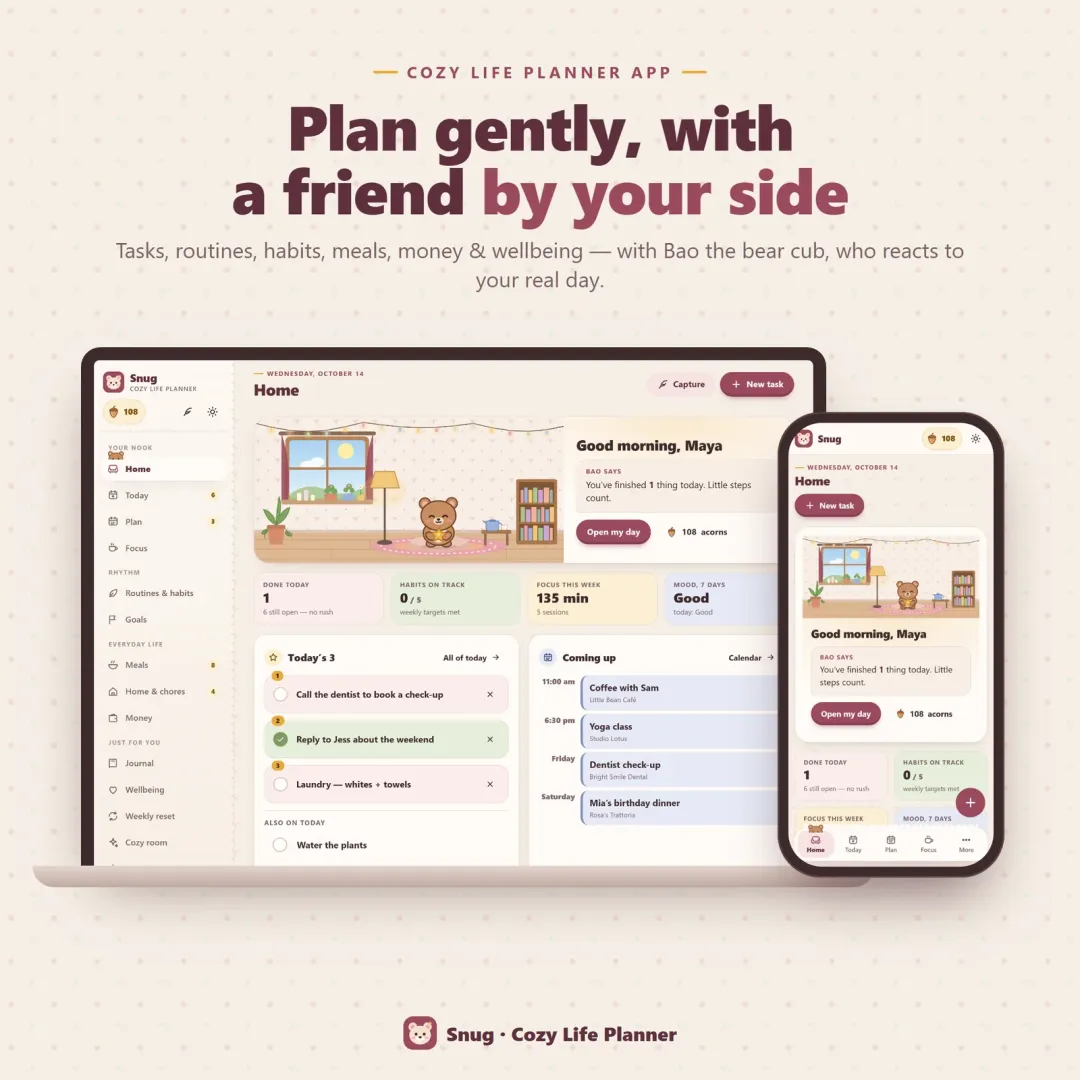
Snug cozy life planner app with Bao the bear cub in a little room, on a laptop and a phone Live
Snug app icon

Snug

Cozy Life Planner

A cozy life planner app with a cute companion who reacts to your real day — Pick 3, tasks with tiny steps, routines, habits, a focus room, a meal planner with grocery list, chores, a gentle budget, a journal and a self-care check-in, all in one calm place.

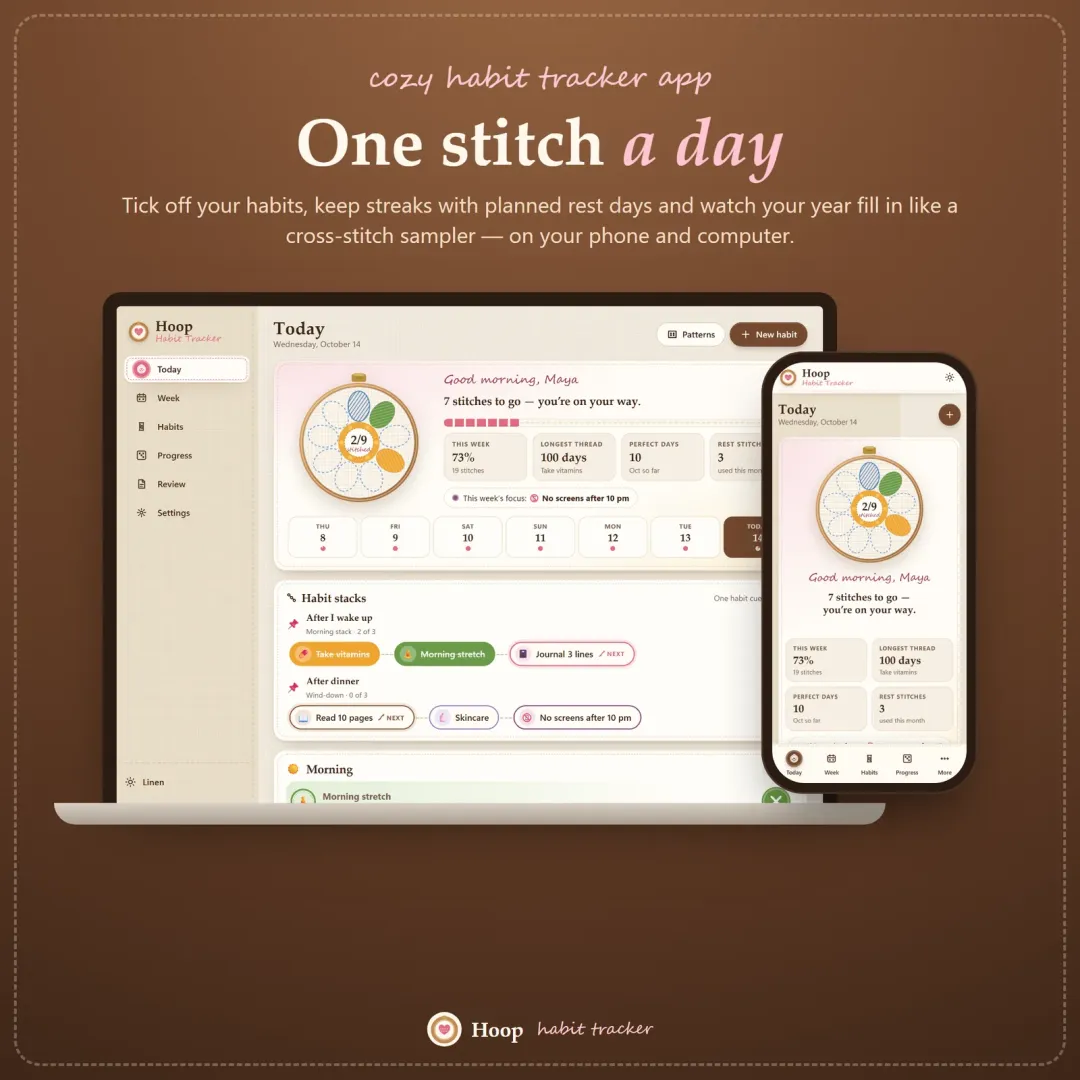
Hoop habit tracker app with today's habits shown as petals of an embroidery hoop flower Live
Hoop app icon

Hoop

Habit Tracker

A cozy habit tracker for your phone and computer — stitch your habits each day, keep streaks with planned rest days, stack habits into a morning routine and watch your year fill in like a cross-stitch sampler.

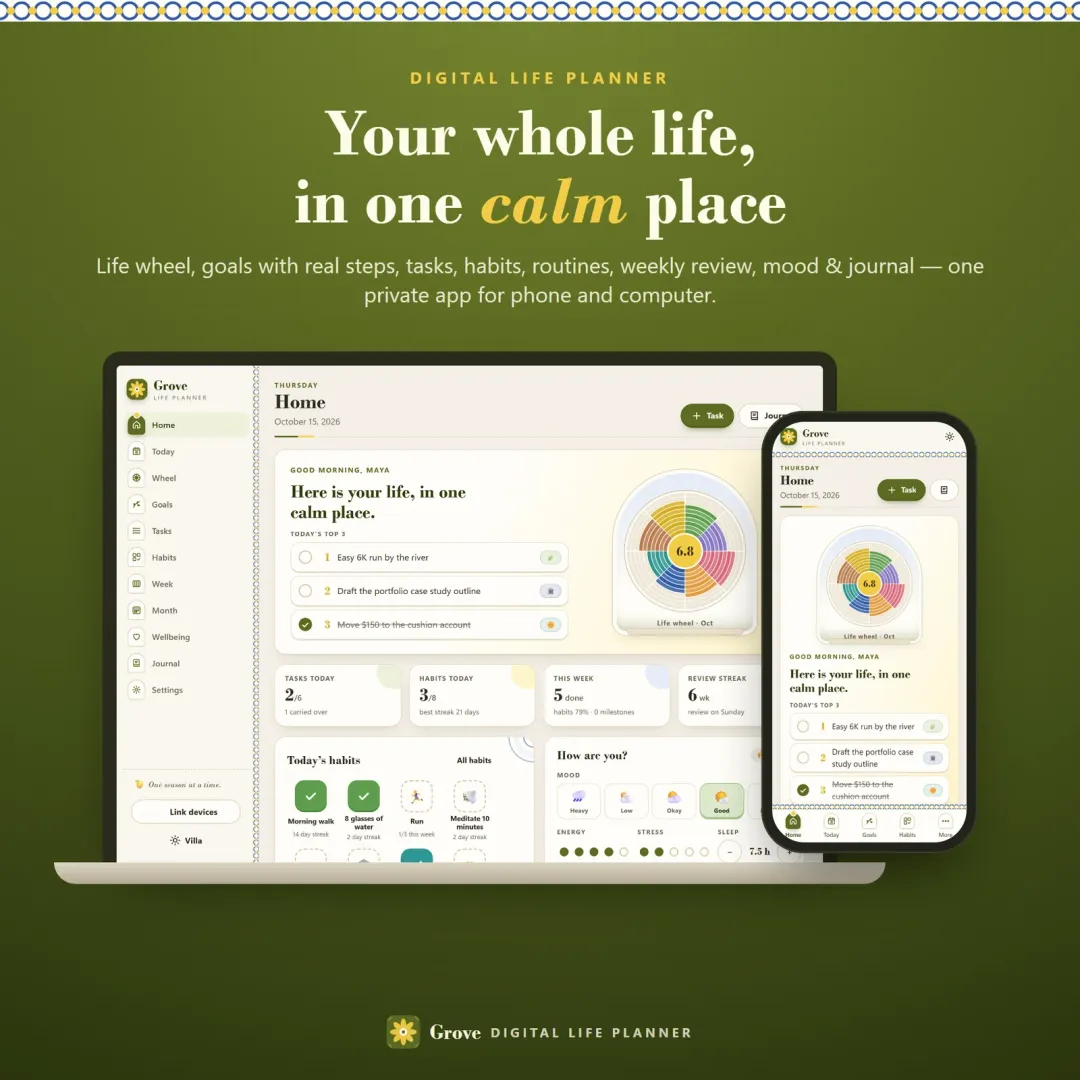
Grove digital life planner showing the home dashboard with a life wheel on a laptop and a phone Live
Grove app icon

Grove

Digital Life Planner

A digital life planner for your phone and computer — a wheel of life for 8 areas, goals broken into milestones and next steps, tasks, habits, routines, a daily page, a weekly review, a monthly reset, mood tracking and a journal, all connected.

Keep planning

Related calculators

All calculators

Pomodoro Timer

A cute Pomodoro and study timer with auto breaks.

Open calculator

Further reading

Guides on this topic

All articles
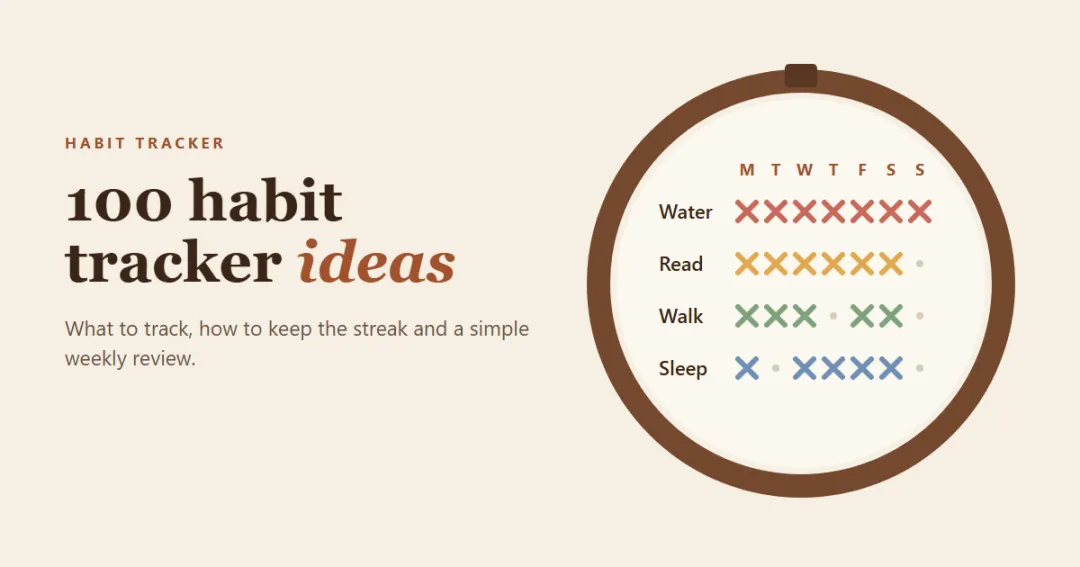
Habit tracker ideas — a cross-stitch habit grid with water, read, walk and sleep rows

Productivity

100 Habit Tracker Ideas: What to Track (and How to Keep It Going)

100 habit tracker ideas for health, mind, self care, home, work, money and digital detox — plus how to choose what to track, habit journal prompts, 30-day challenge ideas, a weekly review template and tips to keep your streak going.

12 min read

Try Snug free in your browser

A cozy life planner app with a cute companion who reacts to your real day — Pick 3, tasks with tiny steps, routines, habits, a focus room, a meal planner with grocery list, chores, a gentle budget, a journal and a self-care check-in, all in one calm place. The live demo uses sample data — nothing to install, no sign-up.

We use optional cookies for anonymous analytics. Nothing optional is set until you choose. Cookie policy