How to use the Pomodoro timer
- Type what you're working on — one task per round works best.
- Press Start. The ring empties and the tomato smiles while you focus.
- When the chime rings, take the short break. With Start the next one by itself switched on, the timer runs focus → break → focus on its own.
- After every four pomodoros (or the number you choose), you get a long break.
- Your finished pomodoros show as little tomatoes under the timer and stay in this browser for today.
Change the focus, short-break and long-break lengths on the right. Skip ends the current round early, Reset starts it again and Full screen shows only the timer.
What is the Pomodoro technique?
The Pomodoro technique was created by Francesco Cirillo in the late 1980s, named after the tomato-shaped kitchen timer he used as a student (pomodoro is Italian for tomato). The method is simple:
- Choose one task.
- Work on it for 25 minutes without switching.
- Take a 5-minute break.
- After four rounds, take a longer break of 15–30 minutes.
It works because a short, fixed round feels doable. You don't have to "study all afternoon" — just one tomato.
Best Pomodoro settings for studying and work
| Situation | Focus | Short break | Long break |
|---|---|---|---|
| Classic Pomodoro | 25 min | 5 min | 15 min after 4 |
| Hard to start / ADHD-friendly | 15 min | 5 min | 15 min after 4 |
| Reading and revision | 25 min | 5 min | 20 min after 4 |
| Deep work or practice problems | 50 min | 10 min | 30 min after 2 |
| Writing an essay or report | 45 min | 10 min | 20 min after 3 |
There's no perfect setting. If you keep stopping before the bell, shorten the round. If you're always "in the zone" when it rings, lengthen it.
Using it as a study timer
A study timer is most useful when every round has a clear target: "summarize chapter 3", "do questions 1–10", "make flashcards for lecture 5". Write that target in the What are you working on? box. During breaks, stand up and move — your brain consolidates what you just learned while you rest.
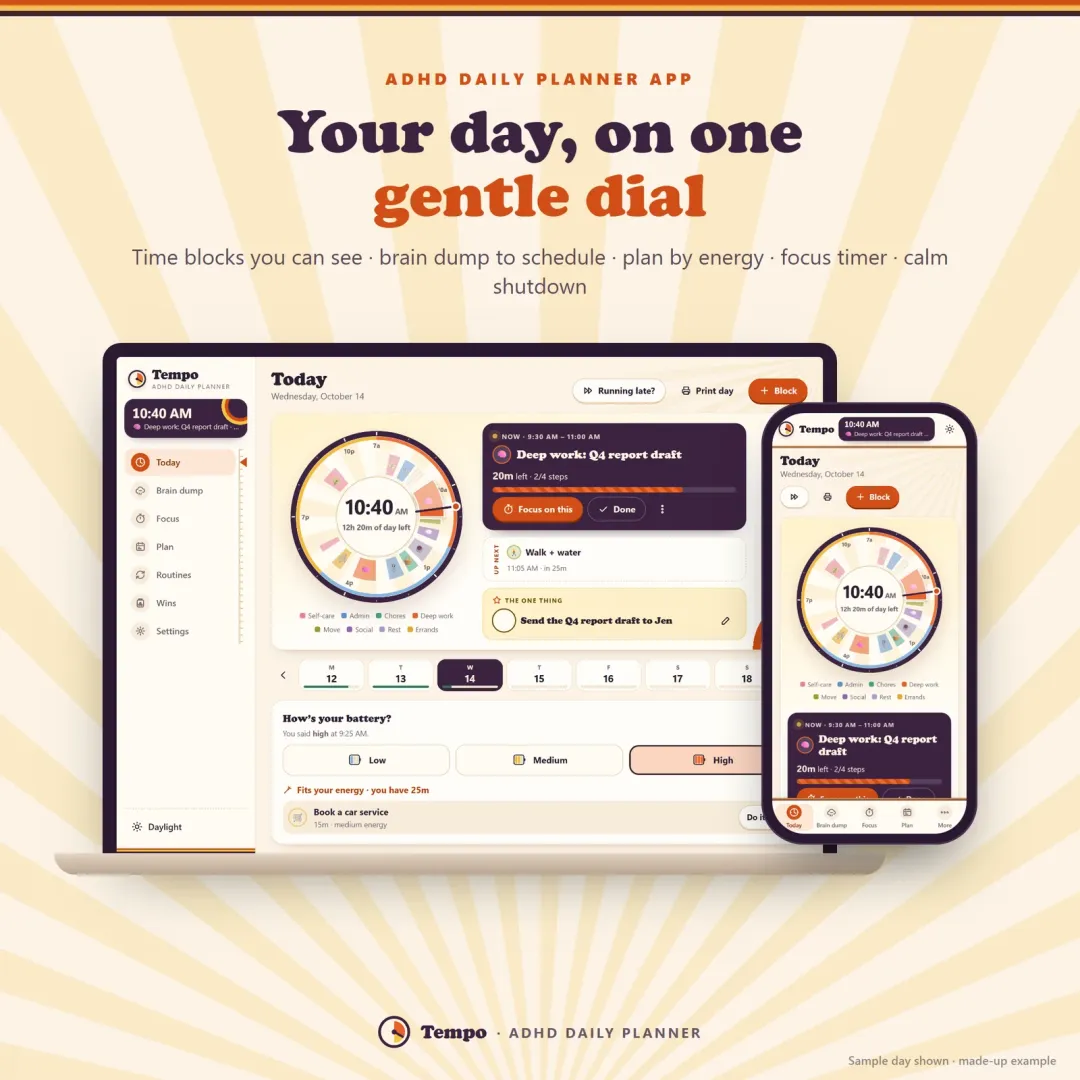
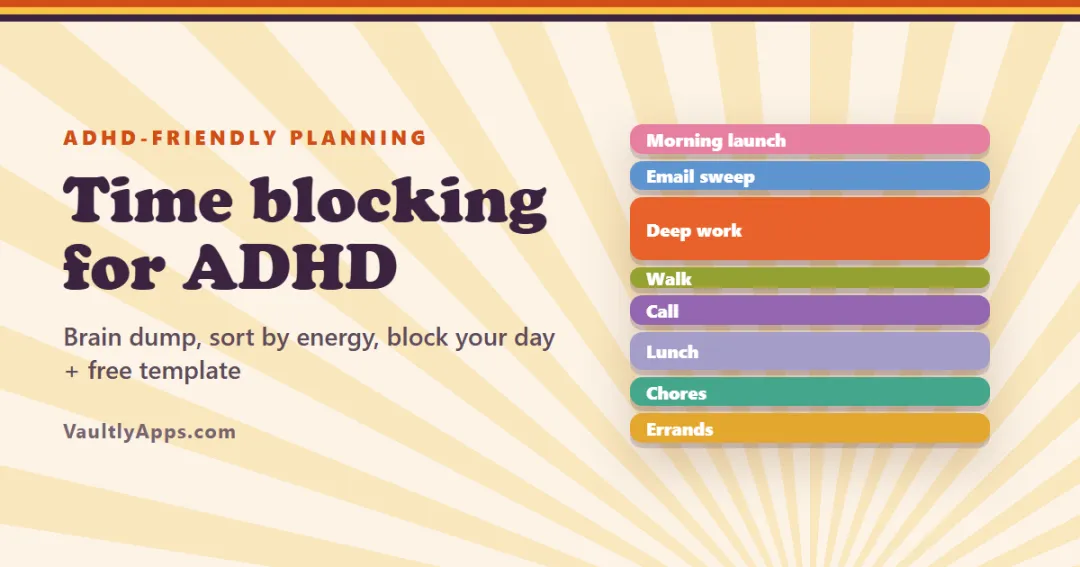
For long study days, plan your rounds the night before. Our guide to time blocking for ADHD shows how to fit focus blocks around classes, work and meals.
Pomodoro and ADHD
The Pomodoro technique is popular with people who have ADHD, with a few tweaks:
- Shorter rounds. 10 or 15 minutes lowers the barrier to starting.
- A visible timer. Seeing time shrink helps with time blindness. Try our visual timer if you prefer a shrinking disc.
- Planned break activities. Pick a break from a dopamine menu so it doesn't turn into an hour of scrolling.
- Company. Working alongside someone — body doubling — makes rounds easier to start and finish.
What to do in a Pomodoro break
- Stretch, roll your shoulders, walk to the window
- Refill your water or make a cup of tea
- Tidy one small thing on your desk
- Breathe slowly for a minute
- Skip anything "sticky": social media, email, news
A cozy timer inside your planner
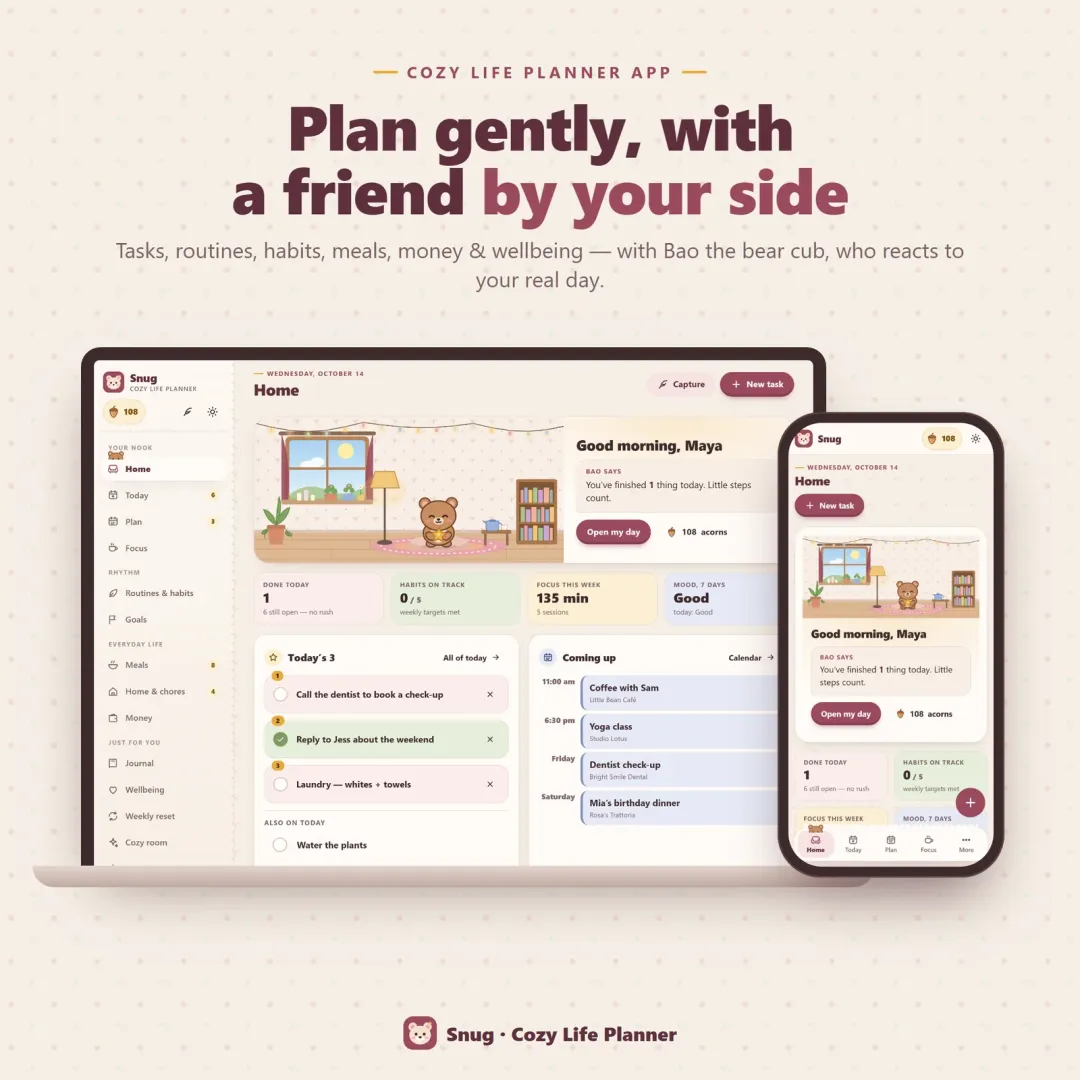
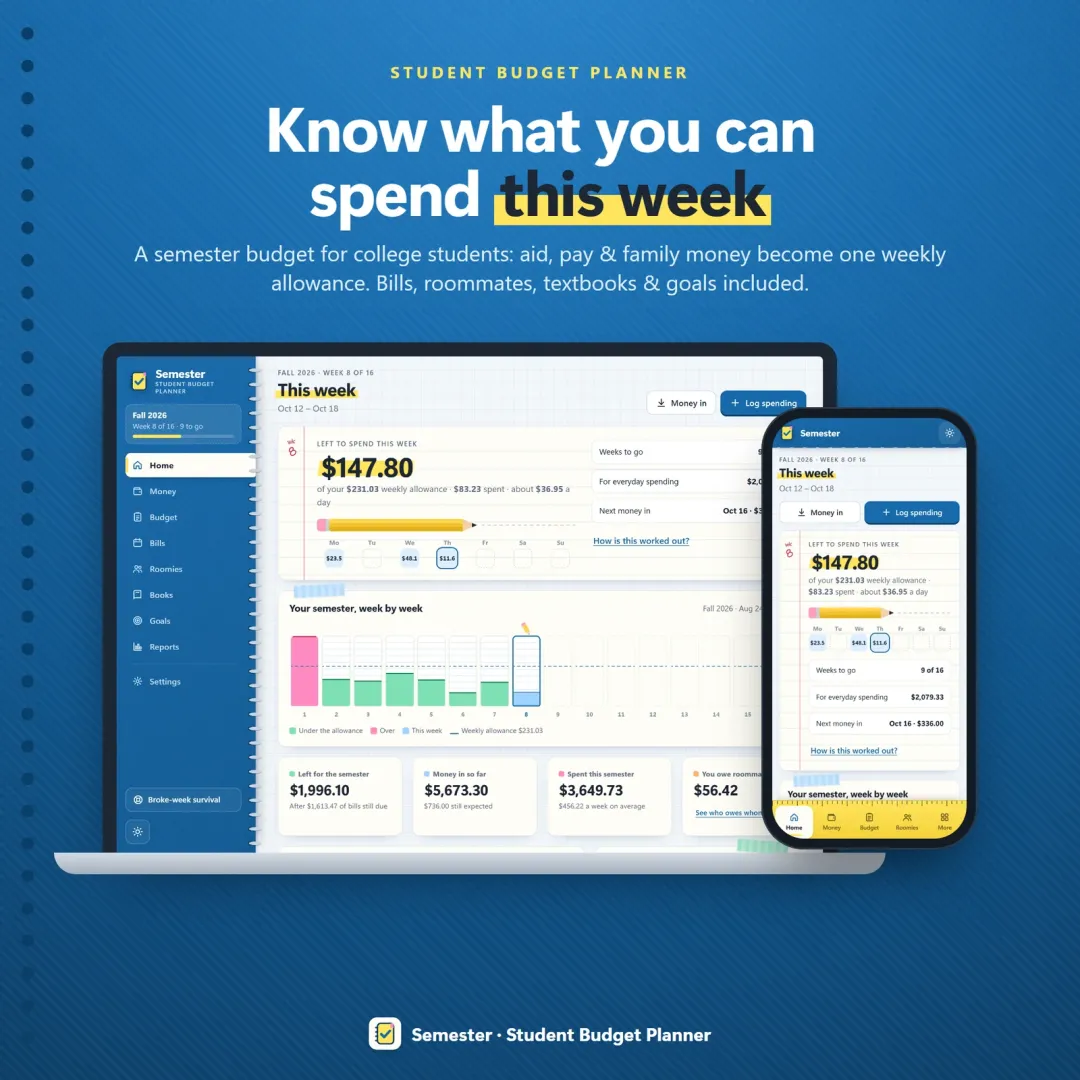
If you'd like your focus timer next to your tasks, our cozy planner app Snug has a focus room with a candle timer that burns down, Pomodoro rounds with cozy break ideas, a tea timer and a "where I left off" note — and a little companion who reads beside you while you work. For ADHD-friendly day planning around time blocks, see Tempo; for students, Semester.
Frequently asked questions
What is the Pomodoro technique?
How long is a Pomodoro?
Is a Pomodoro timer good for studying?
Does the timer keep running if I switch tabs?
Does the Pomodoro technique work for ADHD?
Where is my progress saved?
What should I do during a Pomodoro break?
Written by
Finance Specialist & Editor, VaultlyApps
Emma Whitfield writes and edits the VaultlyApps money guides and free calculators. Her focus is US household finance — budgeting on a real paycheck, paying down credit card and student debt, emergency funds and savings goals, renting — and the money side of freelancing and small-business income, from pricing and profit margins to self-employment tax. Every guide is researched against primary sources such as IRS publications and the CFPB, every number is checked in our tested calculators, and tax content is reviewed each year when new IRS figures come out. Emma is not a licensed financial adviser or tax preparer; her work is general education, not personal advice.
Researched against primary US sources, checked against independent calculators and reviewed by a finance expert on our team. Written for US readers — general education, not financial, tax or legal advice. Editorial policy · Disclaimer