VaultlyApps logo VaultlyApps

Free tool

Visual Timer: a Free Online Countdown You Can See

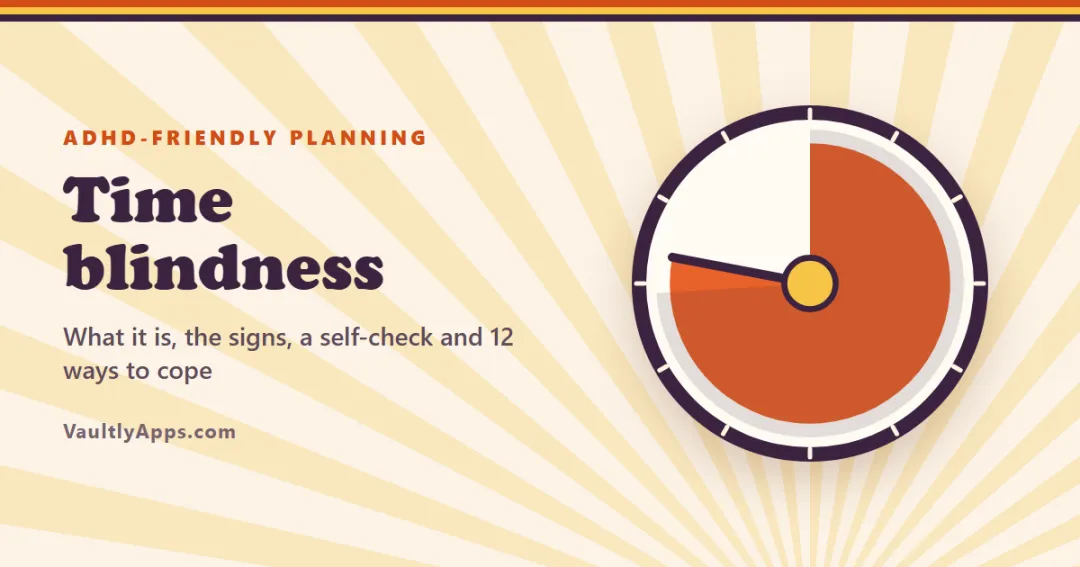
A visual timer shows time as a coloured slice that shrinks as the minutes pass, so you can feel how much is left at a glance — no need to read numbers. Pick a length, press Start, and use full screen on a classroom board, a desk or a kitchen tablet. Add rounds and a break for a Pomodoro-style focus session.

By Updated Private — runs in your browser Free, no sign-up Save, print, PDF & CSV — with a QR code to reopen it

Quick start

2+ adds breaks (Pomodoro).

Focus time


Clock face

Colour

Sound when time is up

The coloured slice shows the time left and shrinks back to zero. Keep this tab open; the page title shows the countdown too.

For readers in the United States. Estimates for planning only — not financial, investment, tax or legal advice. Disclaimer · How we check our numbers

Tempo app icon

Want these numbers to update by themselves?

Tempo — ADHD Daily Planner — keeps this plan current as you log real payments. Try the free demo, no sign-up.

How to use the visual timer

  1. Tap a quick start length (1 to 60 minutes) or type any number of minutes.
  2. Press Start. The coloured slice shrinks back to zero as time passes, and the clock below shows the exact time left.
  3. Use Pause, +5 min and Reset whenever you like. Full screen shows only the timer.
  4. For focus sessions, set Rounds to 2 or more and a Break length: the timer runs focus → break → focus on its own.

The clock face changes the scale: 60 min works like a classic visual timer, 2 hours shows longer blocks, and Fit timer makes any length fill the face.

Why a timer you can see works

Reading "17:42" means doing a small sum in your head: how long is that, and is it a lot? A shrinking disc skips the maths. Your brain sees more than half left or almost gone instantly. That's why visual timers are used in classrooms, therapy rooms, kitchens and offices — and why they're one of the most recommended tools for time blindness.

Good ways to use it

Use Suggested length
Start a dreaded task ("just ten minutes") 10 min
Focus sprint (Pomodoro) 25 min × 4, 5-min breaks
ADHD-friendly sprint 15 min × 3, 5-min breaks
Kids' screen time or tidy-up 15–20 min
Classroom activity or test section 20–45 min
A break that really ends 5–10 min
Transition warning ("we leave soon") 5 min

Visual timers for ADHD

With ADHD, time often feels like two settings: now and not now. Deadlines sneak up, a "quick" task takes the afternoon, and switching from one thing to the next is hard. A visual timer helps with all three:

  • Starting: "I'll only do it until the red is gone" makes a big task small. Pair it with a first step that takes two minutes.
  • Pacing: a quick glance tells you whether you're on track, without breaking your focus.
  • Stopping and switching: the end is visible before it arrives, so the transition doesn't come as a shock.

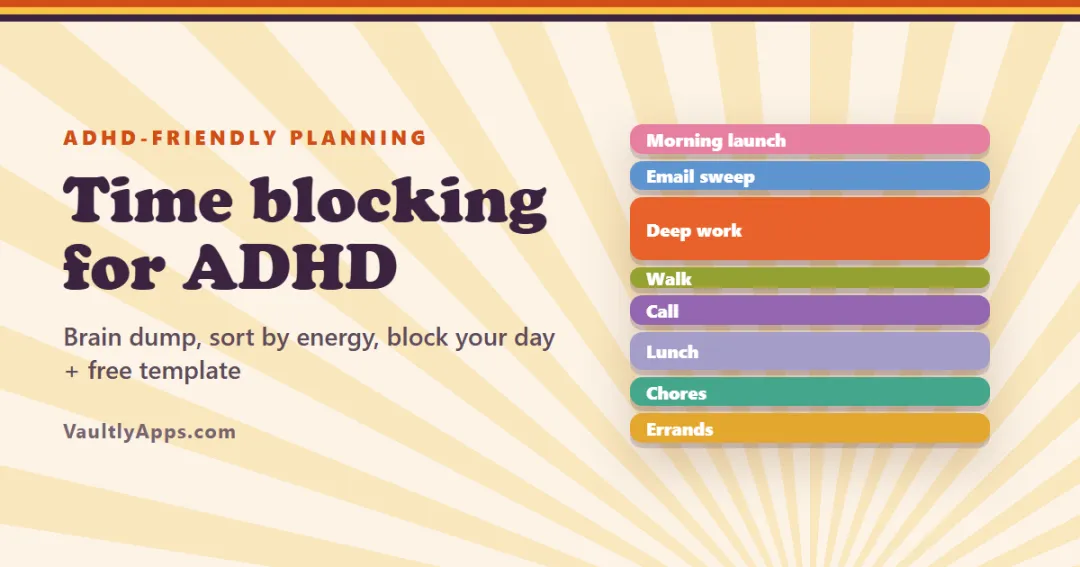
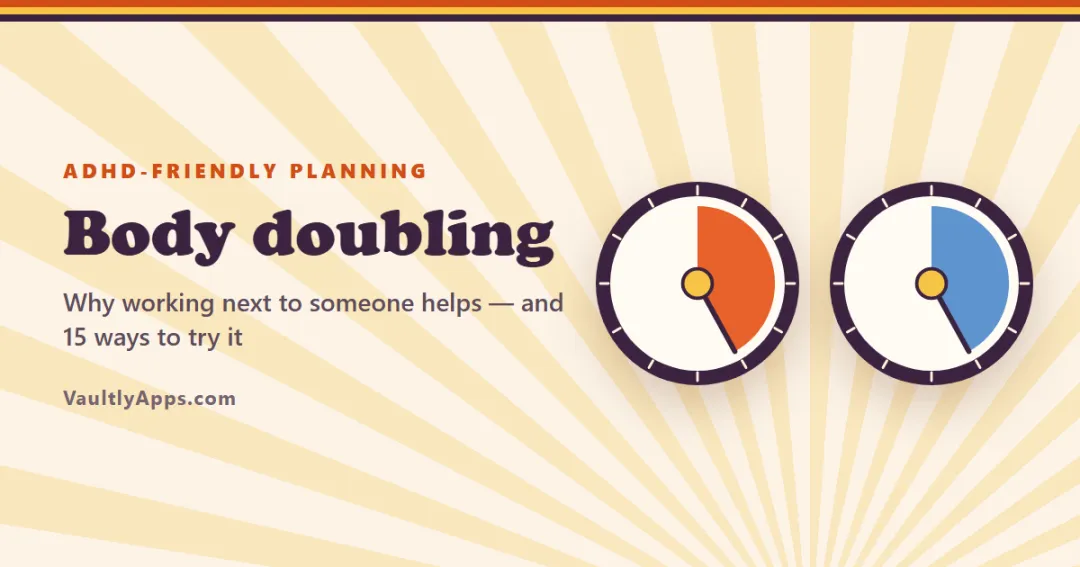
If you also struggle to plan the whole day, our guide to time blocking for ADHD shows how to give tasks a slot, and body doubling is another simple way to get started on hard tasks.

A planner with the timer built in

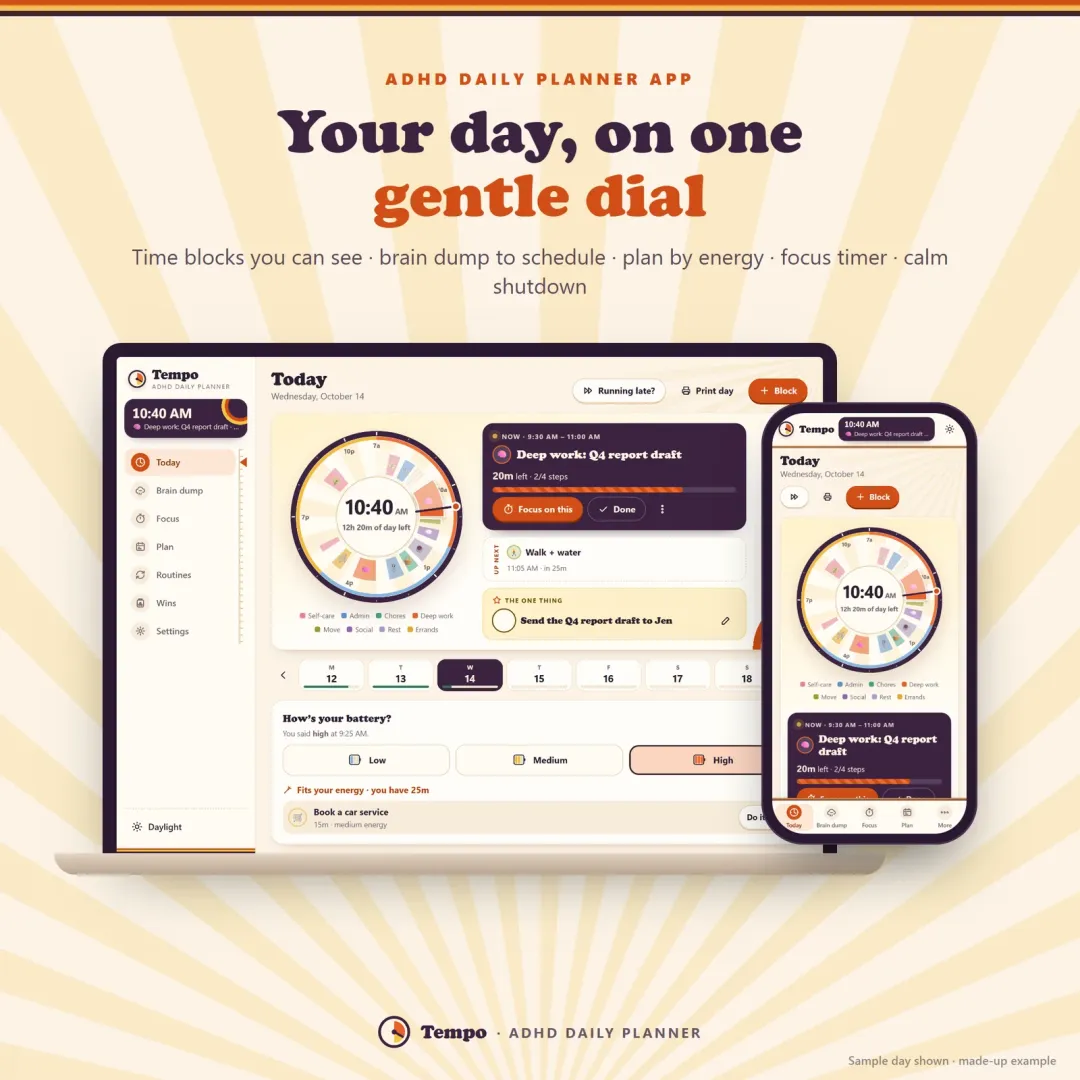
Tempo, our ADHD daily planner, has the same kind of shrinking focus disc built in, next to your whole day shown as a dial, gentle nudges between tasks and a "park a thought" box for stray ideas during focus. You can try the Tempo demo free in your browser.

Frequently asked questions

What is a visual timer?

A visual timer shows the time left as a shape — usually a red disc that shrinks — instead of only digits. You can see at a glance whether there's a lot of time or a little left, which helps children, people with ADHD and anyone who loses track of time.

Is this the same as a Time Timer?

It works the same way: a coloured slice that counts down from the 12 o'clock mark. Time Timer is a brand of physical timers; this is a free online visual timer that runs in your browser and isn't connected to that company.

Does the timer work in the background?

Yes, it keeps counting while you switch tabs, and the tab title shows the countdown. Keep the tab open — closing it stops the timer. Some phones pause pages that are hidden for a long time, so for long timers keep the screen on or use full screen.

How do I use it for the Pomodoro technique?

Set 25 minutes, 4 rounds and a 5-minute break. The timer runs a focus round, rings, runs the break, and starts the next round by itself. Many people with ADHD prefer shorter rounds such as 15 minutes with a 5-minute break.

Why do visual timers help with ADHD?

ADHD often comes with time blindness — time feels vague until it suddenly runs out. A shrinking disc makes time visible, so it is easier to start, pace yourself and stop. It also works well for transitions, like 'five more minutes, then we switch'.

Can I make it full screen?

Yes. Press Full screen to show only the timer — handy on a classroom projector, a TV or a tablet on the kitchen counter. Press Esc to exit.

Written by

Emma Whitfield

Finance Specialist & Editor, VaultlyApps

Emma Whitfield writes and edits the VaultlyApps money guides and free calculators. Her focus is US household finance — budgeting on a real paycheck, paying down credit card and student debt, emergency funds and savings goals, renting — and the money side of freelancing and small-business income, from pricing and profit margins to self-employment tax. Every guide is researched against primary sources such as IRS publications and the CFPB, every number is checked in our tested calculators, and tax content is reviewed each year when new IRS figures come out. Emma is not a licensed financial adviser or tax preparer; her work is general education, not personal advice.

Researched against primary US sources, checked against independent calculators and reviewed by a finance expert on our team. Written for US readers — general education, not financial, tax or legal advice. Editorial policy · Disclaimer
From VaultlyApps

Apps that do this for you

Each one has a free live demo with sample data — open it in your browser, nothing to install.

Tempo ADHD planner app showing the day as a dial of colourful time blocks on a laptop and a phone Live
Tempo app icon

Tempo

ADHD Daily Planner

An ADHD planner app for your phone and computer — your day on one gentle dial, time blocking with tiny steps, a brain dump that turns into a schedule, energy-based planning, a visual focus timer and a calm shutdown ritual.

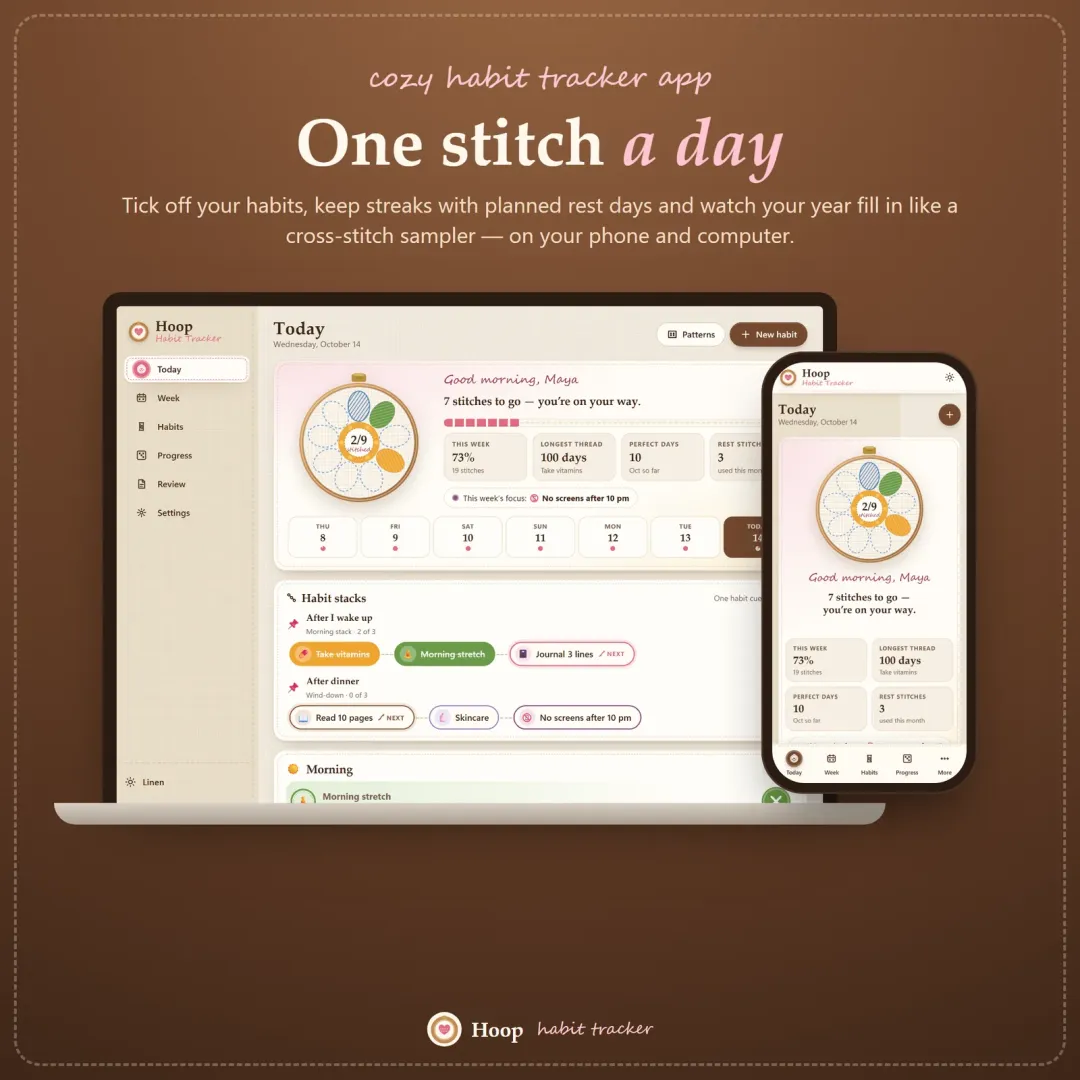
Hoop habit tracker app with today's habits shown as petals of an embroidery hoop flower Live
Hoop app icon

Hoop

Habit Tracker

A cozy habit tracker for your phone and computer — stitch your habits each day, keep streaks with planned rest days, stack habits into a morning routine and watch your year fill in like a cross-stitch sampler.

Flow ADHD budget planner showing a calm Safe to Spend screen Live
Flow app icon

Flow

ADHD Budget Planner

A calm budget planner designed for ADHD brains — one Safe to Spend number, 3-tap logging, focus mode and kind overspend fixes instead of red warnings.

Keep planning

Related calculators

All calculators

Further reading

Guides on this topic

All articles

Try Tempo free in your browser

An ADHD planner app for your phone and computer — your day on one gentle dial, time blocking with tiny steps, a brain dump that turns into a schedule, energy-based planning, a visual focus timer and a calm shutdown ritual. The live demo uses sample data — nothing to install, no sign-up.

We use optional cookies for anonymous analytics. Nothing optional is set until you choose. Cookie policy