VaultlyApps
Money glossary

What Is Take-Home Pay? Net Pay vs Gross Pay Explained

The number every budget should start from.

By Updated Reviewed by a finance expert

What comes out of a US paycheck

  • Federal income tax — based on your W-4, filing status and the tax brackets.
  • Social Security — 6.2% of wages, up to the yearly wage base ($184,500 in 2026).
  • Medicare — 1.45% of all wages, plus 0.9% above $200,000 for single filers.
  • State and local income tax — depends on where you live (some states have none).
  • Pre-tax deductions — 401(k) contributions, health, dental and vision insurance, HSA.

Example

A $65,000 salary, paid every two weeks, single filer, 5% to a 401(k), $75 per paycheck for health insurance and a 4% state tax rate:

  • Gross per paycheck: $2,500
  • Take-home per paycheck: about $1,830 (about $47,600 a year)

Estimate your own with the free take-home pay calculator.

Use it to budget

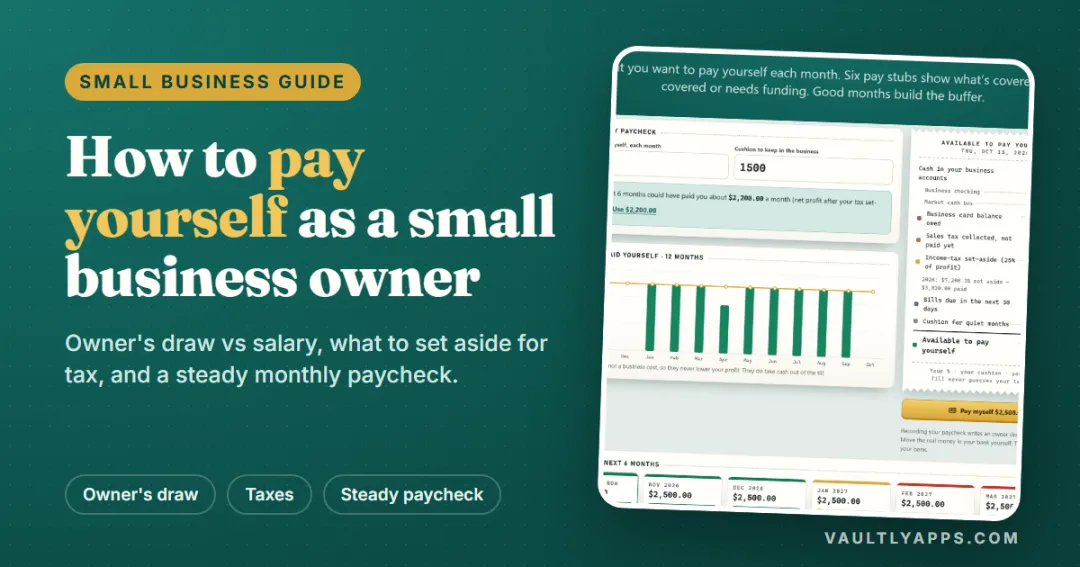
Plug your take-home pay into the 50/30/20 rule or a zero-based budget. If you're self-employed, nobody withholds tax for you — see self-employment tax.

Frequently asked questions

What is the difference between gross pay and net pay?

Gross pay is what you earn before anything is taken out. Net pay — take-home pay — is what is left after taxes and deductions.

What percentage of my paycheck goes to taxes?

For many middle incomes, federal income tax, Social Security, Medicare and state tax together take roughly 15% to 30% of gross pay, depending on income, filing status, state and deductions.

Should I budget with gross or take-home pay?

Take-home pay. That is the money you actually have to spend and save. Lenders and landlords, however, usually look at gross income.

Written by

Emma Whitfield

Finance Specialist & Editor, VaultlyApps

Researched against primary US sources and reviewed by a finance expert on our team. Written for US readers — general education, not financial, tax or legal advice. Editorial policy · Disclaimer


From VaultlyApps

Apps that use this

Every app has a free live demo with sample data — open it in your browser, nothing to install.

Flow ADHD budget planner showing a calm Safe to Spend screen Live

Flow

ADHD Budget Planner

A calm budget planner designed for ADHD brains — one Safe to Spend number, 3-tap logging, focus mode and kind overspend fixes instead of red warnings.

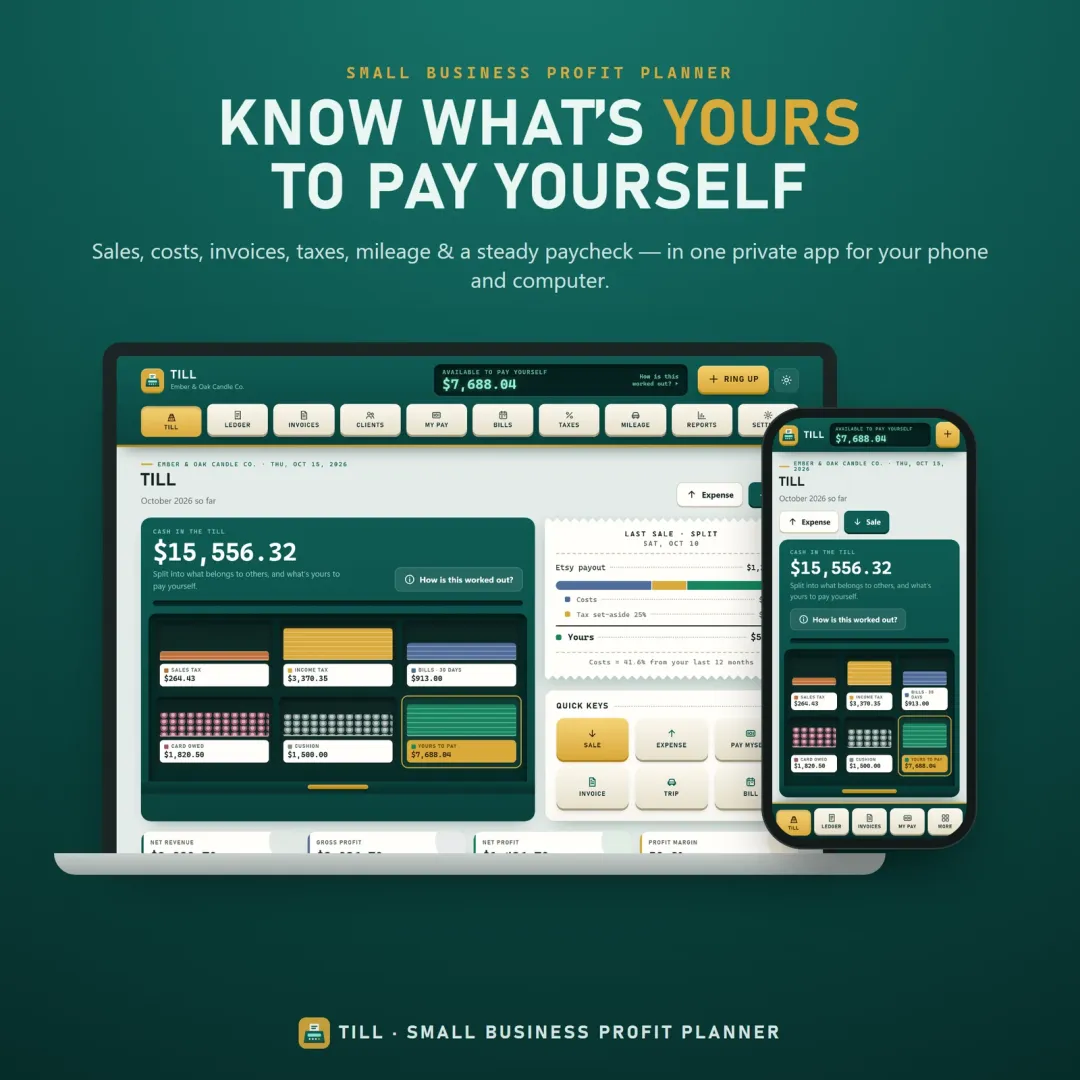
Till small business planner app with the cash drawer showing what is available to pay yourself Live

Till

Small Business Profit Planner

A small business planner and profit tracker for freelancers, makers and Etsy sellers — see what's really yours to pay yourself, send invoices, set tax aside and log mileage.

Free calculators

Take-Home Pay Calculator

Your paycheck after federal tax, FICA, state tax, 401(k) and benefits — 2026 estimate.

Open calculator

Keep reading

Related terms

Money glossary

50/30/20 rule

The 50/30/20 rule is a simple budget that splits your after-tax income into three parts: 50% for needs such as housing and groceries, 30% for wants such as dining out and entertainment, and 20% for savings and extra debt payments.

Zero-based budget

A zero-based budget is a monthly plan that gives every dollar of your income a job — bills, spending, savings or debt payments — until income minus everything you've planned equals exactly zero. Zero doesn't mean an empty bank account; it means no dollar is left without a purpose.

Self-employment tax

Self-employment tax is the Social Security and Medicare tax that freelancers and self-employed people pay on their net earnings. The rate is 15.3% — 12.4% for Social Security and 2.9% for Medicare — applied to 92.35% of net self-employment profit.

Further reading

Guides on this topic

All articles
What Is a Safe-to-Spend Number (and How Do You Calculate It)?

Personal Finance

What Is a Safe-to-Spend Number (and How Do You Calculate It)?

Your bank balance isn't what you can spend. A safe-to-spend number subtracts bills, savings and planned spending first — here's the formula, worked examples for monthly, weekly and irregular pay, and the mistakes to avoid.

11 min read

Try Flow free in your browser

A calm budget planner designed for ADHD brains — one Safe to Spend number, 3-tap logging, focus mode and kind overspend fixes instead of red warnings. The live demo uses sample data — nothing to install, no sign-up.

We use optional cookies for anonymous analytics. Nothing optional is set until you choose. Cookie policy