How to use the balance transfer calculator
- Enter your current card's balance, APR and the payment you make each month.
- Enter the transfer offer: the transfer fee, intro APR (usually 0%), the intro period in months and the APR after the intro.
- Compare the results: savings after the fee, payoff times, and the payment needed to clear the balance before the intro ends.
The example in detail
| Stay on the card | Balance transfer | |
|---|---|---|
| Balance | $8,000 at 24% | $8,240 (incl. $240 fee) at 0% for 18 months, then 26% |
| Payment | $300 a month | $300 a month |
| Interest | about $3,547 | about $373 |
| Fee | — | $240 |
| Debt-free in | 3 years 3 months | 2 years 5 months |
With $300 a month, about $2,840 is left when the intro rate ends and starts charging 26%. Raising the payment to $458 clears it at 0%, with only the fee as cost.
When a balance transfer works
- You can pay the balance off (or nearly) during the intro period.
- You stop using the old card for new purchases.
- The fee is smaller than the interest you'd pay otherwise.
- Your credit score is good enough to qualify for a long 0% period.
When it doesn't
- The intro period is short and the payment can't clear much of the balance.
- You keep spending on the old card, ending up with two balances.
- The fee is high and the balance is small enough to clear in a few months anyway.
- You miss a payment: many cards end the intro rate after a late payment.
Balance transfer vs other options
- Personal loan: a fixed rate and a fixed payoff date, useful for bigger balances or when you won't qualify for a long 0% offer. Compare with the personal loan calculator.
- Avalanche or snowball: pay extra on one card at a time. See the debt payoff calculator and our guide to debt snowball vs avalanche.
- Just pay more: the credit card payoff calculator shows what an extra $50 or $100 a month does on your current card.
Make the 0% count
The transfer only saves money if the balance goes down. Set up an automatic payment for the amount needed to clear it during the intro period, and put the old card somewhere you won't use it.
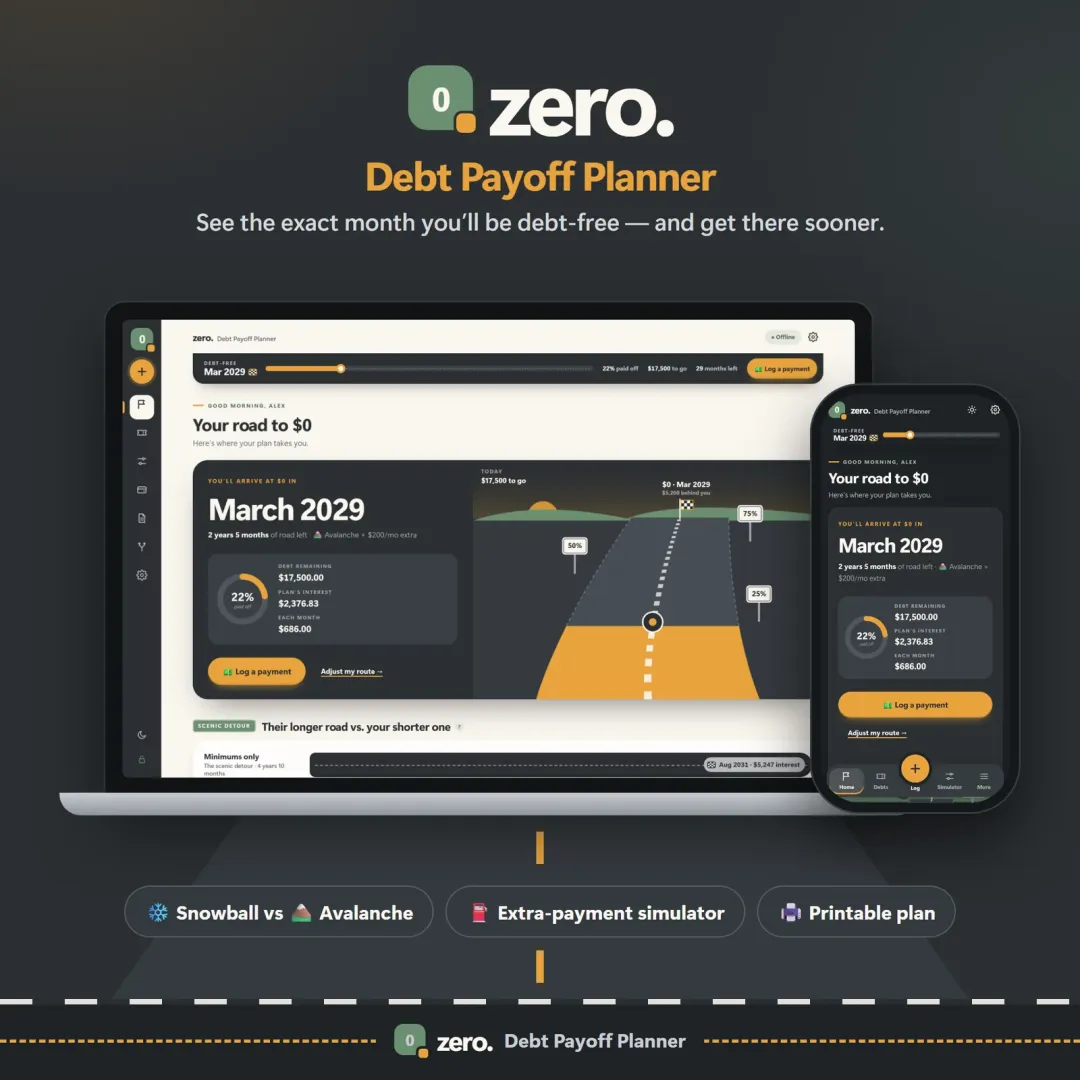
Zero is a debt payoff planner that tracks each card's balance, rate and deadline and shows your debt-free date moving as you pay, so you can see whether you'll beat the end of the 0% period. Vault keeps your budget and bills in view. Both have a free demo with sample data.
Estimates only; card terms vary. Read the offer's fee, intro period and go-to APR before you apply.
Frequently asked questions
Is a balance transfer worth it?
How much is a balance transfer fee?
How much should I pay each month on a balance transfer?
What happens when the 0% period ends?
Does a balance transfer hurt my credit?
Can I transfer a balance between cards from the same bank?
Written by
Finance Specialist & Editor, VaultlyApps
Emma Whitfield writes and edits the VaultlyApps money guides and free calculators. Her focus is US household finance — budgeting on a real paycheck, paying down credit card and student debt, emergency funds and savings goals, renting — and the money side of freelancing and small-business income, from pricing and profit margins to self-employment tax. Every guide is researched against primary sources such as IRS publications and the CFPB, every number is checked in our tested calculators, and tax content is reviewed each year when new IRS figures come out. Emma is not a licensed financial adviser or tax preparer; her work is general education, not personal advice.
Researched against primary US sources, checked against independent calculators and reviewed by a finance expert on our team. Written for US readers — general education, not financial, tax or legal advice. Editorial policy · Disclaimer