| EveryDollar | Vault | Zero | |
|---|---|---|---|
| Price | Free (manual) or Premium $79.99/year | One-time purchase on Etsy | One-time purchase on Etsy |
| Free option | Free tier; 14-day Premium trial | Free live demo | Free live demo |
| Budget style | Zero-based | Zero-based + Safe to Spend | Debt payoff planner |
| Bank connection | Premium only | No — private, manual entry | No — private, manual entry |
| Debt payoff | Debt snowball focus | Snowball and avalanche | Snowball vs avalanche, what-ifs |
| Account needed | Yes | No | No |
Prices as listed by each provider in October 2026; check their website for current pricing. EveryDollar is a trademark of its owner. VaultlyApps is not affiliated with or endorsed by it.
Try before you switch: Vault has a free live demo with sample data — no sign-up, no bank login.
Open the Vault demoWhat EveryDollar does well
EveryDollar, from Ramsey Solutions, is a straightforward zero-based budget:
- A clean monthly plan where income minus expenses equals zero.
- A free version with manual entry.
- Premium adds bank connections, paycheck planning, insights and coaching features.
- Fits naturally with the Ramsey Baby Steps and the debt snowball.
Why people look for an EveryDollar alternative
- Premium price: listed at $79.99 a year or $17.99 a month in October 2026 — and bank sync needs Premium.
- Debt method: if your highest-APR debt isn't your smallest, the debt avalanche can save money; it helps to compare both.
- More than a budget: bills, net worth and savings goals in the same place.
The alternatives: Vault and Zero
Vault gives you a zero-based budget plus Safe to Spend, bills and subscriptions, savings goals, a debt planner and net worth — on your phone and laptop, with no account.
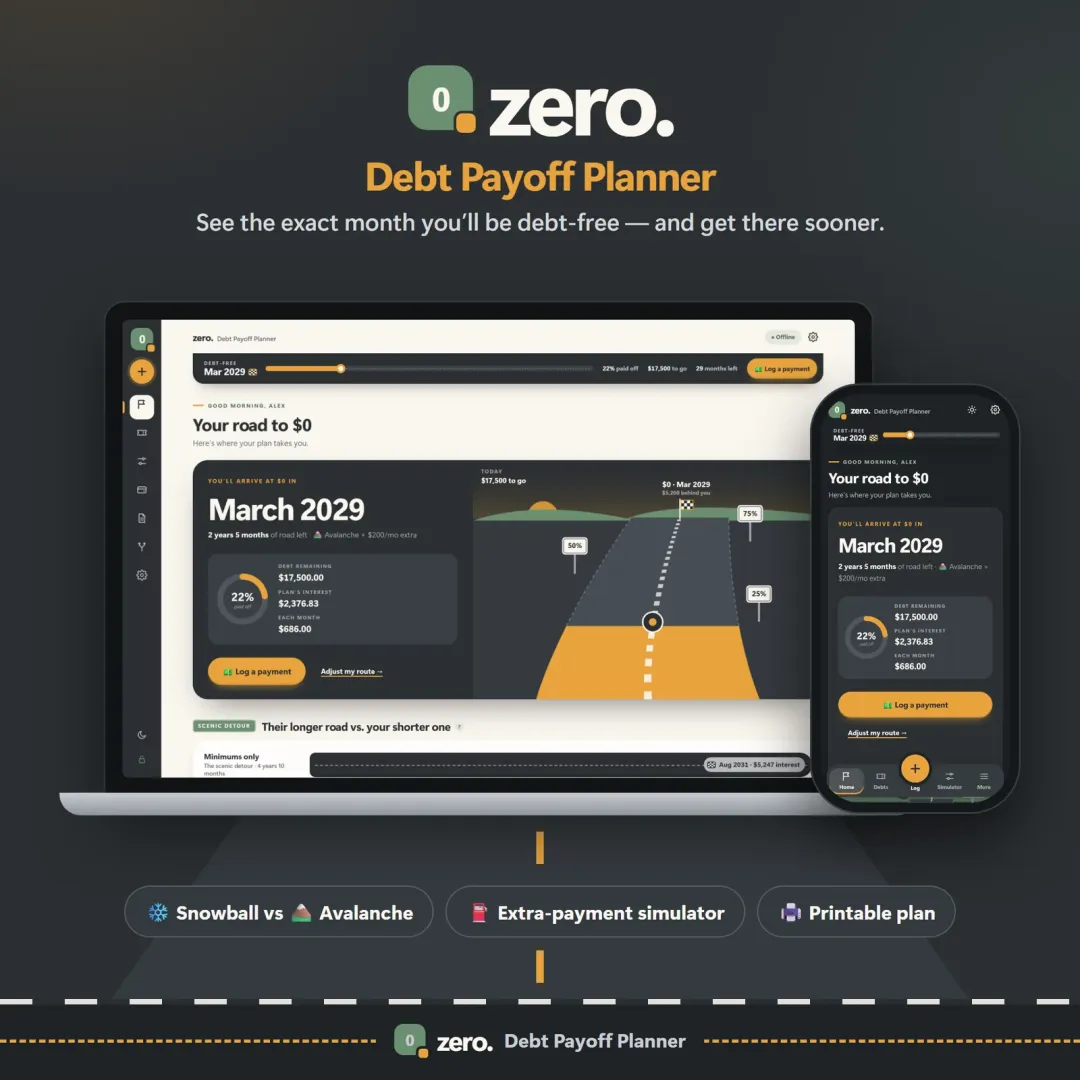
Zero is a dedicated debt payoff planner: your debt-free date on every screen, snowball vs avalanche side by side, an extra-payment slider, lump-sum what-ifs and a printable plan.
Both are a one-time purchase, keep your data private (no bank login) and sync between devices.
Which should you choose?
- EveryDollar Free if you want a simple manual budget and nothing else.
- EveryDollar Premium if bank sync and coaching are worth a yearly fee to you.
- Vault for zero-based budgeting plus everything else, paid once.
- Zero if paying off debt is your main goal.
Compare payoff orders for free with the debt payoff calculator.
Try it before you switch
Every VaultlyApps planner has a free live demo with realistic sample data. It opens in your browser — no account, no bank login, nothing to install — so you can see whether it suits you before you spend anything.
Frequently asked questions
Is EveryDollar free?
Does Vault use the debt snowball?
What is the best free alternative to EveryDollar?
Who should stay with EveryDollar?
Written by
Finance Specialist & Editor, VaultlyApps
Researched against primary US sources and reviewed by a finance expert on our team. Written for US readers — general education, not financial, tax or legal advice. Editorial policy · Disclaimer