Lesson Plan Template: How to Write a Lesson Plan (Daily, Weekly & 5E Formats)
A simple lesson plan template you can copy, plus how to write a lesson plan step by step, the most common lesson plan formats (daily, weekly, 5E, backward design), a sub plans template and a worked example.
In this article
- A simple lesson plan template
- How to write a lesson plan, step by step
- 1. Start with the objective
- 2. Decide how you'll check it
- 3. Plan the hook
- 4. Plan the teaching and the practice
- 5. Differentiate
- 6. List materials and prep time
- 7. Reflect afterwards
- Lesson plan formats
- Daily lesson plan template
- Weekly lesson plan template
- 5E lesson plan
- Backward design lesson plan
- Sub plans template
- A lesson plan example
- Tips that save time
- Keep your lesson plans in one place
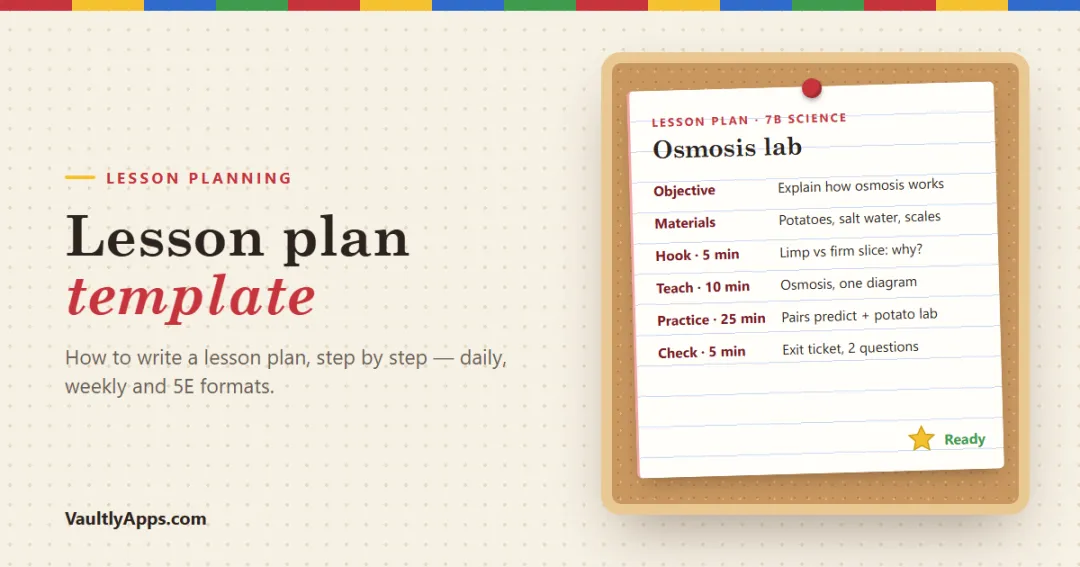
A good lesson plan doesn't have to be long. It needs to answer five questions: what will students learn, how will you know, what will they do, what do you need, and what happens for students who find it hard or easy? Below is a lesson plan template you can copy, how to write a lesson plan step by step, the most common lesson plan formats (daily, weekly, 5E and backward design), a sub plans template and a full example.
A simple lesson plan template
Copy this into a document, a notebook or your planner. It works for any subject and grade.
Section | What to write |
|---|---|
Class, date, period | e.g. 7B Science · Wed Oct 14 · Period 3 (50 min) |
Objective | "Students will be able to…" one measurable sentence |
Standard | The standard code and a few words, e.g. MS-LS1-2 |
Materials | Slides, handouts, lab kit, devices, links |
Hook (5 min) | A question, image, demo or short problem |
Teach (10–15 min) | Key ideas, vocabulary and a worked example |
Guided practice (10 min) | Students try it with you, in pairs or as a class |
Independent practice (10–15 min) | Students try it on their own |
Check for understanding (5 min) | Exit ticket, quick quiz or show of hands |
Differentiation | Support (scaffolds, sentence starters) and stretch (extension) |
Homework | Optional; keep it short and tied to the objective |
Notes after the lesson | What worked, what to change next time |
That last row is the one most templates leave out, and it's the most valuable when you teach the lesson again next year.
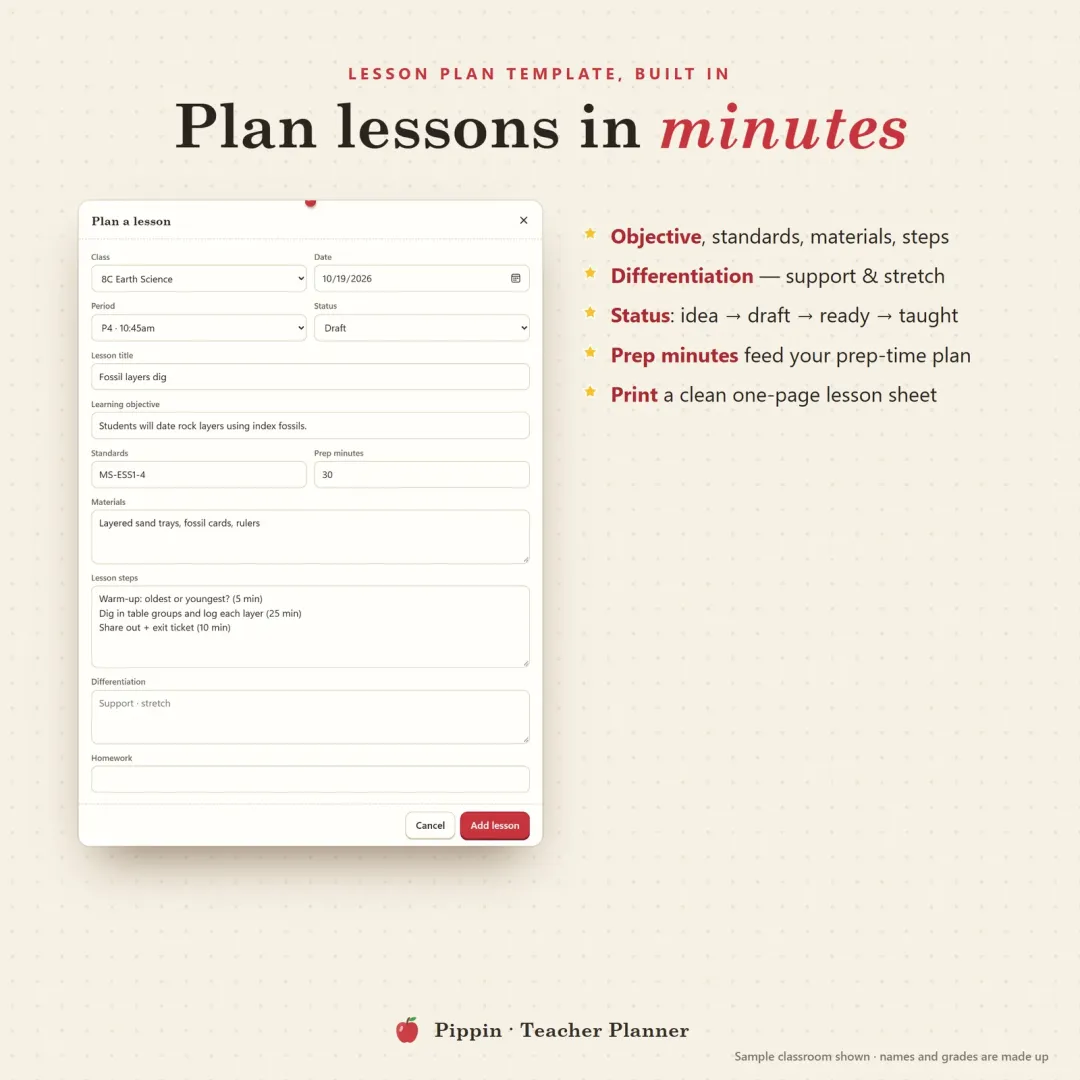
A lesson plan template inside a teacher planner app: objective, standards, materials, steps, differentiation, status and prep minutes.
How to write a lesson plan, step by step
1. Start with the objective
Write one sentence that begins "Students will be able to…" and ends with something you can see or hear. "Understand cells" is hard to check; "label the parts of a plant and an animal cell and explain two differences" is easy to check. Verbs like explain, compare, solve, label, write, design make objectives measurable.
2. Decide how you'll check it
Before planning any activity, decide what will show you that students met the objective. Usually that's a short exit ticket: two or three questions on a slip of paper or a quick online form. If you can't think of a check, the objective is probably too vague.
3. Plan the hook
The first five minutes decide whether students lean in. Open with a question ("Why doesn't a salad wilt in the fridge, but does in salt water?"), a picture, a short demo or a problem that needs today's idea.
4. Plan the teaching and the practice
The classic shape is I do, we do, you do:
I do: you model the idea or skill with a worked example and think aloud.
We do: guided practice, with students trying it together while you correct misconceptions.
You do: independent practice, with students trying it alone while you circulate.
Add rough timings. They keep you honest about how much fits into one period, which is the most common mistake in new teachers' plans.
5. Differentiate
Plan one support (sentence starters, a partly finished example, a word bank, fewer questions) and one stretch (a harder problem, a "why does this work?" question, an extension task). You don't need a separate plan for every student. Two well-chosen adjustments cover most of a class.
6. List materials and prep time
Write down everything you need, including room setup and photocopies, and estimate how long prep takes. Knowing that a lab lesson needs 30 minutes of prep, and a review lesson needs five, is how you plan a week that actually fits your prep periods.
7. Reflect afterwards
Two lines after the lesson ("timings ran over in guided practice; the salt-water demo was the best bit") turn a one-off plan into a lesson that gets better each year.
Lesson plan formats
Different situations call for different lesson plan formats. Here are the four you'll meet most often.
Daily lesson plan template
The template above is a daily lesson plan: one class, one lesson, one page. It's the right level of detail for observed lessons, new topics, lab days and student teachers.
Weekly lesson plan template
A weekly lesson plan template is a grid: days across the top, classes or periods down the side, and a line or two in each box. It shows the shape of a unit at a glance and is what most schools ask teachers to submit.
Mon | Tue | Wed | Thu | Fri | |
|---|---|---|---|---|---|
P1 7A Science | Cell membrane hook + notes | Diffusion demo + exit ticket | Osmosis lab | Lab write-up | Quiz + review |
P3 7B Science | Cell membrane hook + notes | Diffusion demo + exit ticket | Mitosis flip book | Osmosis lab | Quiz + review |
P5 8A Earth Sci | Rock cycle intro | Rock ID lab | Igneous rocks | Sedimentary sandwich | Unit test review |
Keep the detail in your daily plans and the overview in the weekly one. A good habit on Friday afternoon is to copy last week's grid and change only what's different. It takes ten minutes instead of an hour.
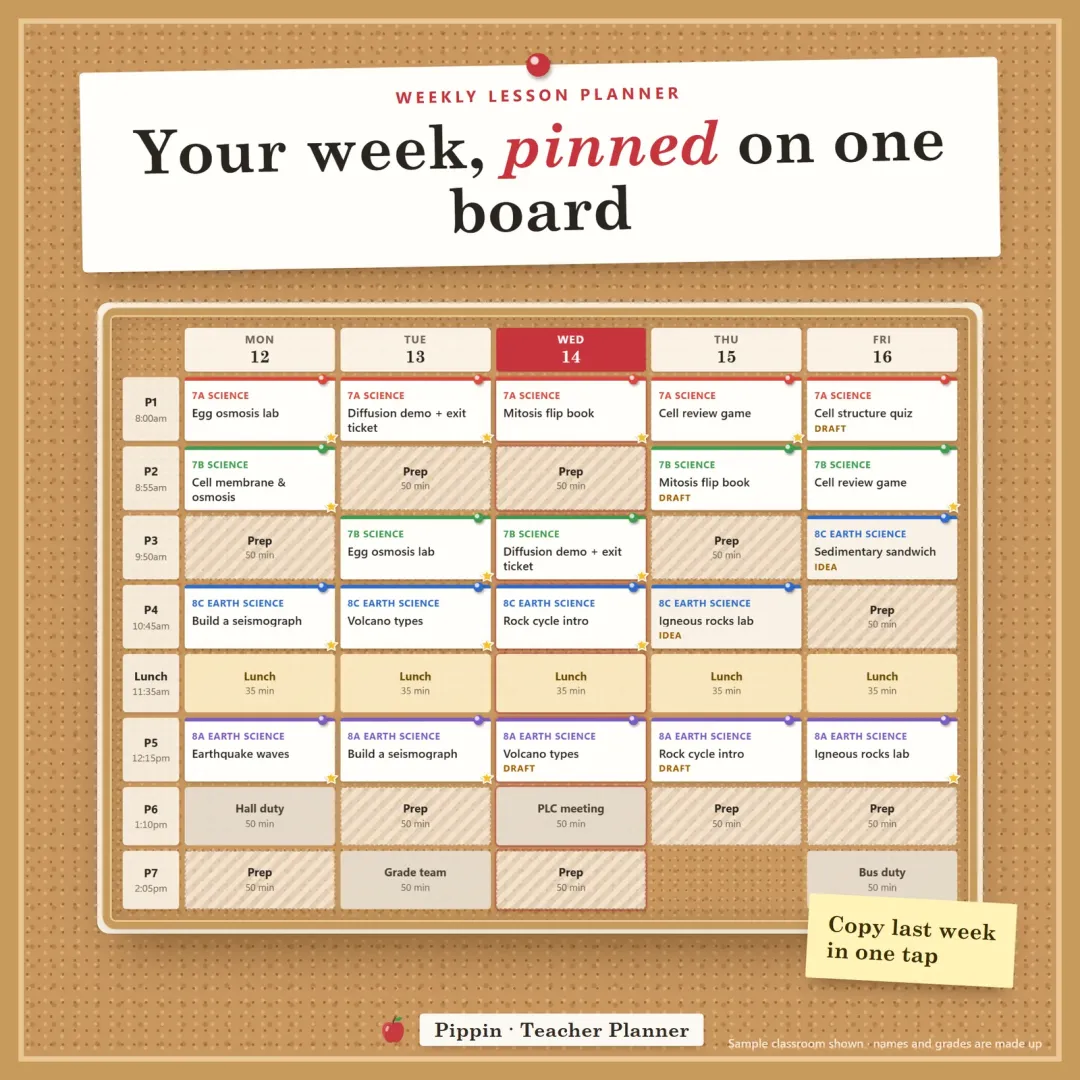
A weekly lesson planner board: each period across the week, with lessons pinned as cards in class colours.
5E lesson plan
The 5E model was developed by BSCS for science and works well for any inquiry lesson:
Engage: spark curiosity and surface what students already think.
Explore: students investigate with a hands-on activity before being told the answer.
Explain: students share what they found, and you introduce vocabulary and the concept.
Elaborate: apply the idea to a new situation.
Evaluate: check understanding, often with a short task or exit ticket.
A 5E lesson plan can cover one long lesson or several days. The key difference from "I do, we do, you do" is that exploring comes before explaining.
Backward design lesson plan
Backward design, from Grant Wiggins and Jay McTighe's Understanding by Design, plans in three stages:
Desired results: what should students understand and be able to do by the end of the unit?
Evidence: what assessment will show they got there?
Learning plan: only now, the lessons and activities.
It's most useful for planning a whole unit, and it fits neatly with a curriculum map: a term-by-term list of units, standards and assessments for each class.
Sub plans template
Every teacher needs a substitute folder ready before they're ill. A good sub plans template includes:
Schedule: bell times, which class is where, duties and lunch.
Seating charts for every class. A sub who can call students by name has a much easier day; our free seating chart generator makes one in a minute.
The lesson for each period in plain numbered steps, with all copies made and materials labelled.
Class notes: students who need support, medical needs, helpful students.
Who to ask: the teacher next door, the office, the department lead.
Procedures: attendance, fire drill, lockdown, early finishers.
A note for the sub to fill in: who was absent, what got done, any problems.
Keep one set of emergency sub plans (review activities that work any day of the year) in the folder all year.
A lesson plan example
Here's the template filled in for a middle school science lesson:
Class: 7B Science · Period 3 · 50 minutes
Objective: Students will be able to explain osmosis and predict which way water moves across a membrane.
Standard: MS-LS1-2 (cell parts and function)
Materials: potato slices, salt water, fresh water, scales, worksheet, timer
Hook (5 min): Show two potato slices from yesterday, one limp and one firm. "What happened?"
Teach (10 min): Diffusion vs osmosis; key words membrane, concentration, solution; one diagram worked together.
Guided practice (10 min): In pairs, predict three scenarios on mini whiteboards; discuss.
Independent practice (15 min): Set up the potato lab; weigh slices; record predictions.
Check (5 min): Exit ticket with two questions: "Which way does water move in salt water, and why?"
Differentiation: word bank and labelled diagram (support); "Why do slugs die if you put salt on them?" (stretch).
Homework: none; re-weigh slices tomorrow.
Prep: 20 minutes (cut potatoes, mix solutions).
Tips that save time
Plan in units, not days. Map the unit first (backward design), then fill in the daily plans.
Reuse your best lessons. Keep a lesson bank of plans that worked, tagged by unit and skill, and adjust them instead of starting from scratch.
Plan prep time too. A week with three labs and a set of essays to grade won't fit your prep periods. Spot that on Sunday, not on Wednesday night.
Keep it short. If your plans are longer than one page, try putting the detail in your slides and keeping the plan to the steps.
Write the reflection the same day. Two lines now save an hour next year.
Keep your lesson plans in one place
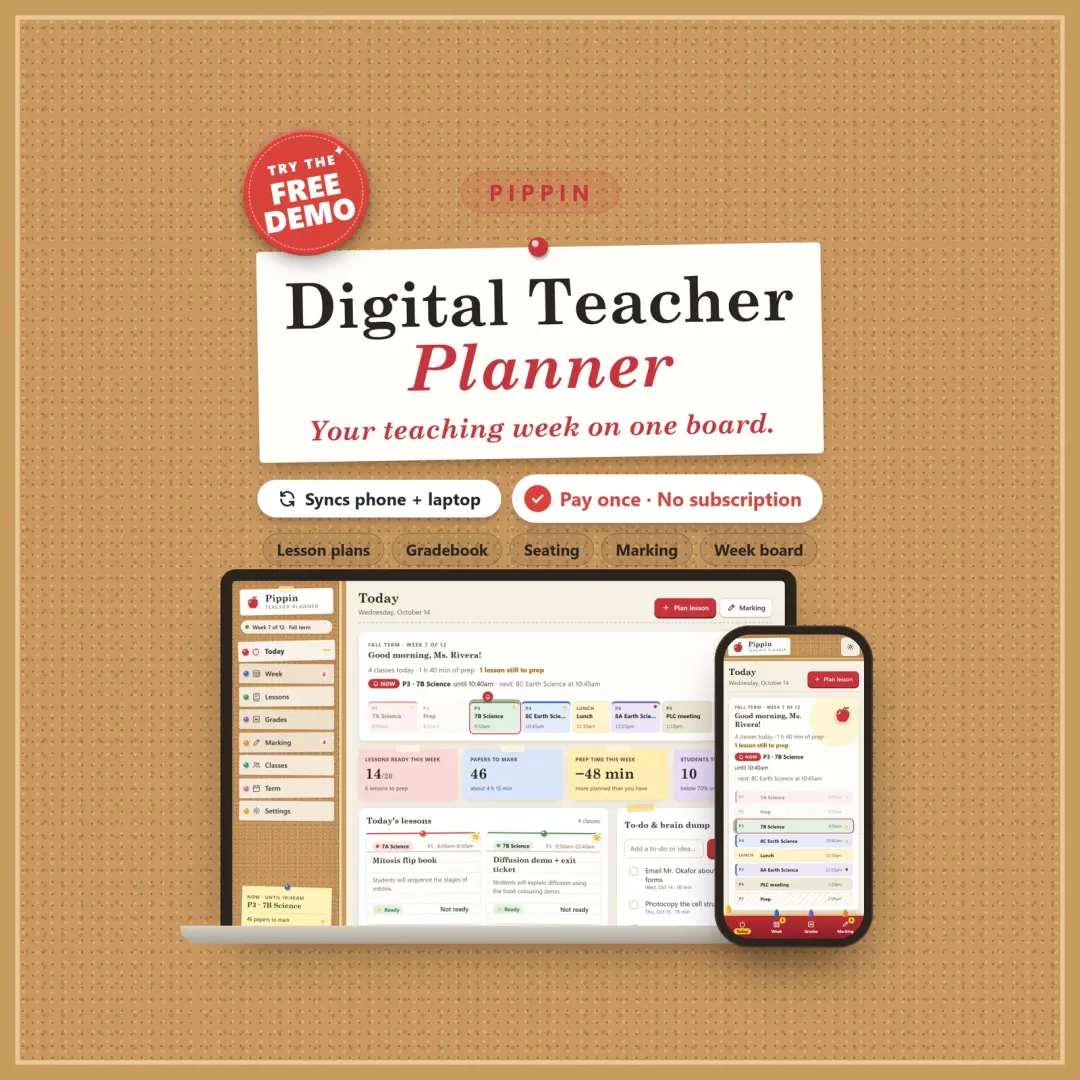
A lesson plan template on paper does its job, but it can't remind you which period is next or bring last year's lesson back. Pippin, our digital teacher planner, has this lesson plan template built in: objective, standards, materials, steps, differentiation, homework and prep minutes. Each lesson moves from idea to draft to ready to taught, and it sits on a weekly lesson planner board next to your bell schedule. Lessons that worked go into a lesson bank you can use again in two taps, and a prep-time protector checks whether this week's lessons and grading fit your prep periods. You can try the free demo with a sample classroom.
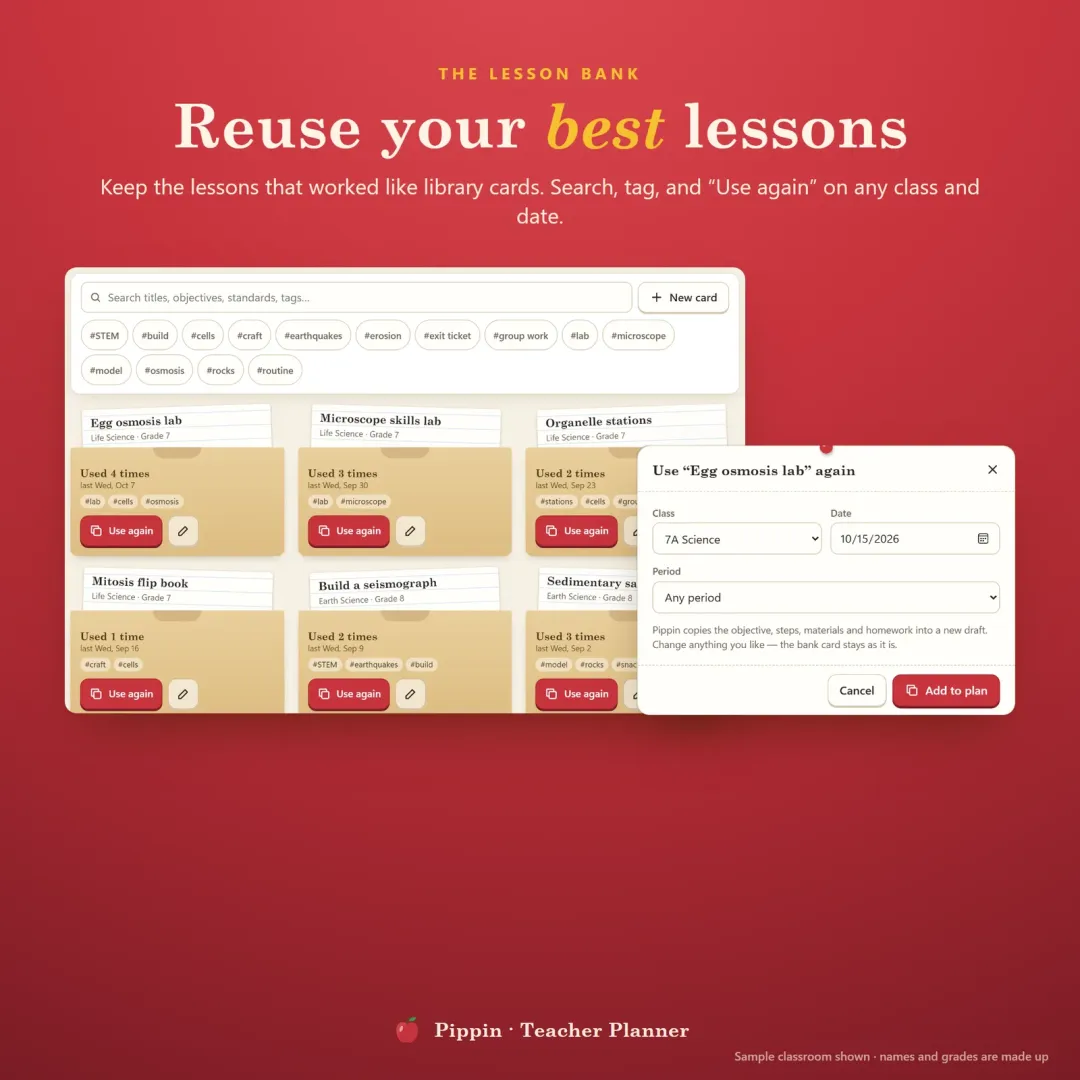
A lesson bank: lessons that worked, saved as library cards you can search, tag and use again.
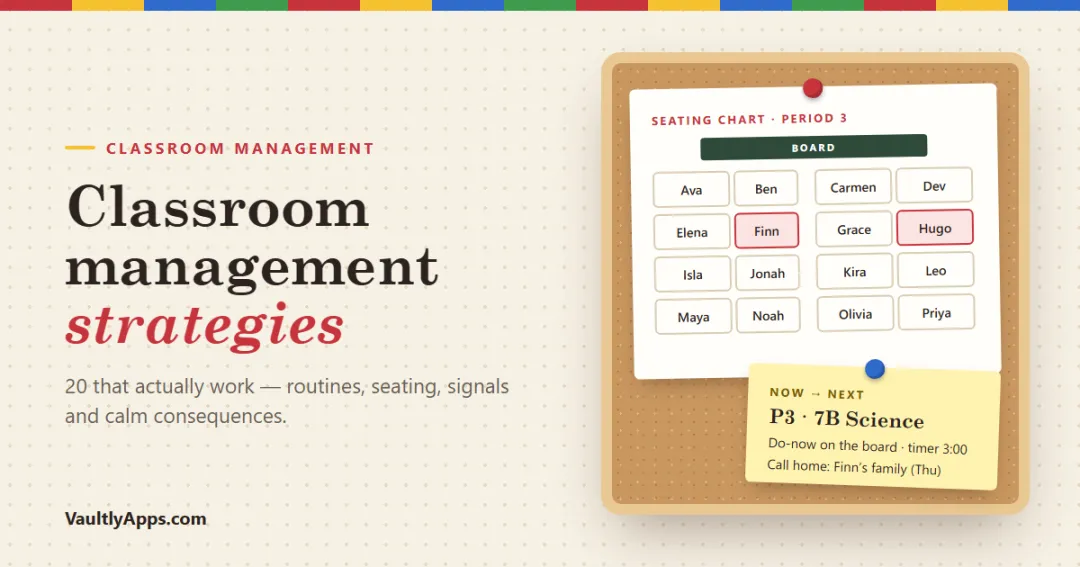
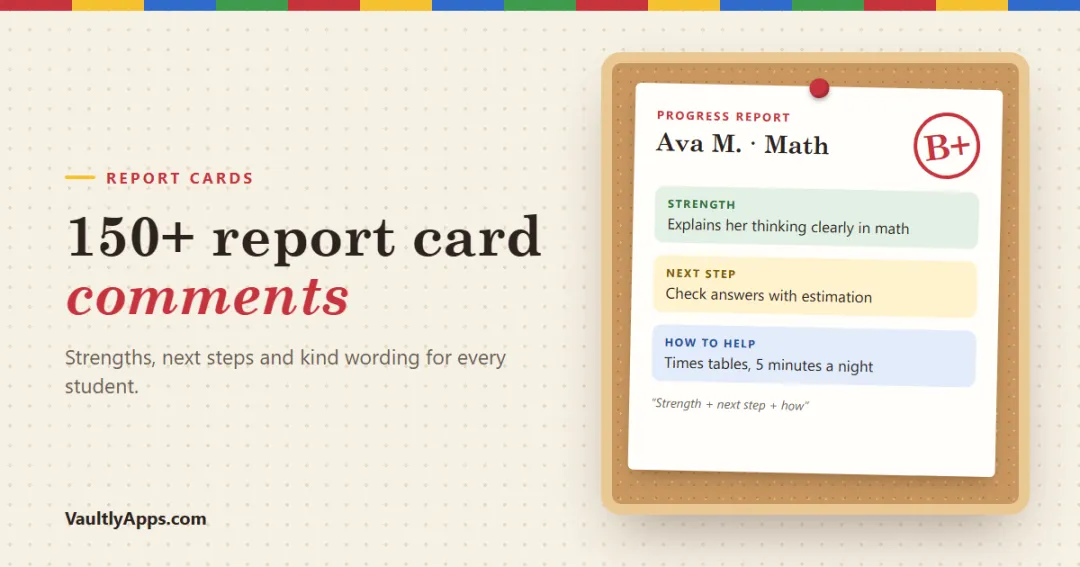
Writing progress reports soon? Our list of report card comments has examples for every situation. For keeping the room calm while the lesson happens, see classroom management strategies.
Frequently asked questions
What should a lesson plan include?
How do I write a lesson plan step by step?
What is the best lesson plan format?
What is a 5E lesson plan?
What is backward design in lesson planning?
How long should a lesson plan be?
What goes in sub plans?
Written by
Finance Specialist & Editor, VaultlyApps
Emma Whitfield writes and edits the VaultlyApps money guides and free calculators. Her focus is US household finance — budgeting on a real paycheck, paying down credit card and student debt, emergency funds and savings goals, renting — and the money side of freelancing and small-business income, from pricing and profit margins to self-employment tax. Every guide is researched against primary sources such as IRS publications and the CFPB, every number is checked in our tested calculators, and tax content is reviewed each year when new IRS figures come out. Emma is not a licensed financial adviser or tax preparer; her work is general education, not personal advice.
Researched against primary US sources, checked with our calculators and reviewed by a finance expert on our team. Written for US readers — general education, not financial, tax or legal advice. Editorial policy · Disclaimer