How to Organize Recipes: Recipe Binder, Recipe Box or Digital Recipe Book?
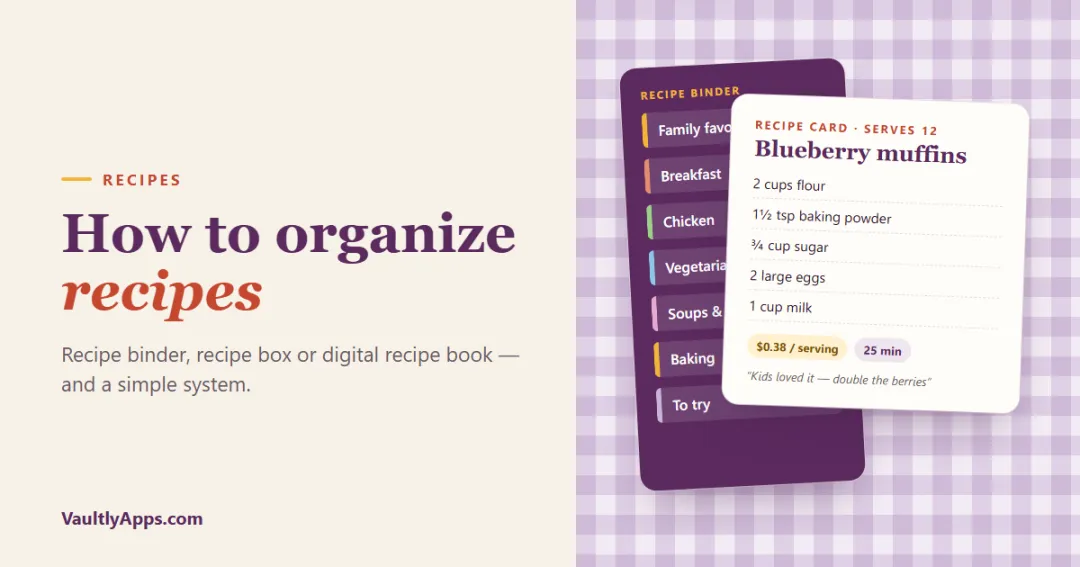
How to organize recipes so you can actually find and cook them: recipe binder ideas and categories, a recipe box for family recipe cards, a digital recipe book or recipe organizer app, and a simple system to get from scattered screenshots to one collection.
In this article
- Recipe binder, recipe box or digital recipe book?
- How to organize a recipe binder
- How to organize a recipe box
- How to set up a digital recipe book
- A simple system to organize your recipes in one afternoon
- 1. Gather everything
- 2. Sort into three piles
- 3. Pick your home and your categories
- 4. Add the "loved" recipes first
- 5. Keep "to try" small
- 6. Build the habit
- Make your recipes work for you
Most of us have recipes everywhere: a stained cookbook, Grandma's index cards, a folder of screenshots, 40 browser bookmarks and a recipe someone texted three years ago. The result is that we cook the same five meals because those are the ones we can find. Here's how to organize recipes so the good ones get cooked: the three main systems (a recipe binder, a recipe box and a digital recipe book), the categories that work, and a simple way to set it up in one afternoon.
Recipe binder, recipe box or digital recipe book?
| Recipe binder | Recipe box | Digital recipe book or app | |
|---|---|---|---|
| Best for | Printed recipes, magazine pages, cooking without a screen | Handwritten family recipe cards | Everyday cooking, searching, meal planning |
| Search | By tab | By divider | By name, ingredient or tag |
| Scaling a recipe | By hand | By hand | Automatic in a good app |
| At the store | Stays home | Stays home | On your phone |
| Sharing | Photocopy | Copy the card | Send or export |
| Cost | $15–$30 to set up | $15–$40 | Free to a one-time price |
There's no wrong answer, and many cooks use two: a digital collection for the 30 to 50 recipes they actually cook, and a binder or box for heirloom and holiday recipes.
How to organize a recipe binder
A recipe binder is the classic way to bring printed recipes, magazine clippings and handwritten cards together.
What you need:
- a 2 to 3 inch three-ring binder (D-rings hold more),
- tab dividers,
- clear sheet protectors (they wipe clean when the sauce splashes),
- a few photo-card pocket pages for index cards,
- a table of contents page and a conversion chart at the front.
Recipe binder categories that work:
- Breakfast and brunch
- Chicken
- Beef and pork
- Fish and seafood
- Vegetarian mains
- Soups, stews and chili
- Salads and sides
- Breads and baking
- Desserts
- Holidays and special occasions
Recipe binder ideas:
- Put a "Family favorites" tab first, with the 10 to 15 recipes you cook most.
- Keep a "To try" pocket at the back. A recipe only gets a sleeve once you've cooked it and liked it.
- Write notes on the sleeve with a dry-erase marker: "double the garlic", "kids loved it", "freezes well".
- Add a kitchen conversion chart and a page of weekly meal plan templates at the front.
How to organize a recipe box
A recipe box suits handwritten cards, especially family recipes. Use 4×6 cards (they fit more than 3×5), alphabetical or category dividers, and the same categories as a binder. Write each card the same way: name, servings, time, ingredients, steps, and where it came from. To protect old cards, photograph or scan them and keep the originals in sleeves.
How to set up a digital recipe book
A digital recipe book can be as simple as a folder of notes or as capable as a recipe organizer app. Whichever you use:
- Use one format for every recipe: name, servings, time, ingredients, steps, notes, source.
- Tag instead of filing: a recipe can be "chicken", "quick" and "kid-friendly" at once, which a binder tab can't do.
- Copy the recipe in, don't just bookmark it. Websites change and disappear; your copy won't.
- Add your own notes every time you cook: changes, timing, who liked it.
A recipe organizer app is worth it when it does more than store text. Look for search by ingredient (what can I make with this chicken?), automatic scaling, a cook mode you can read from across the kitchen, and a link to your meal plan and grocery list.
A simple system to organize your recipes in one afternoon
1. Gather everything
Cookbooks with sticky notes, cards, printouts, screenshots, bookmarks, saved social posts. Put the physical ones on the table and open the digital ones in a list.
2. Sort into three piles
- Loved: cooked and liked, worth making again.
- To try: you really want to make it soon.
- Let go: everything else. Be ruthless with the screenshots.
3. Pick your home and your categories
Choose one main system and 6 to 10 categories. Use the categories you think in when you plan the week, usually by meal and protein.
4. Add the "loved" recipes first
Copy or file them in a consistent format. This is the collection you'll plan from, so make it easy to read. Note the servings, so you can scale with the recipe converter, and if you're on a budget, work out the cost per serving once with the recipe cost calculator.
5. Keep "to try" small
Keep up to ten recipes in "to try". Cook one a week. If you haven't made a recipe within a few months, let it go.
6. Build the habit
Every new recipe goes in the same day. After cooking, add a note. Once a season, move recipes you've stopped making to an "archive" section.
Make your recipes work for you
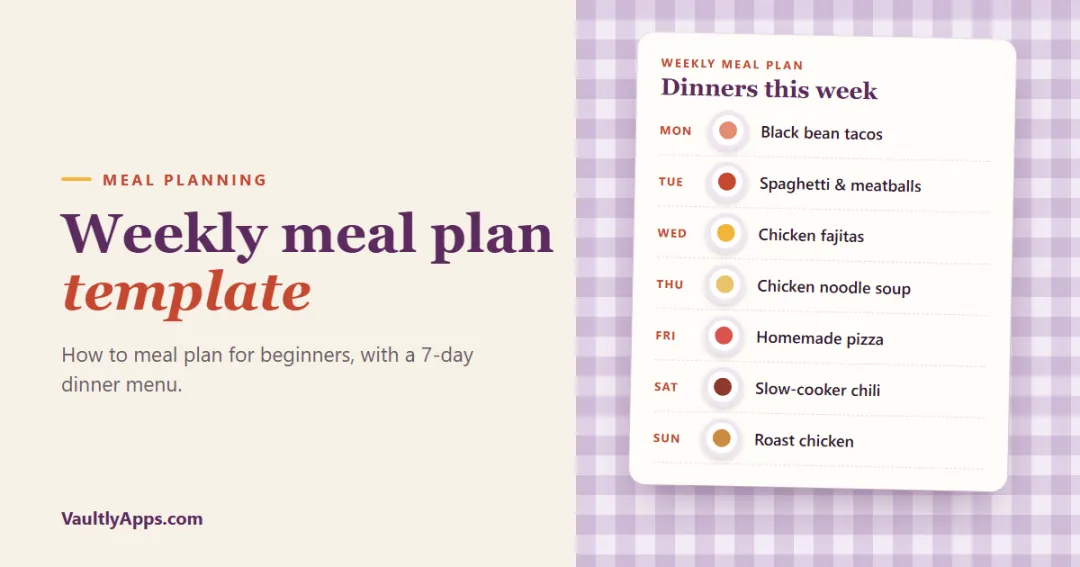
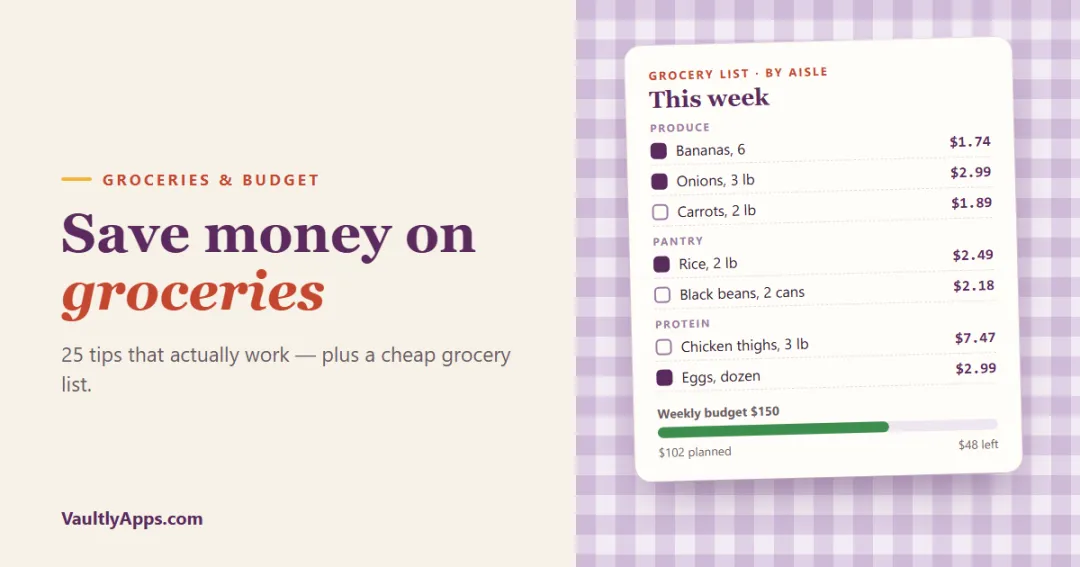
An organized collection pays off when you plan meals from it. With 20 to 30 tried-and-loved recipes, a weekly meal plan template takes ten minutes, and picking dinners that share ingredients is the easiest way to save money on groceries.
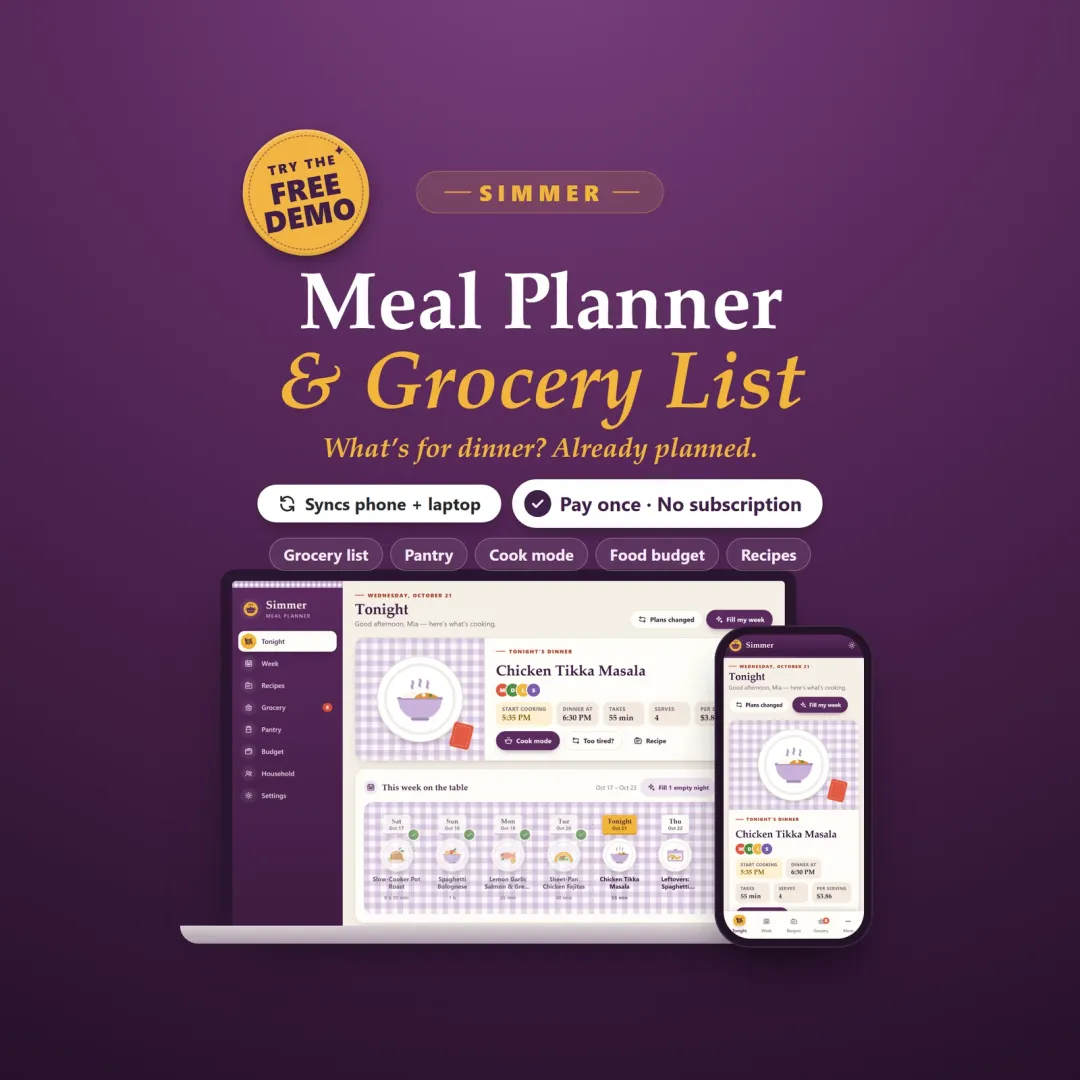
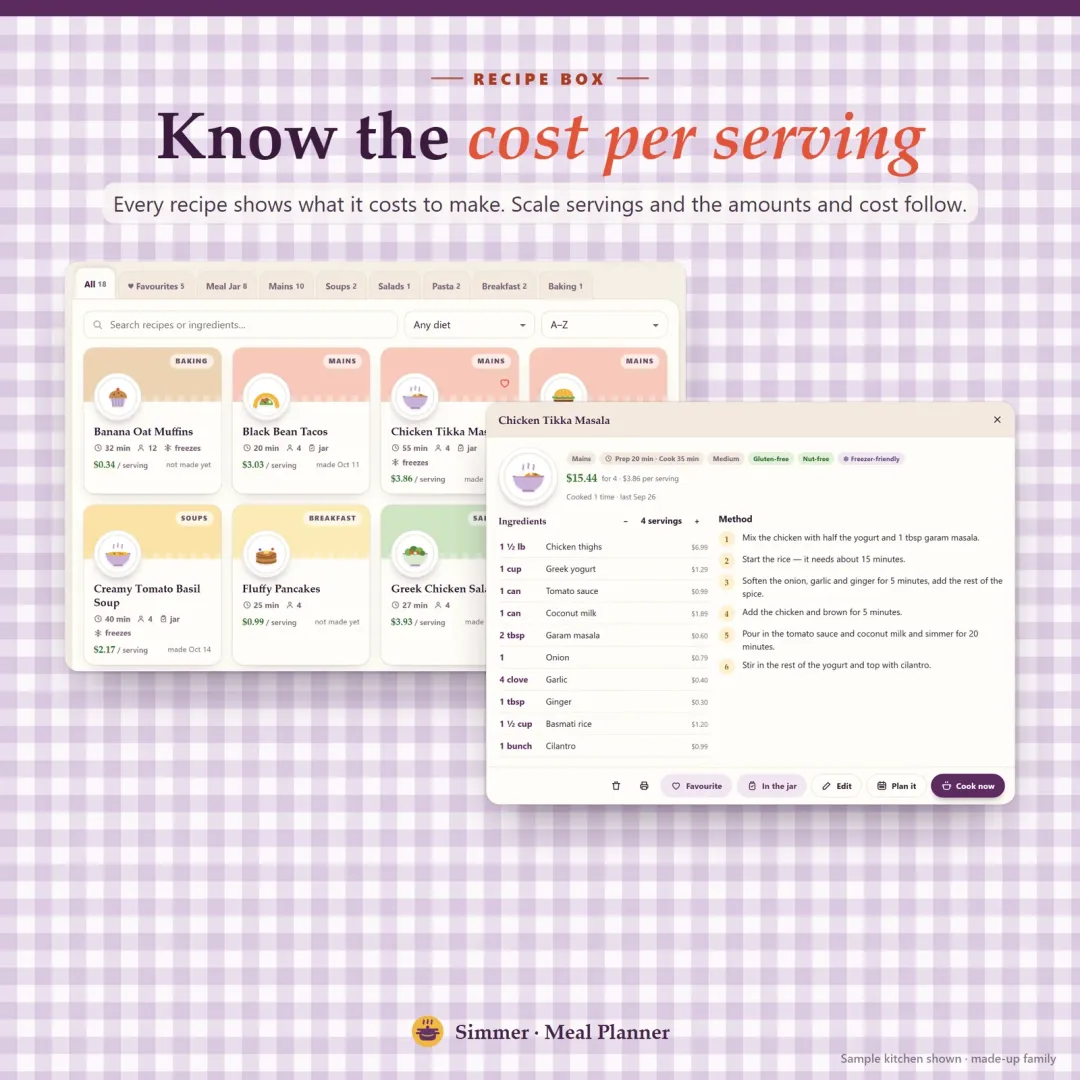
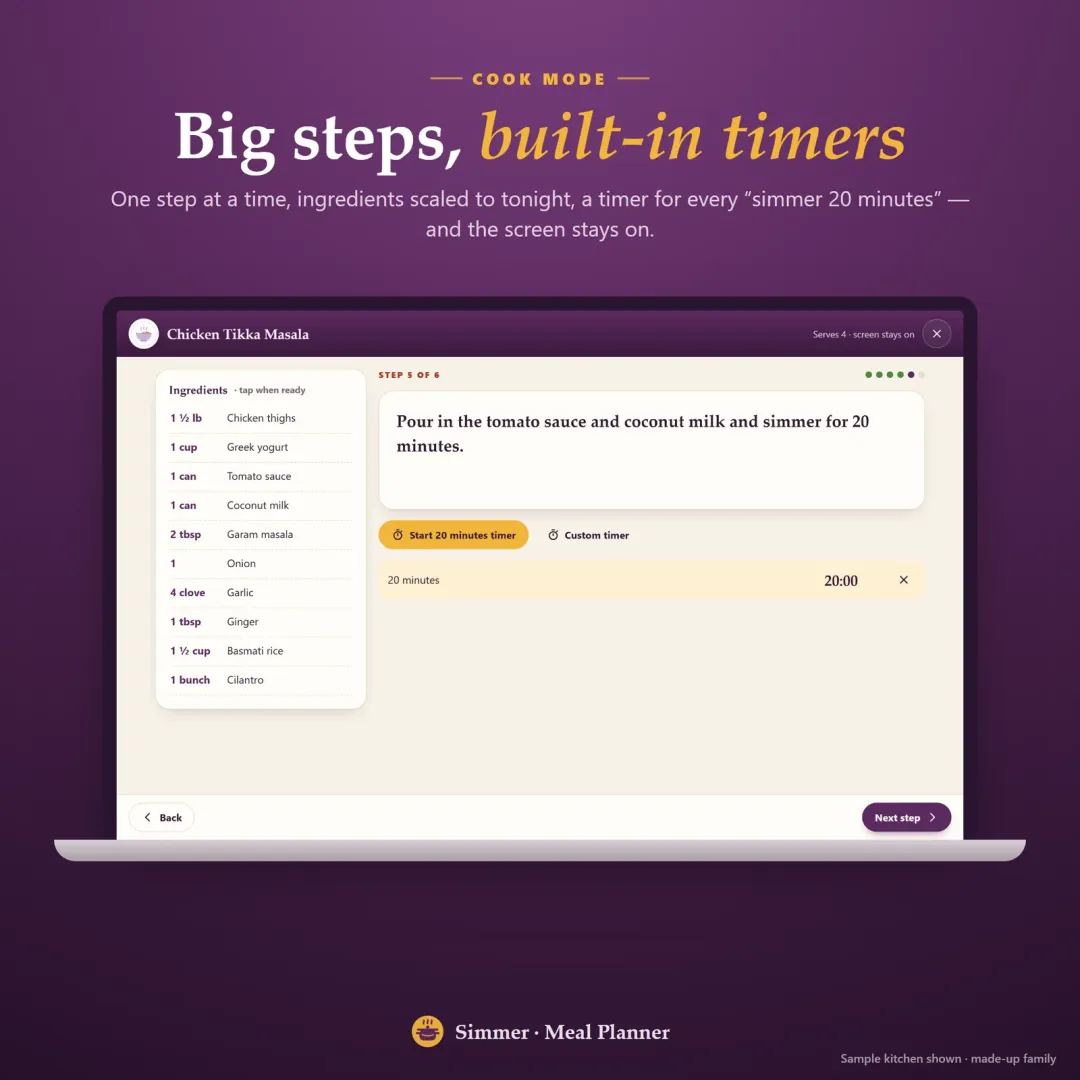
That's how Simmer, our meal planner app, works. Its recipe box is a digital recipe book with tabs, search by ingredient, diet tags, favorites and "last made". Paste a recipe from a website or a note and it's split into ingredients and steps. Each recipe shows its cost per serving and scales to any number of servings, cook mode shows one big step at a time with timers, and planning a recipe into the week puts its ingredients on the grocery list automatically. Try the free demo with a sample family kitchen.
Frequently asked questions
What is the best way to organize recipes?
How do I organize a recipe binder?
What categories should I use for recipes?
How do I organize recipes from screenshots and websites?
Is a digital recipe book better than a binder?
What should a recipe card include?
How do I preserve old family recipe cards?
Written by
Finance Specialist & Editor, VaultlyApps
Emma Whitfield writes and edits the VaultlyApps money guides and free calculators. Her focus is US household finance — budgeting on a real paycheck, paying down credit card and student debt, emergency funds and savings goals, renting — and the money side of freelancing and small-business income, from pricing and profit margins to self-employment tax. Every guide is researched against primary sources such as IRS publications and the CFPB, every number is checked in our tested calculators, and tax content is reviewed each year when new IRS figures come out. Emma is not a licensed financial adviser or tax preparer; her work is general education, not personal advice.
Researched against primary US sources, checked with our calculators and reviewed by a finance expert on our team. Written for US readers — general education, not financial, tax or legal advice. Editorial policy · Disclaimer